


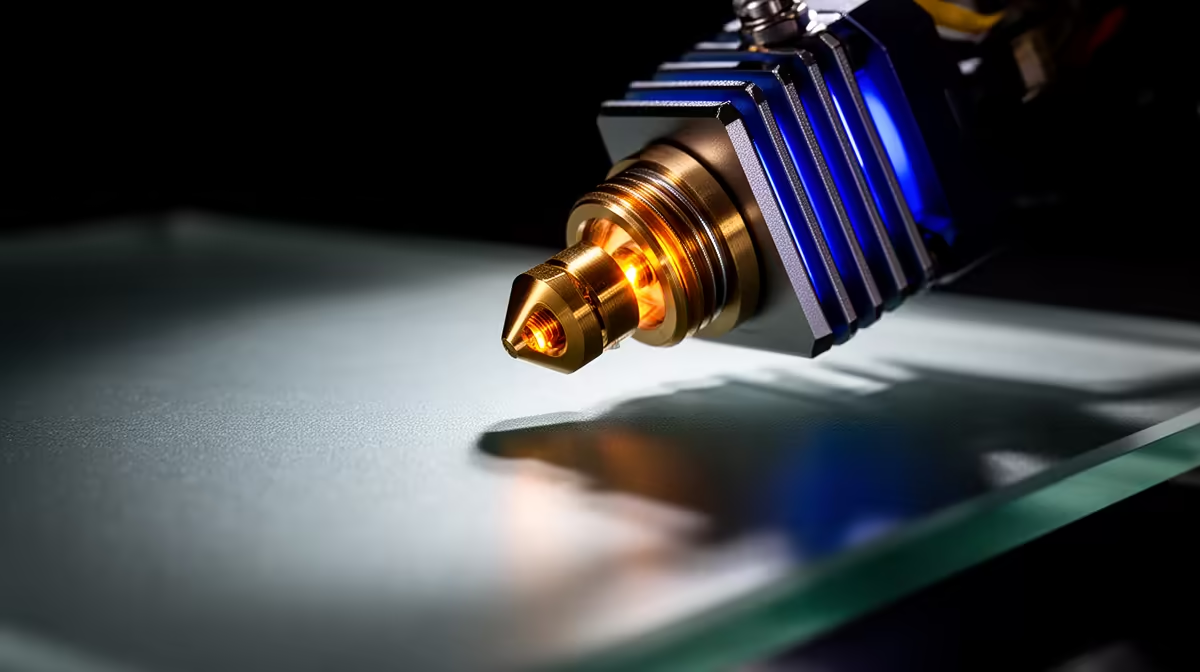
Push your printer too fast and the prints fail in a very specific way: gaps in top layers, weak walls, a nozzle that clicks as the extruder skips. The fix is knowing your maximum volumetric flow rate, the ceiling on how much molten plastic your hotend can push out per second. Every speed number in your slicer ultimately answers to this one limit, and once you have measured it your fast prints stop starving mid-layer.
Quick Answer
Find your hotend's maximum volumetric flow rate by extruding filament at steadily rising rates measured in cubic millimetres per second until under-extrusion appears, then cap your print speed just below that figure. A classic E3D V6 manages roughly 10 to 15 mm3/s with PLA, while modern high-flow hotends push past 30 mm3/s.
What Volumetric Flow Rate Actually Measures
Volumetric flow rate is the volume of plastic leaving the nozzle each second, calculated from layer height, line width and print speed multiplied together. A 0.2mm layer at 0.4mm width printed at 100mm/s works out to roughly 8 mm3/s. The number matters because the hotend can only melt filament so quickly. Ask for more than it can heat through and the last stretch of plastic arrives half-melted, the extruder gear chews into the filament, and the line laid down is thinner than the slicer intended.
This is why two printers with identical speed settings can produce wildly different results. The flow ceiling, not the speed slider, is the true governor.
Running the Flow Rate Test
The reliable method is a stepped extrusion test, and several slicers now include a dedicated flow rate calibration tower for exactly this.
- Heat the hotend to your normal printing temperature for the filament, for example around 210C for most PLA.
- Mark 100mm of filament above the extruder with a marker so you can confirm how much actually feeds through.
- Command a manual extrusion at a known rate, starting conservatively at around 5 mm3/s, and watch the flow.
- Step the rate up in small increments, roughly 1 to 2 mm3/s at a time, repeating the extrusion at each level.
- Watch for the failure point. When the extruded strand starts coming out visibly thinner, the motor begins clicking, or the marked filament feeds less than 100mm, you have found the ceiling.
- Record that number, then set your working limit about 10 to 15 percent below it for a safety margin.
Most calibration tools let you automate steps three to five by printing a single object that ramps the flow as it climbs in height, so you simply measure where the walls turn rough.
Why Your Number Will Differ
The flow ceiling is not a fixed spec stamped on the hotend. Higher printing temperatures soften filament faster and lift the limit. Larger nozzles expose more plastic to the heater block and flow more freely, so a 0.6mm nozzle clears far more than a 0.4mm one. Filament matters too, since PETG typically tops out lower than PLA on the same hotend because it needs more heat to flow cleanly. A genuine high-flow hotend uses a longer melt zone and a copper block to keep pace at over 30 mm3/s, which is the difference that makes very fast machines possible. If you are weighing an upgrade, the printers and parts in the 3D printing range at Evetech span both standard and high-flow designs so you can match the hotend to the speed you actually want.
A roll of spare nozzles and a fresh PTFE liner are cheap insurance for this kind of tuning, and you can find both alongside the rest of the maker gear in the accessories that sell fastest at Evetech.
Frequently Asked Questions
What is a good maximum volumetric flow rate for a beginner?
If you measure somewhere between 10 and 15 mm3/s on a standard hotend with PLA, that is healthy and normal. Set your slicer speed so the calculated flow stays under that figure and your prints will come out clean.
Will printing slower always avoid under-extrusion?
Mostly yes, because slower speeds mean lower flow. The catch is that slow prints waste hours, so the point of this test is to print as fast as your hotend allows without crossing the line into starvation.
Does temperature change my flow rate limit?
It does. Raising the hotend temperature a little melts filament faster and lifts the ceiling, though there is a limit before you start cooking the plastic and risk clogs or stringing. Tune temperature first, then measure flow.
How does nozzle size affect the number?
A wider nozzle moves much more plastic per second because more filament sits inside the heated zone. Swapping from a 0.4mm to a 0.6mm nozzle can roughly double your usable flow rate.
Ready to print faster without the failed layers? Browse the 3D printers and upgrade parts at Evetech and pair your machine with a hotend that keeps pace with the speeds you want.











