Quick Answer
To fix a black screen with a X870E Motherboard, work from cable and connection out to driver and BIOS: reseat the part, swap the display cable, update the graphics driver, and confirm the correct refresh or link speed. Most cases clear within four checks; the tell-tale sign is the display going black with the PC clearly powered on.
First checks that fix most cases
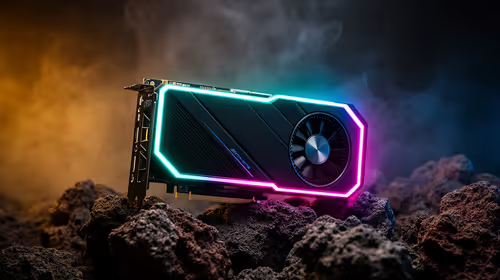
Start with the cheapest, fastest checks before opening the case again. Power down fully, reseat the GPU and the display cable at both ends, then try a second cable or port before anything else. If a black screen persists, note exactly when it appears (cold boot, in-game, or after sleep), because that timing points straight to the cause on a X870E Motherboard.
Checks specific to the X870E Motherboard
Update the motherboard BIOS to the latest stable release, enable the memory profile, and confirm the CPU sits at expected clocks before blaming the display. Make one adjustment at a time so you know which step actually cleared it.
If it still happens
Test the part in a second system or with a spare cable to isolate hardware from software. If a clean OS boot is fine but the issue returns under load, focus on drivers, firmware and power delivery rather than the panel.
FAQ
Why did a black screen start after my X870E Motherboard change?
New hardware nudges driver, firmware and power conditions enough to expose a weak cable or a stale setting. Re-seating, a fresh graphics driver and the rated refresh or link speed handle the majority. Treat the X870E Motherboard as the prime suspect first.
Is a black screen a hardware or software fault on a X870E Motherboard?
Narrow it down: if a spare cable or a clean boot resolves it, blame software or the cable; if it survives a second system, the hardware is suspect and the warranty applies. The same test logic applies to the X870E Motherboard.
Can a BIOS or firmware update fix a black screen?
More often than not. A lot of a black screen cases stem from firmware that predates the hardware, and a stable BIOS plus an up-to-date graphics driver fixes them.
Pro Tip
Make a single adjustment at a time and note what you tried, so you can roll back cleanly if a step makes the a black screen worse.