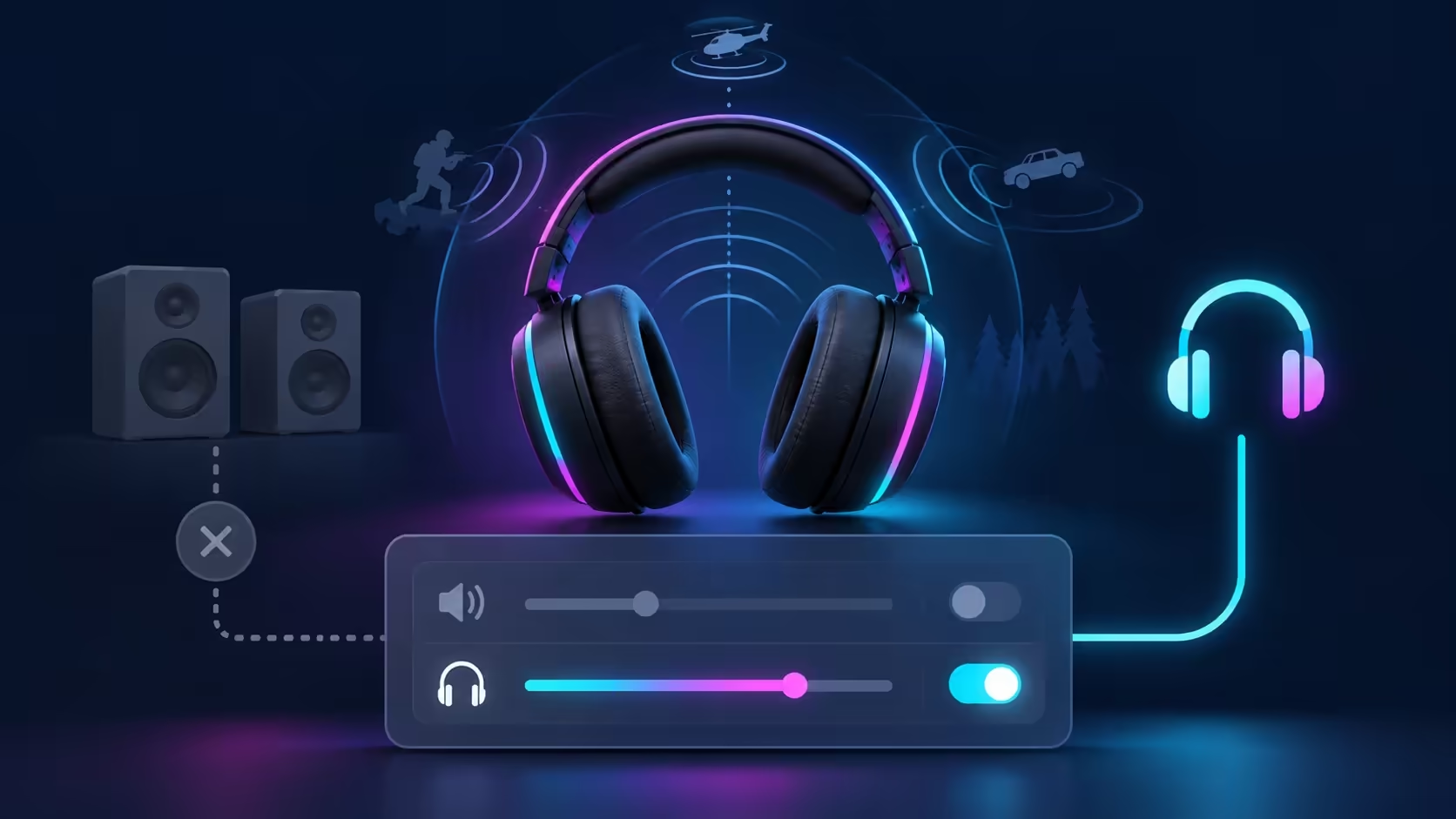
The headset plays ordinary sound, yet the spatial control cannot be selected. Windows 11 spatial sound greyed out should lead you to the playback endpoint first. Windows can send sound to a monitor, speakers or headphones, and those routes do not necessarily offer the same providers. Establish which device you are configuring before shopping for another headset.
Quick Answer
Open Settings, System, Sound and select the intended output device, then inspect its spatial-sound options. Try Windows Sonic for Headphones where supported and test ordinary stereo playback separately. These initial checks cost R0. Evetech listed Marvo Akari 50 at R199 with in-stock availability when checked on 3 October 2026; a new headset is a purchase decision, not a guaranteed cure for a grey control.
🎧 Select the endpoint you intend to hear
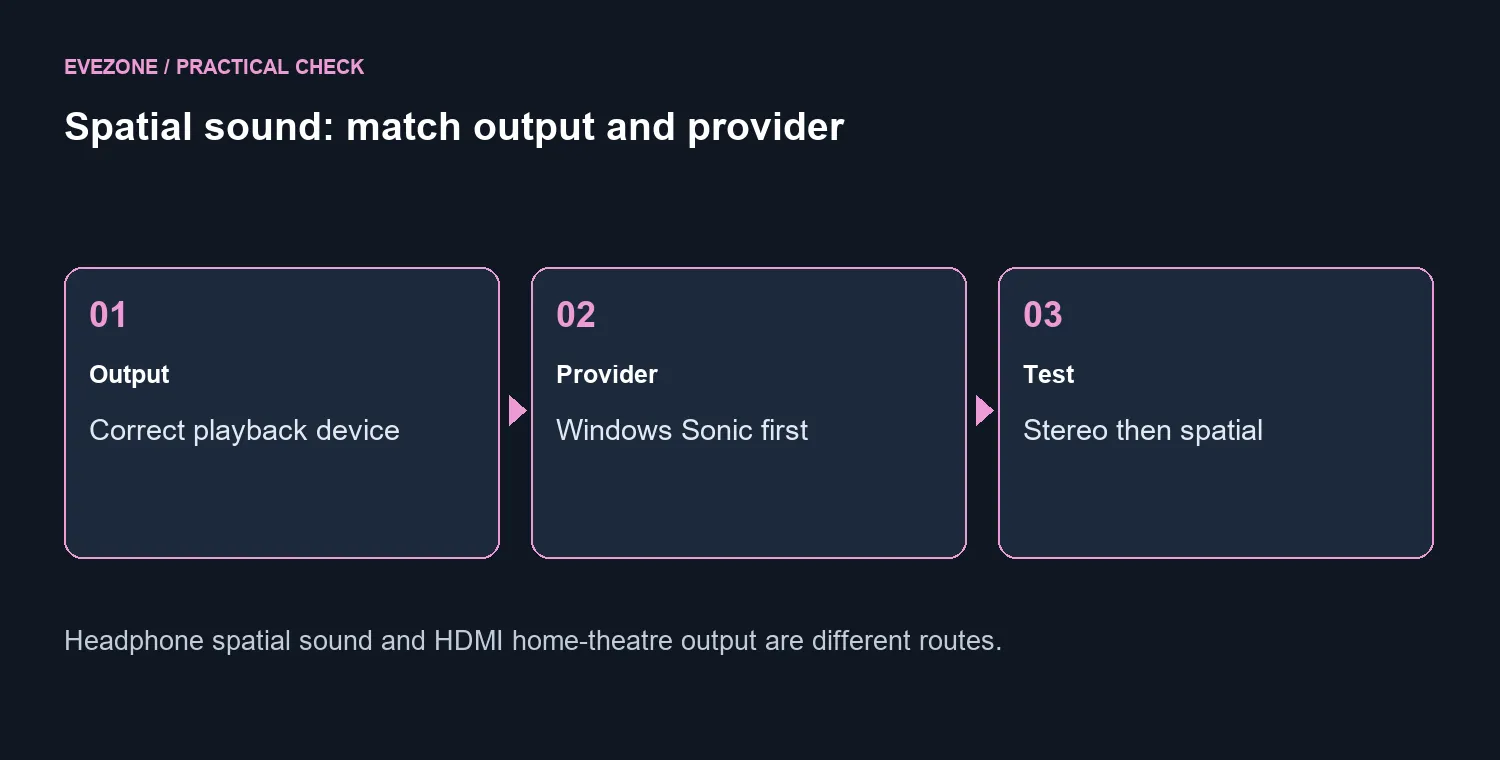
Start with the device under Output in Windows Sound settings. If you listen through headphones but configure an HDMI screen or laptop speaker endpoint, you are examining a different route. Confirm that normal playback reaches the headphones before assessing the extra spatial processing.
Microsoft's setup guide directs you to the playback device's properties and Windows Sonic for Headphones. The platform documentation distinguishes headphone rendering from HDMI home-theatre output. A missing speaker option therefore should not be treated as evidence that every headphone option is unavailable.
Check the exact output name and connection whenever you switch between a wired headset, a wireless receiver and a screen. Make one change at a time and return to the same endpoint for the comparison. That keeps a basic routing issue from being mistaken for an audio feature failure.
🎛️ Match the provider to the listening route
Windows spatial rendering can work with stereo headphones. You do not need to assume that a special driver arrangement inside a premium headset is the only route to spatial sound. Equally, an expensive headset label does not guarantee that the selected Windows endpoint exposes every provider.
Microsoft points to Dolby Access and DTS Sound Unbound for additional options. Check the relevant app, support requirements and terms when you want those providers. Do not assume that a name missing from a menu was meant to be installed automatically, or that downloading an app establishes every form of output support.
Compare wired headsets around comfort and connection if you are already planning a purchase. A known, simple headphone route can help with testing, but it should not be described as a universal fix. The goal is a supported output/provider combination that actually works on your machine.
🔎 Verify playback before paying for features
Use a familiar clip or game scene to establish basic stereo output first. Then confirm the spatial provider setting separately. Sound being audible does not prove that spatial processing is active, and a subtle effect does not by itself prove that a provider is broken.
If the intended headphone endpoint still has no usable option, record its name, connection, Windows version and provider app before contacting the device maker. Follow the official driver guidance for that exact output. A greyed control alone is too little information to diagnose a damaged headset.
Browse gaming headsets once your connection and listening needs are clear. The R199 Akari reference supplies a real local starting point, but buying around comfort, microphone needs and support is more useful than chasing a spatial badge. Keep a working headset while you investigate a settings limitation; spend when the equipment itself no longer meets the job.
Frequently Asked Questions
Where should the first check happen?
Open Settings, System, Sound and select the intended output device. Inspect spatial sound for that playback endpoint.
Do I need an expensive spatial headset?
Windows spatial rendering can work with stereo headphones. A premium badge alone does not solve a device or provider setting problem.
Are laptop speakers and headphones equivalent?
No. The available provider and endpoint support can differ. A missing speaker option does not prove the headphone path is unavailable.
Where do other spatial providers come from?
Microsoft points to Dolby Access and DTS Sound Unbound. Check the relevant app and its terms rather than assuming every option is preinstalled.
Does stereo working prove spatial sound is active?
No. It confirms basic playback on that route. Spatial rendering needs a separate supported and enabled provider.
What is a local headset price reference?
Marvo Akari 50 was R199 and in stock on 3 October. Confirm comfort, connection and support needs; its price does not diagnose grey settings.
Ready to choose a comfortable headset?
Match the connection and listening needs after checking the Windows output and spatial provider.