Quick Answer
For MTN Fibre high ping in Rustenburg, test one cabled device, then the same game or voice server over Wi-Fi, before changing hardware. A good SA gaming result is usually under 30-45 ms on a local route; repeated jumps above 100 ms or packet loss need written evidence for support.
Capture A Clean Baseline
Restart the router, plug in one PC or console with Ethernet, pause downloads, and test the same route twice. Record the time, ping range, packet loss, game or service, and whether the result was wired or wireless. In Rustenburg, long room layouts and streaming can create false provider clues, so a cable test stops you blaming the wrong part of the setup.
A useful note is simple: "21:00, MTN Fibre, local server, 35 ms then 140 ms spikes." If the cabled result stays clean and Wi-Fi fails, the fibre line is probably not the first fix.
Fix The Home Network First
Move the router into open space, lift it off the floor, and keep it away from TVs, metal shelves, and thick walls. Pause phone backups, streams, and game updates during the test. If Wi-Fi is the weak point, compare Wi-Fi 6 routers such as TP-Link Archer AX23 or ASUS RT-AX53U; broad local router bands often sit around R1,000-R3,500 depending on stock and features.
Buy a router only when the evidence points to coverage, device load, or old Wi-Fi. If cable and Wi-Fi both spike, the next step is provider evidence, not a blind purchase.
Escalate With Useful Evidence
Contact MTN Fibre when both wired and wireless tests show the same fault. Send the city, line type, test times, ping range, packet loss, router restart result, and the exact game or server tested. That gives support a route or access issue to check instead of a vague complaint.
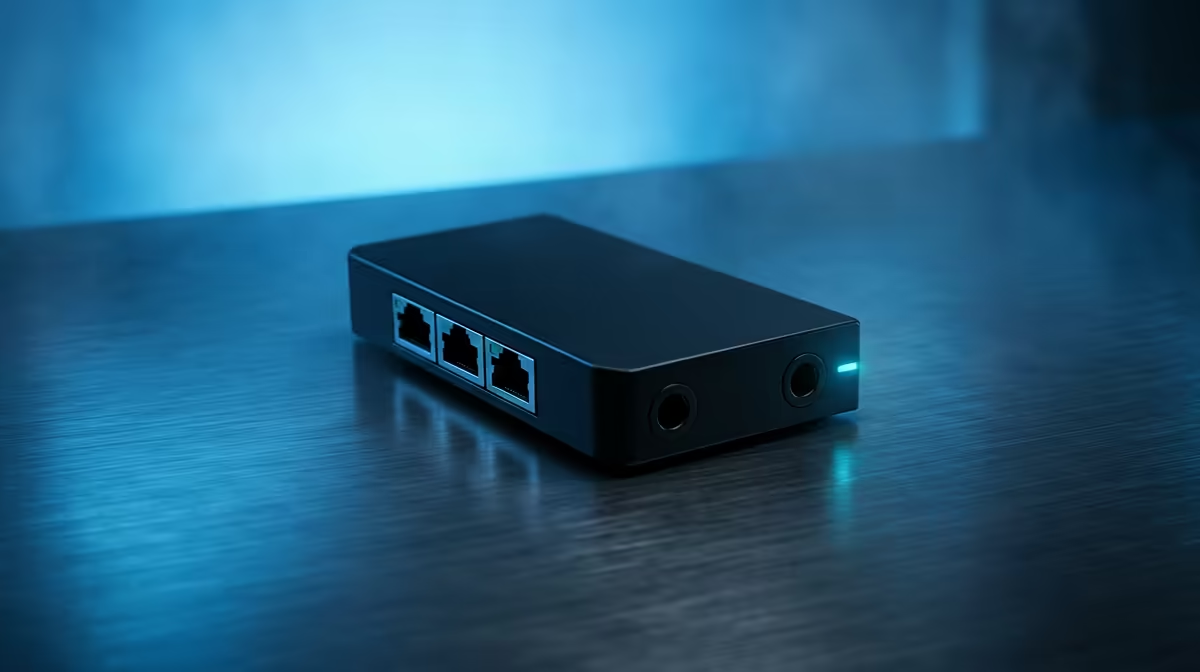
For LTE, also note signal strength and router position. For fibre, check ONT and router lights, then keep the test path unchanged while support investigates.
FAQ
What ping should Rustenburg gamers aim for?
Fibre should usually feel stable below 30-45 ms to a local route. LTE can still play well around 50-90 ms if it does not spike or drop packets.
Should I replace the router first?
Only replace it if the cabled test is stable and Wi-Fi keeps failing. If both tests are bad, collect evidence for MTN Fibre first.
What should I send support?
Send time, city, device, wired or Wi-Fi status, ping range, packet loss, and the game or service tested. Two matching screenshots are enough to show a pattern.
Latency Check
Run the cabled test first, then repeat the same route over Wi-Fi from the gaming seat. If only Wi-Fi fails, compare Wi-Fi 6 router options.