


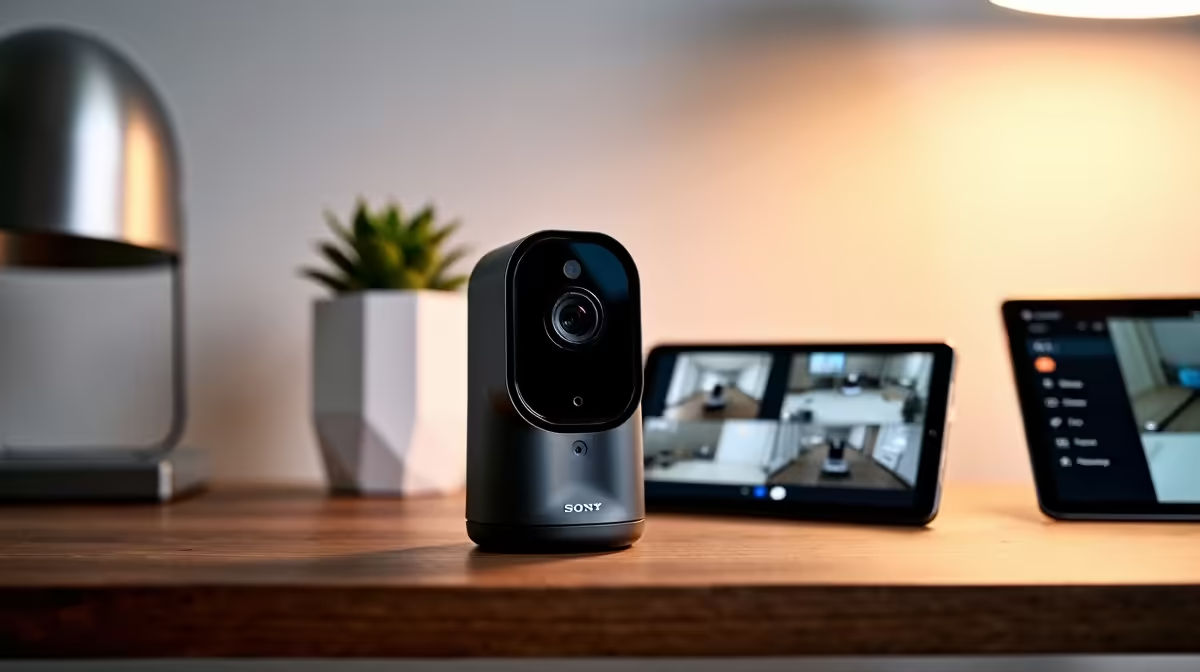
Pulling your security cameras into Home Assistant turns a set of disconnected IP cameras into one local, subscription-free system that records on its own hardware and only alerts you when something real moves. The engine that makes this work is Frigate, a network video recorder that runs AI object detection on your own machine and feeds the results straight into Home Assistant. No footage leaves the house, and there is no monthly fee.
Quick Answer
To integrate cameras into Home Assistant for local recording and motion alerts, run Frigate alongside Home Assistant, point it at your RTSP or ONVIF cameras, and add a Google Coral USB accelerator for fast on-device AI detection. A modest 4-channel setup analyses streams locally with no cloud and no subscription.
What you need before starting
Frigate works with cameras that expose an RTSP or ONVIF stream, which covers most modern IP cameras but rules out cloud-locked units that only talk to a manufacturer's app. You also need a machine to run it on, a mini PC, NUC or similar, with Home Assistant installed, plus storage for recordings. A Google Coral USB accelerator is strongly recommended, since offloading object detection to its Edge TPU lets even modest hardware handle multiple streams smoothly. The smart home and appliances range at Evetech is where the compatible cameras and recorders live.
Step-by-step integration
- Confirm your cameras expose RTSP or ONVIF. Check the camera's specification or settings for an RTSP stream URL or ONVIF support. This is the make-or-break step, since Frigate ingests these standard streams and ignores proprietary cloud protocols.
- Install Frigate alongside Home Assistant. On a Home Assistant OS install, add Frigate as an add-on. On other setups, run it as a Docker container on the same machine or a dedicated box. Either way, Frigate and Home Assistant talk over your local network.
- Add the Coral accelerator. Plug the Google Coral USB device into the host machine and tell Frigate to use it as the detector. The Edge TPU runs neural-network inference far more efficiently than a CPU, letting one host handle several camera feeds at once.
- Configure dual streams per camera. In Frigate's config, give each camera a low-resolution detection stream (around 720p or lower) for the AI to analyse, and a separate high-resolution stream for recording. This split keeps processing load manageable while still capturing sharp footage.
- Set recording and retention rules. Tell Frigate when to keep footage. Recording only when an object is detected, rather than continuously, saves enormous amounts of storage while still capturing every event that matters.
- Connect Frigate to Home Assistant. Install the Frigate integration in Home Assistant. Frigate publishes detection events over MQTT, so Home Assistant sees each person, vehicle or animal it identifies and exposes the camera feeds as entities.
- Build motion-alert automations. In Home Assistant, create automations that fire on Frigate's object events, for example a phone notification with a snapshot when a person is detected at the front gate after dark. Because detection happens on-device, these alerts are about real objects, not every passing shadow or insect.
Why object detection beats basic motion
Traditional motion alerts trigger on any pixel change, so rain, headlights and moths bury you in false notifications. Frigate runs a neural network on every analysed frame and tells the difference between a person, a car and a cat. You can then alert only on the categories you care about, which is the single biggest quality-of-life gain over a camera's built-in motion sensing.
Keeping it efficient
The dual-stream approach is what keeps a small host coping. The AI only ever looks at the low-resolution stream, while the high-resolution feed is recorded but not analysed frame by frame. With a Coral handling detection, the ongoing load is light enough to leave running continuously on a mini PC. The supporting drives, cabling and mounts sit in the accessories best sellers.
Frequently Asked Questions
What cameras work with Frigate and Home Assistant?
Any camera that provides an RTSP stream or supports ONVIF. Most modern IP cameras qualify, but cloud-only cameras that work solely through a manufacturer's app generally do not.
Do I need a Google Coral accelerator?
It is not strictly required, but it is strongly recommended. The Coral's Edge TPU runs object detection far more efficiently than a CPU, letting modest hardware handle several camera streams without bogging down.
Does this avoid monthly subscription fees?
Yes. The entire pipeline runs on your own hardware, so there are no cloud fees and no footage leaves your network. The only costs are the cameras, the host machine, the Coral and storage.
Why use two streams per camera?
Frigate analyses a low-resolution stream for detection to keep processing light, while recording a separate high-resolution stream for clear footage. This split is what lets a small PC run multiple cameras smoothly.
How are the motion alerts smarter than a camera's built-in ones?
Frigate uses neural-network object detection, so it distinguishes people, vehicles and animals instead of triggering on any pixel change. You can alert on specific object types and cut the flood of false notifications.
A fully local camera system pays for itself by skipping subscriptions and keeping your footage at home. Start with compatible RTSP or ONVIF cameras and a recorder from the smart home and appliances range at Evetech, then build the Frigate and Home Assistant setup around them.









