


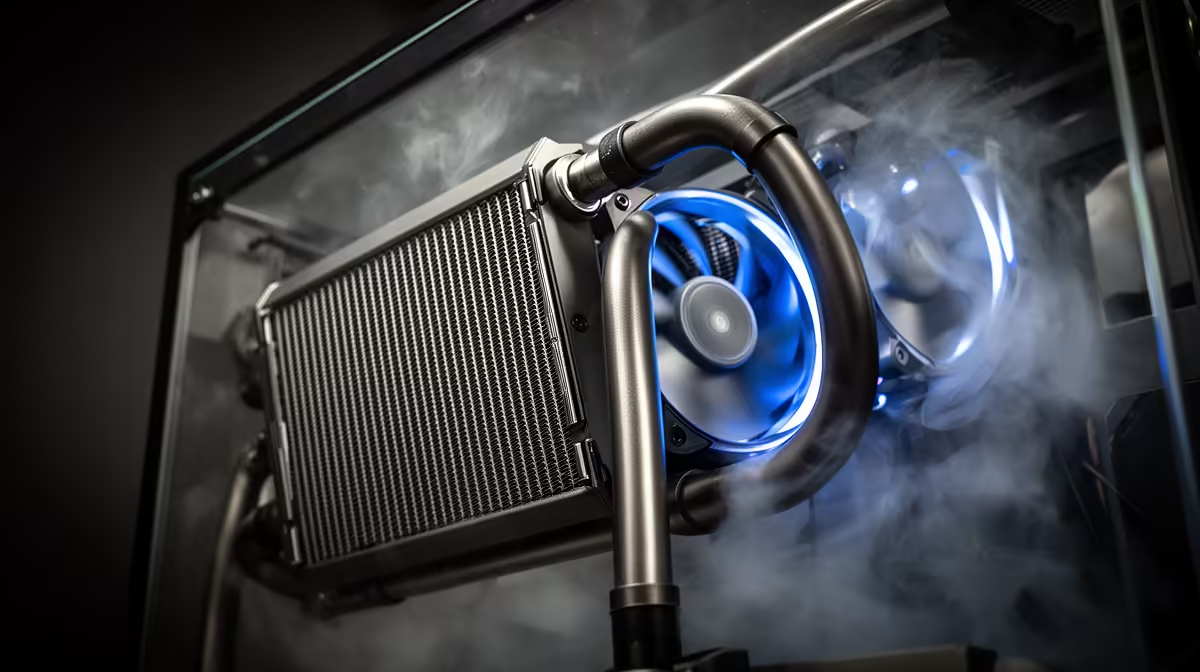
Where a radiator sits in a case changes far more about cooling performance than most builders expect, and it is rarely the same answer twice across different case designs. Getting a 240mm liquid cooler positioned correctly for the specific airflow layout of your case matters just as much as the cooler's own specifications.
Quick Answer
Mount a 240mm radiator at the case top or front depending on your case's overall airflow direction, since positioning changes performance more than most people expect. Front-mounting the MasterLiquid 240 Atmos as intake, at R1,399, often outperforms top-mounting in cases with limited rear exhaust.
📐 Top mounting versus front mounting
Top-mounted radiators are the more traditional choice, sitting above the motherboard and usually exhausting hot air upward and out through the top panel. This keeps the radiator out of the direct intake path, but it also means the fans are drawing warm air that has already risen from the graphics card and other components before it reaches the radiator.
Front-mounted radiators instead pull outside air directly through the fins as intake, which is typically cooler than the air already circulating inside the case. The tradeoff is that this warmed air then flows across the rest of the components before exiting, which can slightly raise ambient case temperature for other parts, though it usually still nets a lower CPU temperature overall.
Why airflow direction beats radiator size alone
A well-positioned 240mm radiator, matched to how the rest of the case moves air, regularly outperforms the same radiator mounted somewhere that fights the case's natural airflow direction. Positioning is not a minor detail, it can be the difference between a build that runs a few degrees warmer than expected and one that hits its expected thermal numbers.
🌬️ Matching radiator position to case exhaust
Cases with strong rear or top exhaust fans benefit more from a front-mounted radiator as intake, since the exhaust fans handle pulling warm air back out, and the radiator focuses purely on bringing in cool air. Cases with limited exhaust capacity, on the other hand, sometimes do better with the radiator mounted top as exhaust, letting it double as both a cooling and a case-venting component.
Checking your case's stock fan layout before deciding is worthwhile, since manufacturers usually design a case around a specific intended airflow path that a radiator mounted the wrong way can work against rather than with.
Dealing with tight clearance
Not every case fits a 240mm radiator in both locations. Front mounts sometimes conflict with drive bays or front-panel cabling, while top mounts can clash with tall memory modules or motherboard VRM heatsinks. Measuring clearance in both positions before finalising a build avoids discovering a conflict only once everything is half-assembled.
🔧 Fan orientation once position is set
Once a mounting location is chosen, fan direction still needs setting correctly. As intake, fans should pull air through the fins into the case; reversed, they exhaust hot air from the loop straight outside. Getting this backwards does not damage anything, but it does undermine the airflow benefit the chosen position was meant to deliver in the first place.
Why radiator-rated fans outperform generic case fans here
A radiator restricts airflow far more than open case space does, so fans rated for static pressure push air through the fins more effectively than airflow-focused fans designed for unobstructed spaces. The SickleFlow Edge pair fitted to this cooler is built with that restriction in mind, which is worth remembering if a future upgrade ever means swapping in aftermarket fans instead of the included set.
Full details on the radiator dimensions and included fans for the MasterLiquid 240 Atmos are listed on the product page, and our full range of liquid coolers covers other 240mm and larger options if your case allows more room. For a broader comparison against air cooling, all CPU coolers at Evetech are listed together.
Frequently Asked Questions
Is front mounting always better than top mounting?
Not always, it depends on your case's exhaust setup. Front mounting as intake tends to work well in cases with limited rear exhaust specifically.
Does radiator position affect noise as much as temperature?
Yes, a radiator fighting the case's natural airflow direction sometimes needs to run fans harder to compensate, which increases noise alongside any temperature difference.
What should I check before choosing a mounting position?
Measure clearance for both front and top positions in your case, checking for conflicts with drive bays, cabling, memory height or VRM heatsinks.
Does fan direction matter once the radiator is mounted?
Yes, fans need to be oriented correctly for intake or exhaust depending on position, since the wrong orientation undermines the benefit of that mounting choice.
Can I mount a 240mm radiator on the side panel instead?
Some cases support side mounting, though it is less common than front or top. Check your specific case's manual before assuming this option is available.
Should the pump sit above or below the radiator?
Where possible, keeping the pump lower than the radiator helps prevent air bubbles from settling near the pump, though most sealed loops tolerate either orientation reasonably well.
Ready to position your radiator for the best airflow path? Check the fitment notes for the MasterLiquid 240 Atmos from Cooler Master for R1,399 via Evetech's AIO lineup, to plan top or front mounting in your case.











