


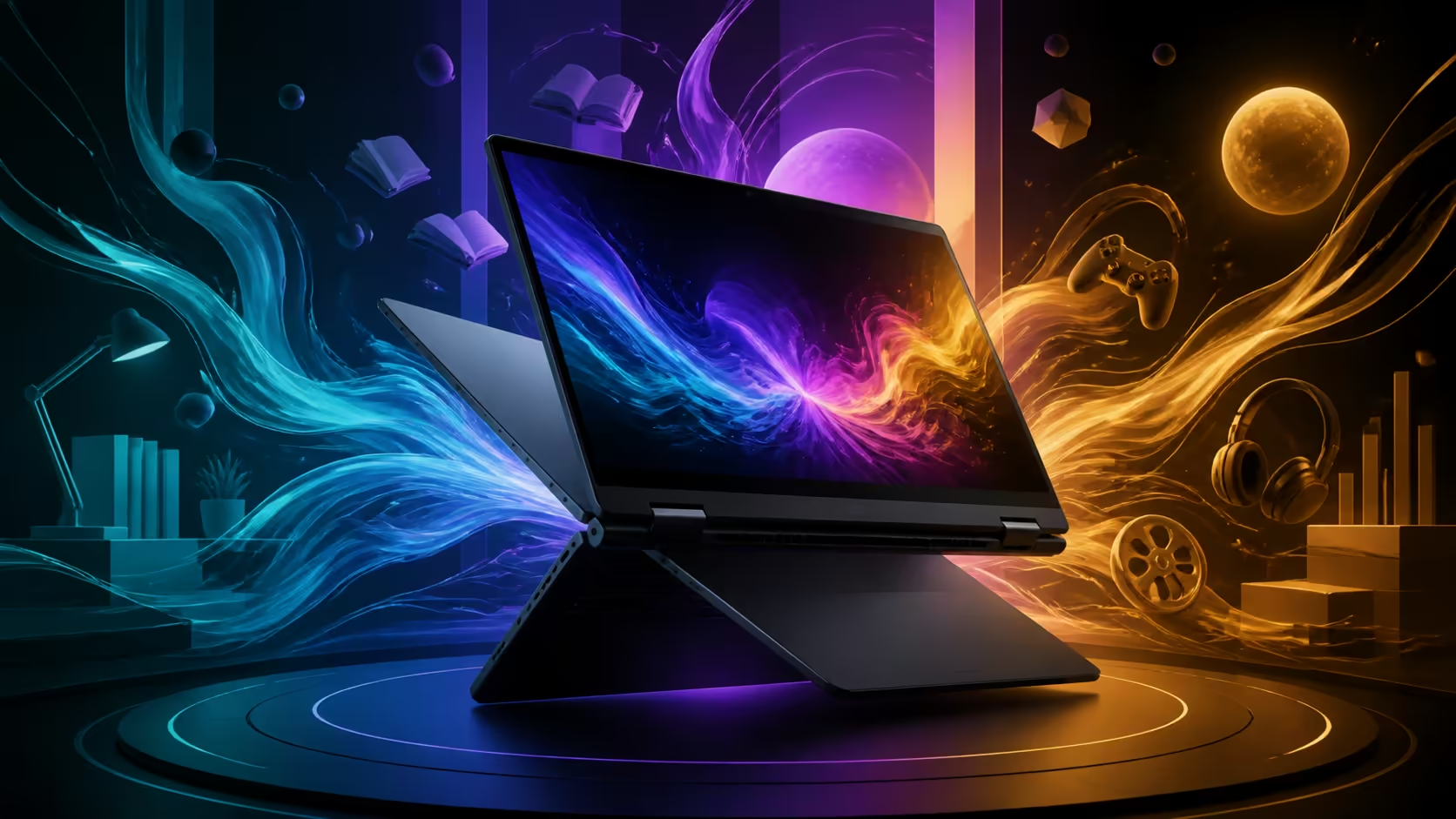
A convertible earns its keep by changing posture with the task. Using a 2-in-1 OLED laptop for work, study and entertainment means treating laptop, stand, tent and tablet modes as separate tools, while OLED remains a general display advantage for contrast-rich media. The 14-inch Lenovo Yoga 7 14AGP11 costs R27,999 with Ryzen AI 7, 32GB of multi-role working memory and a 1TB SSD for mixed-mode use.
Quick Answer
Use laptop mode for sustained typing, stand or tent mode for compact viewing and tablet mode for reading or short direct-input sessions. On an OLED-equipped convertible, control brightness and reflections for the room. The R27,999 Yoga 7 provides a 14-inch 2-in-1 base with Ryzen AI 7, 32GB of multi-role working memory and 1TB of mixed-mode use storage.
💼 Build a dependable work posture
Open the hinge to a conventional laptop angle for documents, spreadsheets and long email sessions. A stable keyboard surface and external mouse remain more efficient than holding the device while typing. Raise the screen closer to eye level when using a separate keyboard, but keep ventilation clear.
Arrange workspaces by task. Put communication on one desktop, focused documents on another and reference material in a browser group. The 32GB capacity in the Yoga 7 is useful when several substantial applications stay open together, while the 1TB SSD gives active projects room without turning every file decision into an emergency.
Evetech's Ryzen AI 7 laptop range provides relevant processor-class comparisons for this type of mobile workspace.
📚 Change modes for study, not novelty
Tablet posture can support reading, flashcards and short annotation on compatible touch hardware. Stand mode brings the screen forward while the keyboard folds away, which can help in a tight study space. Tent mode works on a firm surface when viewing a lesson or following a demonstration.
Keep session length in mind. A 14-inch convertible offers far more desktop capability than a small tablet, but holding a full laptop for an hour can become tiring. Rest it on a desk or lap support and return to laptop mode when the task becomes text-heavy.
🎬 Set up entertainment around the room
OLED panels generally excel at deep blacks and strong contrast, which can suit films and dark scenes. Brightness, glare and source quality still shape the result. In a bright lounge, control reflections before pushing the panel to maximum output.
Tent mode uses a small footprint, while stand mode keeps playback controls near the viewer on touch-capable hardware. Pair audio appropriately for the room and keep the laptop on a stable surface. The wider Ryzen 7 laptop selection helps compare mobile performance choices beyond one hinge design.
🔄 Create a mode-switching routine
Pause demanding work before folding the hinge, then confirm orientation and input behaviour in the new posture. Some applications respond better than others to rotation, so test the software used for reading or presenting before relying on it in class or a meeting.
The AI laptop finder can help narrow machines by intended workload. At R27,999, the Yoga combines Ryzen AI 7 with 32GB of multi-role working memory and a 1TB SSD inside its 14-inch convertible body; assess display and input preferences as their own requirements.
Run a one-day mode audit
Spend one ordinary day noting which posture genuinely removes friction. Record the task, surface, session length and reason for changing modes. Laptop posture may dominate writing, while stand mode earns a place during a video briefing and tablet posture handles a short reading block. If a mode never helps, the convertible may still be useful, but that feature should carry less weight in the buying decision.
Check heat, stability and input after every transition. A sofa cushion can block airflow, while a narrow lecture desk may not support a wide tent angle. Place the device on a firm base and keep the hinge within positions that feel stable. Do not balance a R27,999 computer where a small bump can fold or drop it.
At the end of the audit, review application behaviour. Confirm that the software rotates cleanly, on-screen controls remain usable and any external keyboard reconnects predictably. Save the layout that works for presentations and another for focused writing. This creates a repeatable routine rather than folding the computer simply because the hinge permits it.
Include transport in the routine. Close applications that should not wake during travel, protect the hinge from loose objects and carry the convertible in a sleeve sized for the 14-inch class. On arrival, inspect the surface before using tablet posture; grit beneath the keyboard or screen can turn a flexible design into an avoidable maintenance problem.
Frequently Asked Questions
Which mode is best for writing long documents?
Laptop mode keeps the keyboard stable and the screen at a conventional angle. Add an external screen or keyboard only when the desk setup benefits.
When does tent mode make sense?
It suits viewing on a small firm surface where a normal keyboard footprint would get in the way. Use it for media, demonstrations or touch-friendly controls.
How can tablet mode help with study?
It can support reading and short direct-input tasks on compatible hardware. Place the device down for long sessions to avoid arm fatigue.
Does OLED automatically improve work?
No. OLED can deliver excellent contrast, while reflections, scaling and text comfort still decide whether a display suits prolonged documents.
What is a sensible entertainment arrangement?
Use a stable stand or tent posture, moderate brightness for the room and audio that fits the viewing distance. Keep vents unobstructed.
Which core hardware does this Yoga 7 offer?
The R27,999 14-inch convertible pairs Ryzen AI 7 with 32GB of multi-role working memory and a 1TB SSD for mixed-mode use.
Ready to give every hinge position a useful job? Compare Evetech's Ryzen AI laptops and choose a convertible whose memory, storage and portable form support the work, study and viewing routines you repeat most.











