


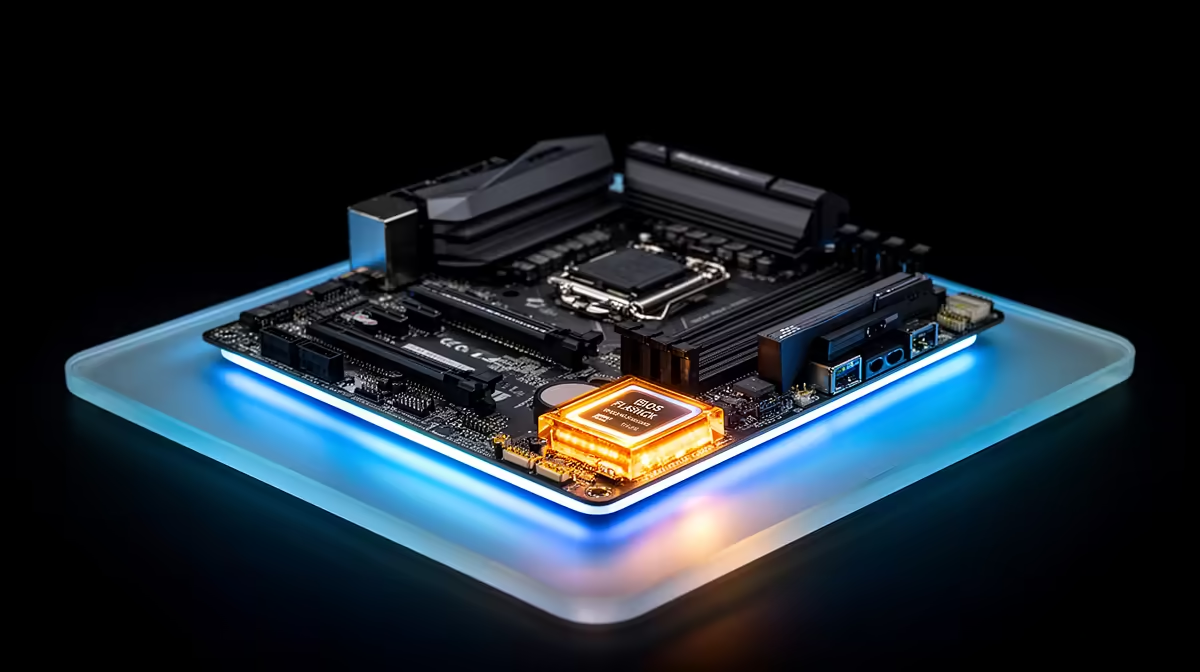
A dead BIOS flash used to mean borrowing a compatible CPU just to bring a board back to life, which is a frustrating ask when you are building a system from scratch with nothing else on hand yet. A b650e motherboard with a dedicated flash button sidesteps that whole problem before you even own a processor.
Quick Answer
BIOS FlashBack lets a compatible board update its own firmware straight from a USB stick, with no CPU, RAM or GPU installed at all. ASUS builds this into the R3,499 ASUS B650E MAX Gaming WiFi through a single rear button, which matters most for getting a newly released Ryzen chip running on a board bought before that chip existed.
🔌 What This Feature Actually Does
Rather than booting into a BIOS interface the normal way, the tool reads a firmware file directly off a specially formatted USB drive and writes it to the board's chip using only standby power from the PSU. Nothing else needs to be seated, no CPU, no memory stick, no graphics card.
Why This Matters for New CPU Support
Boards sold before a new Ryzen generation launches sometimes ship with firmware that predates that chip entirely. Without this shortcut, the only route to an update would be fitting an older, compatible CPU first purely to reach the BIOS menu, then swapping to the new one afterwards.
🛠️ How to Actually Use It
Rename the correct firmware file exactly as ASUS specifies, place it on a USB drive formatted to FAT32, and plug it into the specific rear port marked for this purpose rather than any other port on the panel.
The Physical Steps
With the power supply connected and switched on, but the rest of the system off, press and hold the dedicated button until the indicator light starts flashing. The process typically runs for several minutes, after which the light settles once the update finishes.
Common Mistakes to Avoid
The wrong USB port, a misnamed firmware file, or a drive formatted with the wrong file system are the usual reasons this fails silently on a first attempt. Double-checking ASUS's exact naming convention before starting saves the most frustration, and it is worth downloading the file straight from the official support page rather than a mirror or a forum link, since an altered file can fail the flash partway through without any clear error message.
🖥️ Why It Matters on This Particular Socket
AMD has kept the AM5 socket in place across several Ryzen generations, so a board bought today is expected to still run CPUs released well after it. A CPU-less firmware tool is effectively insurance against buying slightly ahead of a chip launch.
🔋 Planning Ahead Before Parts Arrive
Building around a brand-new Ryzen chip is a good reason to download the correct firmware file and prep the USB drive before any other components even arrive, so the update happens the moment the board is unboxed rather than becoming a delay on build day. Keeping that drive labelled and stored alongside the rest of your build notes also saves time if a CMOS or firmware issue crops up later.
Where This Sits Alongside the Rest of the Spec Sheet
This convenience sits apart from performance numbers such as the full PCIe 5.0 x16 graphics slot, the trio of Gen5 M.2 slots, or DDR5 headroom up to 8000MT/s, but it protects your ability to run a brand-new CPU without borrowing hardware first. For a board priced at R3,499, that is a meaningful extra bundled in at no additional cost.
For the current listing, see this board's product page. Builders comparing similar AM5 options can browse other boards in the B650 range, while Evetech's full AMD motherboard section covers alternatives across different chipset generations.
Frequently Asked Questions
Do I need a CPU installed to use this feature?
No, that is the entire point, it works on standby power from the PSU alone with no CPU, RAM or GPU seated.
How do I know the firmware update actually worked?
The indicator light typically flashes during the update and then turns off once complete, after which you can fit your CPU and boot normally.
What USB drive format does this require?
A drive formatted to FAT32 with the correctly named firmware file sitting in the root directory, following ASUS's exact instructions for the board.
Can I use any rear USB port for this?
No, only the port labelled specifically for this purpose on the rear panel will trigger the process, other ports will not work.
Is this riskier than a normal firmware update?
It is generally considered safer since it does not rely on a working CPU or operating system, though the exact file naming and port instructions still need to be followed to avoid an incomplete flash.
Ready to update your BIOS before your CPU even arrives? The ASUS B650E MAX Gaming WiFi sits under our AMD B650E motherboard lineup, built to flash a fresh BIOS from USB before a CPU is even installed.









