


Quick Answer
If recording lectures is the goal, a CPU cooler is usually not your next upgrade. Lecture capture and screen recording lean on the CPU and storage more than cooling, so a faster NVMe SSD or more RAM moves the needle first. Only prioritise a cooler (around R450 to R1,200 at Evetech) if your CPU thermal-throttles during long encodes.
When the cooler genuinely matters
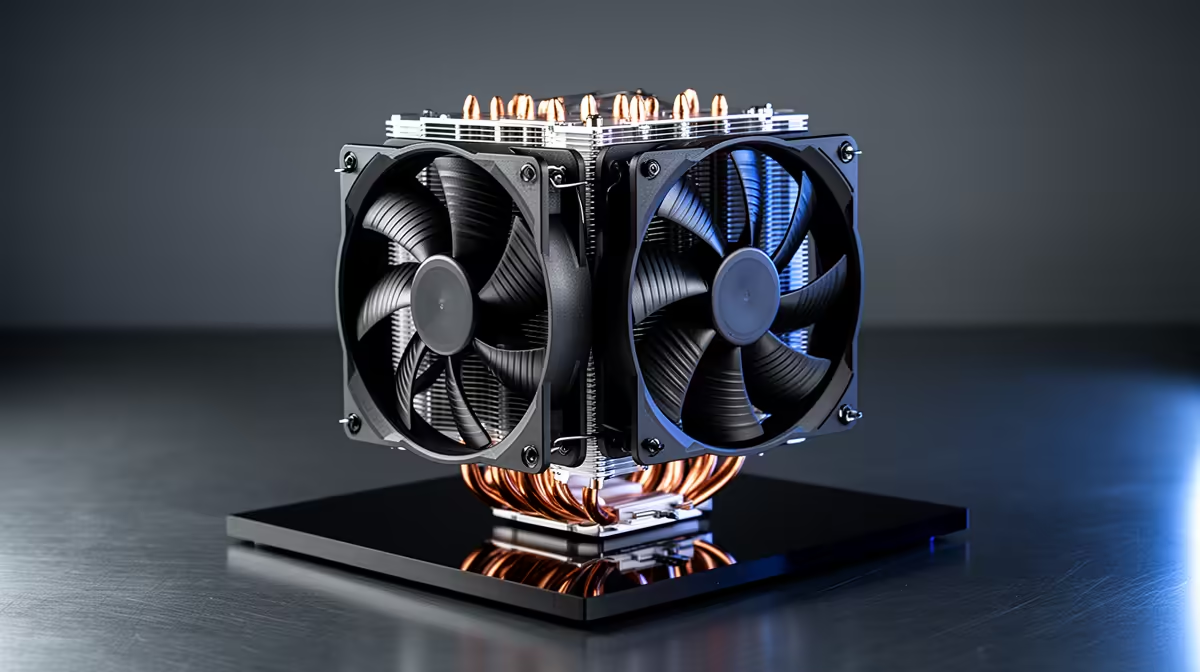
A cooler becomes the right buy if temps hit 90C and the CPU throttles during a long recording or export, which shows up as dropped frames or stutter in the captured file. If a stock-cooled Ryzen 7 7700 or Core i7 spikes hot during a 90-minute capture plus encode, a 220W dual-tower air cooler near R900 to R1,200 holds it 10C to 20C cooler and stops the throttle. Check temps under load before spending.
Where your money usually does more
For lecture recording, footage writes fast and files are large. A 1TB NVMe Gen4 SSD around R900 to R1,500 gives you the sustained write speed to capture 1080p60 without dropped frames, and the space for a semester of recordings. Adding RAM to 32GB also helps if you record while a browser and slides are open. Both beat a cooler for this workload.
A sensible upgrade order
Record one full session and watch CPU temps and disk usage. If temps stay under 80C, skip the cooler and put R1,000 into an NVMe SSD or RAM. If the chip throttles, the cooler jumps the queue. Diagnose first, then spend, rather than buying a cooler on reflex.
FAQ
Do I need a better CPU cooler to record lectures?
Usually not. Recording leans on CPU encode and fast storage, so a 1TB NVMe SSD or more RAM helps more, unless your CPU is thermal-throttling during long captures.
How do I know if cooling is the bottleneck?
Record a full 90-minute session and watch CPU temperature. If it hits 90C and throttles, a 220W dual-tower cooler around R900 to R1,200 is justified. If it stays under 80C, spend elsewhere.
What helps lecture recording most for the money in SA?
A 1TB NVMe Gen4 SSD around R900 to R1,500 for fast capture and storage, or a bump to 32GB RAM. Both reduce dropped frames more reliably than a cooler for this workload.
full lecture and check peak CPU temperature first; only buy a cooler if the chip crosses 90C and throttles during the capture.









