


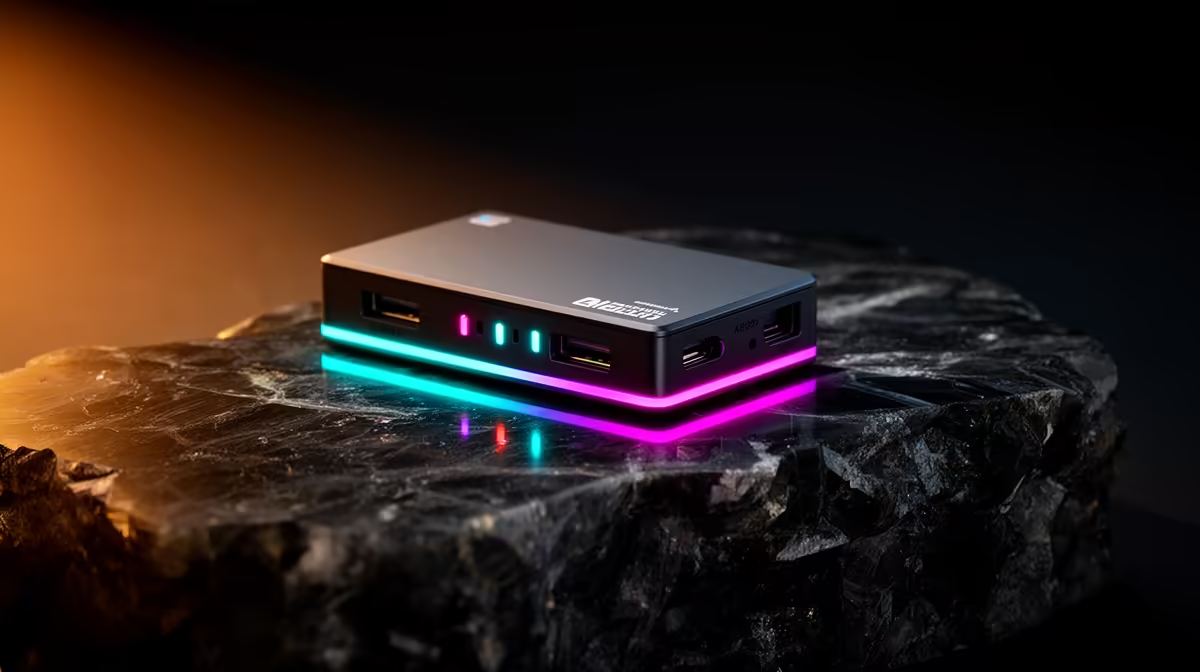
A capture card on a work-from-home desk sounds like a gaming accessory that has wandered into the wrong room. Done right, it is the opposite: a single device that removes monitor clutter, keeps a gaming session recorded without interrupting work, and adds a proper video source for conference calls. The key is choosing hardware that handles both jobs without creating compromise in either direction. Integrating a lag-free game capture card into your WFH setup is about finding the overlap between what professional work needs and what gaming requires.
Quick Answer
A capture card with 4K60 pass-through lets your main work monitor serve both work and recorded gameplay with no added lag. A UVC-class card runs as a system webcam for meetings without extra software or installers. One USB-C cable, one device, two complete workflows on the same desk.
🖥️ Pass-Through: the Feature That Makes One Monitor Work
The reason capture cards traditionally required a second monitor is the preview delay in recording software. Open OBS, and the preview window on screen is running through the software pipeline, which adds anywhere from 60 to 200 milliseconds. Playing a competitive game through that preview makes precise reactions impossible. The result was that most capture setups used one screen for gameplay and a second for the software.
Pass-through changes that. The signal arriving at the card over HDMI gets copied and forwarded to the monitor before software sees it, keeping the screen at its native refresh rate with sub-millisecond latency. The recording software captures the same incoming signal in parallel, completely independently. Your work monitor sees 4K60 gameplay at full response speed while the card records it, and the two paths never interfere with each other.
On a WFH desk where a second monitor either does not fit or is occupied by work applications, this removes the only reason to add one for gaming. Meetings open on one half of the screen, gaming session records in the background.
💼 The UVC Webcam Angle
Most WFH setups either use a basic built-in laptop camera or a USB webcam. A capture card with UVC driver support adds a third option that is significantly more flexible. UVC means Universal Video Class, and a card with this capability announces itself to Windows as a standard webcam. Teams, Zoom, Google Meet, and every other conferencing application sees it as a camera source and lets you select it without any additional software.
What the card is actually capturing is whatever HDMI source is plugged into its input: a dedicated camera, a mirrorless with HDMI output, a document camera, or any other HDMI device. For a creator who already owns a camera with HDMI output, this means their existing camera becomes a broadcast-quality meeting webcam the moment it is plugged into the card. The result is noticeably sharper than any webcam in the equivalent price range.
For IT-managed work laptops where installing third-party capture software requires approval or admin access, a UVC card is particularly useful. No drivers to install, no applications to whitelist. The device appears as a standard camera and works immediately.
⚡ Keeping the Desk Cable-Efficient
Internal PCIe capture cards require a desktop, a PCI slot, and a cable run from the console to wherever the card sits inside the case. External USB-C cards solve all of those constraints at once. A USB-C 3.1 cable running at 10 Gbps carries the full 4K60 capture data to the PC, handles power for the card, and plugs into any laptop or desktop with the right port.
On a WFH desk shared between a work laptop and a gaming PC, a USB-C card can be unplugged from one machine and connected to the other in seconds. The card carries its own configuration and does not require reinstallation. For hybrid workers moving between home and office, the card goes in a bag and the setup re-establishes itself wherever the next desk is.
Hardware H.265 encoding in the card itself keeps the CPU load below 10 percent on most modern PCs, meaning the encoding task does not compete with spreadsheets, video calls, or document editing running simultaneously.
Frequently Asked Questions
How does a capture card fit into a single-monitor WFH desk?
Pass-through handles it. The card copies the HDMI signal from the gaming source to both the monitor and the recording software simultaneously. The monitor receives the signal before software processing, so response time is unaffected. The recording happens in parallel, independently. Work applications sit alongside the capture software on the same screen, since the gameplay view is on the monitor rather than inside a software preview window.
Can a capture card replace the webcam for work meetings?
Yes, when it supports UVC output. A UVC card appears as a standard camera to conferencing applications, so Teams, Zoom and similar tools see it as a selectable video source without any special drivers. Connect a camera with HDMI output to the card's input and meetings receive broadcast-quality video from a source that a dedicated webcam at any reasonable price cannot match.
Does the pass-through signal add any delay to the monitor?
No. Pass-through forwards the HDMI signal to the display before the recording pipeline processes it. The latency added is under 1 millisecond, which is indistinguishable from a direct HDMI connection. The monitor responds exactly as if the capture card were not in the chain.
Will the capture card put extra strain on a WFH PC?
Minimally. A card with hardware H.265 encoding handles compression internally, keeping CPU usage related to capture below 10 percent. A mid-range PC running office applications, a video call, and background recording simultaneously is well within spec. Software encoding without hardware support would add considerably more load, which is why hardware encoding is the specification worth prioritising for a shared-use desk.
Why does the driver-free design matter for a hybrid work setup?
On IT-managed work laptops, installing software requires administrator approval and sometimes a formal IT request. A UVC card needs no driver installation. It is classified as a standard camera device and recognised automatically by the operating system and every conferencing application on it. That makes it functional immediately on any machine, including locked-down corporate laptops, without involving IT.
Ready to build a desk that handles work and gaming without compromise? Explore the capture card range and find the USB-C model that turns one monitor into a complete recording and meeting setup.










