


Best AMD GPU Under R40000 in SA 2026
Top AMD GPU Under R40000 picks evaluated on performance, value & SA availability with current Rand pricing from Evetech.
Read moreKeep graphics card fans quiet with easy maintenance: clean blades, reapply thermal paste, tune fan curves, and replace worn bearings for quieter, cooler performance. 🧹🔧
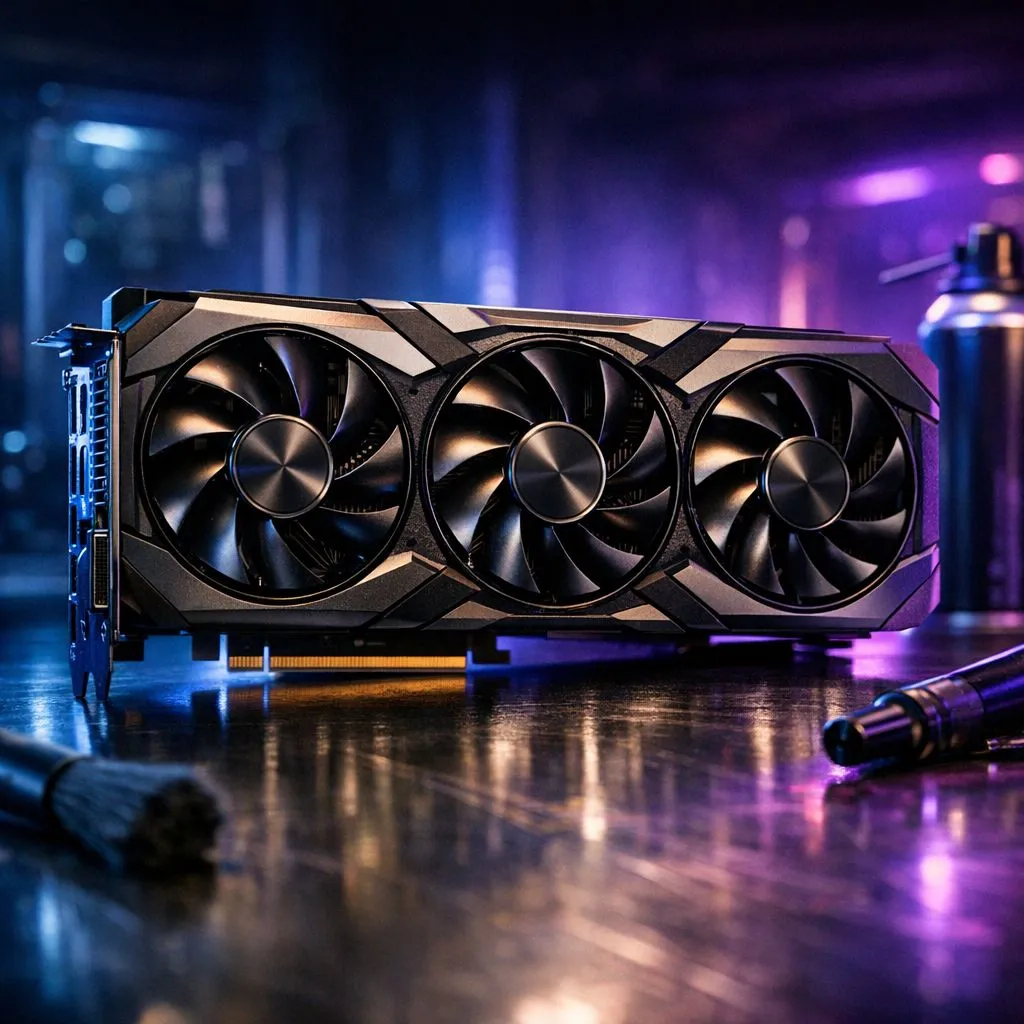
Nothing ruins a late-night gaming session in Jozi like a GPU fan sounding like a Boeing taking off from OR Tambo. You are mid-clutch... and the whine is louder than your teammates. Learning how to keep graphics card fans quiet is essential for any local builder. It is not just about noise... it is about protecting your hardware from the South African summer heat. 🔧
Dust is the primary enemy of silence in South Africa. Our dry winters and windy springs mean fine particles settle inside your chassis quickly. When dust coats the fins of your heatsink... your fans must spin faster to move the same amount of air. This increased RPM leads to that annoying high-pitched drone.
If you are running high-end GeForce graphics cards, you know they generate significant heat. Modern cooling solutions are efficient... but they require clear pathways to function properly. Without regular maintenance... even the best hardware will struggle to stay silent under heavy loads.
Start by powering down your PC and unplugging the power cable. Use a can of compressed air to blow out the dust from the heatsink fins. Hold the fan blades gently to prevent them from spinning while you spray. Letting them spin freely can damage the bearings or generate static electricity. ⚡
Check the thermal paste if your card is more than three years old. Dried-out paste prevents heat from reaching the heatsink... forcing the fans to work overtime. You can find excellent replacement options in our main section for graphics cards. A fresh application of quality thermal compound can drop temperatures by several degrees.
Use a fine mesh filter on your intake fans. It stops Gauteng dust from clogging your GPU heatsink. Clean these filters every fortnight to maintain peak airflow without increasing fan RPM.
Sometimes the hardware is fine... but the software is aggressive. You can use tools like MSI Afterburner to set a custom fan curve. This allows you to define exactly how fast the fans spin at specific temperature milestones. Many Radeon graphics cards also feature "Zero RPM" modes. This keeps the fans completely still until the GPU reaches a certain thermal threshold... ensuring total silence during desktop work.
Consider undervolting your card. This involves reducing the voltage supplied to the GPU core while maintaining performance. Less voltage means less heat... which means your fans don't need to spin as fast. It is a favourite tactic for local enthusiasts looking to save on power bills while keeping things cool. 🚀
If your fans are making a grinding or clicking noise... the bearings might be failing. Cleaning won't fix a mechanical failure. In these cases... it might be time to look at a replacement or an upgrade. Brands like MSI are well-known for their silent cooling designs... such as the Twin Frozr series. These cards use patented fan blades to reduce turbulence and noise levels significantly. ✨
Proper airflow in your case is the final piece of the puzzle. Ensure your intake fans are pulling cool air directly toward the GPU. If your case is a "hotbox"... no amount of GPU maintenance will keep those fans quiet. Clear your cable clutter to improve the internal airflow path.
Ready to Silence the Noise? A quiet PC is a happy PC. If your current setup is struggling to stay cool and quiet... it might be time for an upgrade. Explore our massive range of graphics card specials and find the perfect, whisper-quiet machine to conquer your favourite games.
Clean GPU fans every 3–6 months or sooner if dusty. Use compressed air and a soft brush, holding the fan still to avoid motor damage.
Yes. Fresh thermal paste improves heat transfer, lowers temperatures, and lets fans run slower and quieter under load.
If the bearing type allows, apply light machine oil per manufacturer guidance. For sealed or noisy fans, follow a GPU fan replacement guide.
Use MSI Afterburner or vendor software to set a gentler fan curve. Test under load and monitor temps to balance noise and cooling.
Cleaning often helps, but grinding, wobble, or persistent high RPMs usually mean worn bearings — replace the fan for long-term quiet.
Coil whine is electronic buzzing from components, not fan noise. Fixing it differs from fan maintenance and may need vendor support.
Yes — you can cap fan RPM, but ensure temps stay within safe limits. Reduce fan RPM without overheating by testing changes gradually.
Top AMD GPU Under R40000 picks evaluated on performance, value & SA availability with current Rand pricing from Evetech.
Read more
Top RTX 4090 Under R12000 () picks evaluated on performance, value & SA availability with current Rand pricing from Evetech.
Read more
Ryzen 5 5600X + B550 + RTX 4060 Build Under. Full parts list, Rand pricing & expected performance. Build confidently with SA-available components.
Read more
Ryzen 5 5600X + B550 + RTX 4060 Build Under. Full parts list, Rand pricing & expected performance. Build confidently with SA-available components.
Read more
Top AMD GPU Under R25000 picks evaluated on performance, value & SA availability with current Rand pricing from Evetech.
Read more
Top Crucial GPU Under R15000 picks evaluated on performance, value & SA availability with current Rand pricing from Evetech.
Read more
Snapdragon X2 NPU Explained: How 80 TOPS Changes. Plain-English explanation of what it means, why it matters & how it affects your buying decisions in SA.

HBM? High Bandwidth Memory Used in GPUs and AI. Plain-English explanation of what it means, why it matters & how it affects your buying decisions in SA.

How much should you spend on sim racing accessories in South Africa for a realistic setup? We break down budgets by quality tiers, so you buy smart gear and avoid overspending 🎮💸

G-Sync and FreeSync? Variable Refresh Rate. Plain-English explanation of what it means, why it matters & how it affects your buying decisions in SA.

AMD Laptop: Value. SA-focused analysis with local pricing data, real-world insights & actionable buying advice.

How MacBook Neo Handles 30+ Chrome Tabs with Only. SA-focused analysis with local pricing data, real-world insights & actionable buying advice.

Why Apple Put 8GB RAM in MacBook Neo: The A18 Pro. SA-focused analysis with local pricing data, real-world insights & actionable buying advice.

Upgrade your work laptop with a New Motherboard. Step-by-step instructions with SA-specific tips, common pitfalls to avoid & expert recommendations.

Maintain wired headset — Checklist: • inspect cables • clean earpads • store properly 🔧🎧 Practical steps to preserve sound quality and avoid premature replacements.

Fix crackling headset fast: step-by-step checks for cables, connectors, drivers, and settings to remove static or distorted audio on wired headsets 🎧⚙️

Stereo vs mono headsets: learn which delivers clearer calls, better spatial music, or simpler mono voice performance — pick the right headset for meetings, music, or gaming 🎧💬

- Compare gaming headset vs studio headphones; - Assess comfort, mic and sound; - Recommend best daily picks. Gaming headset vs studio headphones: learn which suits work, music and casual gaming. 🎧⚖️