


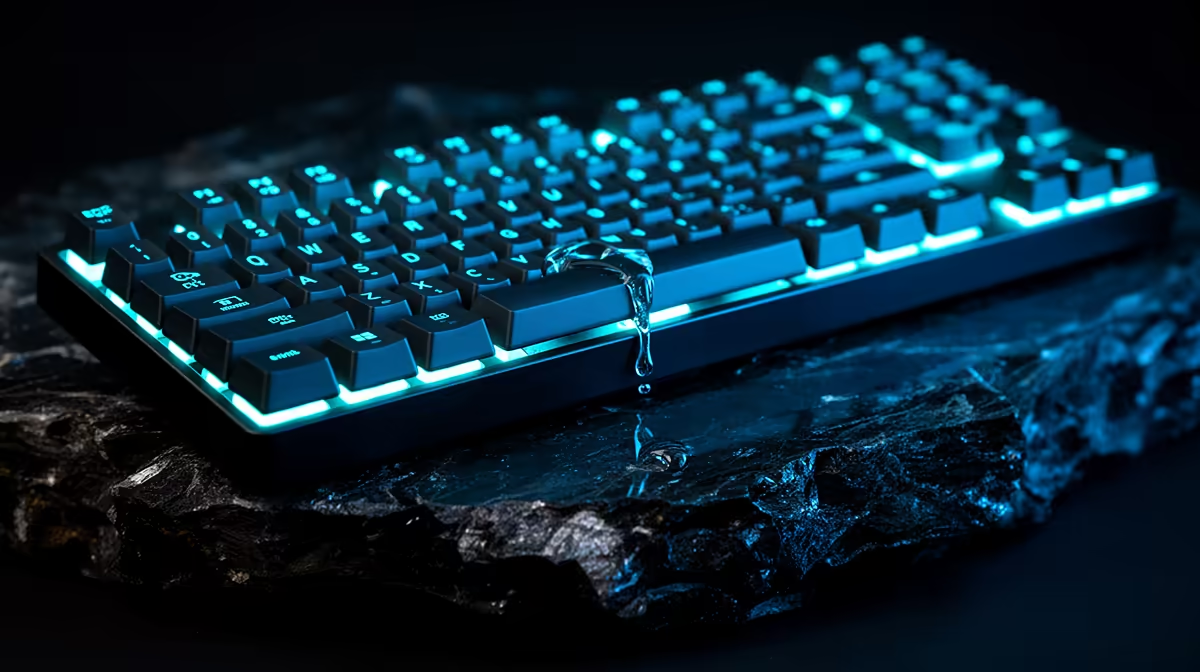
The first seconds after a keyboard spill matter more than a fixed 48-hour wait. Remove power before pressing keys or testing. Water can dry cleanly; coffee, cooldrink and other sugary or salty liquids leave conductive, corrosive residue that needs proper cleaning even after the surface feels dry.
Quick Answer
Unplug the keyboard or switch it off at once. Disconnect a removable battery only through the maker's service method. Lift the keyboard clear of the desk, blot liquid and position it so the spill drains away from untouched areas. Do not reconnect it until the inside is clean and fully dry.
Use Evetech's gaming-keyboard catalogue and popular keyboard range if replacement becomes necessary. Check the exact warranty and accidental-damage terms; liquid treatment depends on the product, cover and facts.
Cut Power Without Testing
For a wired keyboard, pull the USB plug from the PC or hub. For a wireless model, use its power switch and remove user-accessible cells. A sealed lithium battery may remain connected inside, so do not pry into it without safe service instructions.
Do not tap every key to see which one still works. Each powered press can bridge contaminated contacts. Do not plug the board into another PC, which adds power and risks the host USB port.
Move phones, chargers and other devices away from the wet desk. Dry your hands before touching plugs or mains equipment.
Control Where the Liquid Goes
Lift the keyboard level at first so a puddle does not run towards a wireless battery or controller. Blot the top with an absorbent lint-free cloth. Then angle the affected side down over a towel according to the keyboard's construction.
Blanket advice to flip every keyboard upside down can spread liquid into a clean half, trap it between case layers or move it towards a battery. Use the shortest drainage path from the spill.
Remove keycaps around the wet area with a proper puller only when they are designed to come off. Photograph the layout first. Do not pull low-profile scissor caps without the model's method because their clips break easily.
Identify the Spill
Clean water in a small isolated area has the best chance of drying without residue. Tap water contains minerals. Coffee with milk, cooldrink, energy drinks, beer and salty food liquid leave deposits that can remain conductive or corrode copper.
Hot liquid can distort plastic or damage membrane layers. A large spill can reach switches, plate, PCB, foam, battery and USB daughterboard. Treat the amount and path honestly when deciding whether to open or service it.
Write down what spilled and where. This helps a technician choose a cleaning process and gives support accurate facts.
Decide Whether to Open It
A hot-swap mechanical keyboard with a documented serviceable case can be disassembled for cleaning by someone comfortable handling electronics. A laptop keyboard, sealed wireless board or model with a glued battery deserves professional service.
Opening can affect warranty support and carries risk to ribbon cables, sockets and lithium cells. Check the maker's spill and service guidance before removing screws.
If the board is inexpensive and contains a built-in swollen, hot or wet battery, stop handling it and use an appropriate hazardous-battery route. Do not charge it.
Clean Residue, Not Only Moisture
Drying removes water and leaves sugar, milk solids, salts and minerals behind. Those deposits can make keys sticky, bridge contacts and corrode the PCB days later.
A technician may remove the PCB, disconnect the battery and use electronics-grade isopropyl alcohol or another approved cleaning method on suitable components. Concentration, coatings, lubricated switches and membrane layers matter. Pouring household alcohol through an assembled board spreads contamination and can damage finishes.
Do not use rice. Grains and dust enter switches while doing little for liquid beneath components. Do not use a hair dryer, oven or direct sun; heat can warp the case and harm the battery.
For removable keycaps, wash only with a method safe for their material and legends. Dry them away from the keyboard. Keep wooden, coated and double-shot caps separated if their care differs.
Dry With Time and Airflow
Place opened, battery-disconnected parts in a dry ventilated room. Gentle room-temperature airflow helps. Humidity, spill depth, foam and case design decide the required time.
Forty-eight hours is a useful minimum in some simple water incidents, not proof that a closed board is dry. Moisture can remain under switches and chips for longer. A clean inspection and suitable measurement are stronger than the calendar.
Do not seal wet parts in a container. Desiccant can support a dry environment but cannot clean residue or pull liquid through a sealed switch.
Inspect Before Reconnecting
Look for sticky film, white or green corrosion, darkened components and liquid around the USB controller or battery. Smell for burnt material. Check that every ribbon and connector is dry and correctly seated.
Reassemble with no missing insulator or foam layer. Keep screws in their original positions because a long screw in the wrong hole can reach the PCB.
Test first on a protected low-risk setup or through the maker's diagnostic route. Avoid an essential work PC if the keyboard's USB electronics remain suspect.
Test the Keys Methodically
Use a local key tester that does not record private input. Press each key once and watch for missing, stuck or repeated registrations. Test modifiers in combinations and check every lighting or wireless function.
A sticky mechanical switch can sometimes be replaced on a hot-swap board after the PCB is clean. Soldered switches need proper desoldering. A membrane sheet with residue between layers can be difficult to restore reliably.
Stop if the keyboard disconnects, heats, smells unusual or affects the USB port. Further powered testing can cause more damage.
Watch for Delayed Corrosion
A board can work after drying and fail a week later as residue attracts moisture or corrosion advances. Back up custom profiles and keep an alternative keyboard nearby. Inspect the repaired area after several days if the design is safely serviceable.
Random chatter, dead rows and lighting faults can share a damaged matrix or controller path. Replacing one switch will not fix a corroded trace.
If the keyboard carries important onboard macros, clear private data before disposal only when it can be powered safely. Otherwise use a responsible electronics-recycling route.
Prevent the Next Incident
Keep open drinks on the opposite side from the keyboard and use a stable bottle with a closing lid. A desk mat can contain a small spill but may also hold liquid against the keyboard base, so lift the device at once.
Choose a keyboard advertised with a tested spill-resistance rating when the environment demands it. Marketing words such as water-resistant need an exact test condition; they do not make the board washable.
Save your keymap and RGB profile off the device. Replacement is easier when the custom layout does not exist only in onboard memory.
FAQ
Should I turn a wet keyboard upside down?
Drain the affected area away from clean electronics. A full flip can spread liquid, so use the board's layout and spill location.
Is 48 hours always enough drying time?
No. Humidity, foam, switches and spill depth vary, and sugary residue needs cleaning rather than more waiting.
Can rice dry a keyboard?
It does not clean residue and can add dust and grains. Use safe disassembly, controlled airflow or professional service.
Remove power without testing, contain and identify the spill, then clean residue and prove complete drying before reconnecting the keyboard.











