


Quick Answer
A good student gaming setup for Wits should put most of the money into the PC or laptop, then add a 24 inch or 27 inch monitor, headset, mouse, keyboard, and protection for the desk area. For a R15,000 ceiling, aim for an RTX 4060-class desktop or a practical gaming laptop only if portability matters. Wits residences in Johannesburg
Spend Order For The Setup
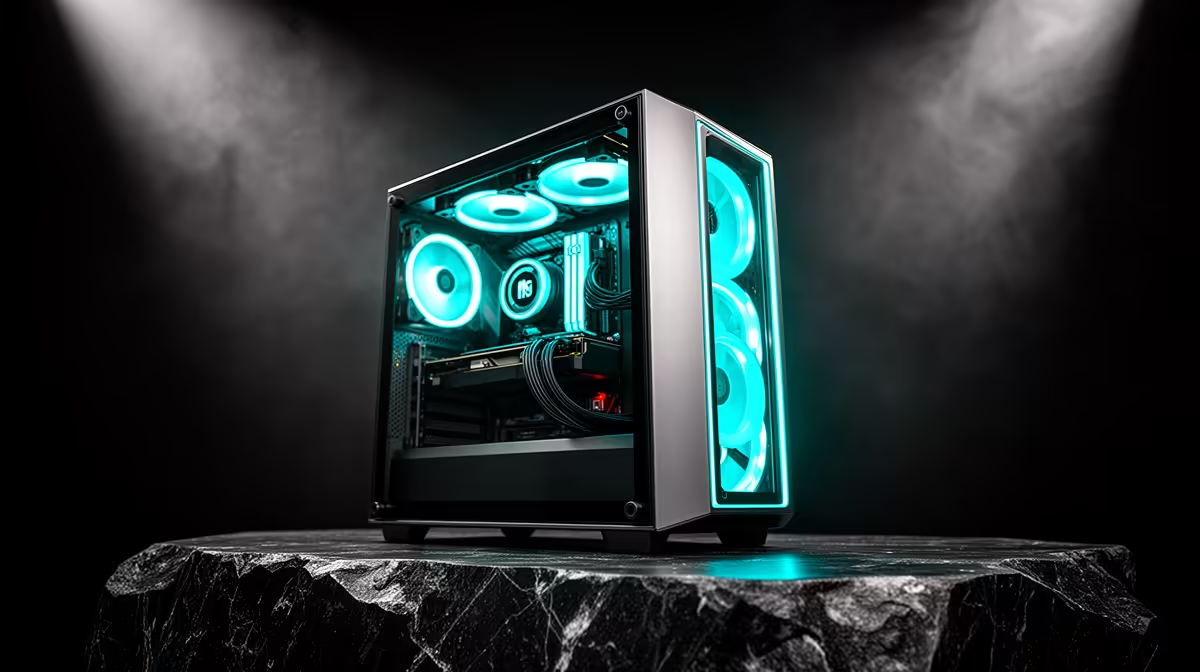
Start with the machine because it decides the frame rate, noise, and upgrade room. A sensible desktop target is a Ryzen 5 or Core i5 CPU, 16 GB RAM, 1 TB NVMe storage, and an RTX 4060 or RTX 4060 Ti-class GPU if the budget allows. Use the remaining spend on a 1080p 144 Hz monitor, a closed-back headset, and a compact keyboard. If the room is tiny, a laptop around the R14,000 to R22,000 band can be easier to move, but a desktop usually gives stronger gaming value.
Noise, Space, And Shared-Room Manners
Shared rooms punish loud fans, bright lighting, and speaker noise. Choose a headset over desktop speakers, place the case where vents have room, and use a cable tray or Velcro ties so the desk can still handle study work. A 24 inch monitor is easier on a narrow desk, while 27 inch works if the desk is deep enough. Keep the PC off thick carpet and away from curtains so airflow stays clean.
Internet And Everyday Use
Use Ethernet if the router is close; if not, choose a reliable Wi-Fi 6 adapter and keep the antenna clear. For campus or digs, a clean mic matters as much as raw PC speed because Discord, group calls, and late-night play share the same setup. A build that holds 60 to 120 fps in esports titles and stays quiet during assignments will feel better than a flashy tower that dominates the room.
FAQ
What is the first thing to buy for a student gaming setup?
Buy the PC or laptop first, then choose the monitor and peripherals around it. This prevents spending too much on accessories before the frame-rate target is covered.
Can a R15,000 setup work for gaming and study?
Yes, if the spend is focused on a capable CPU, 16 GB RAM, SSD storage, and a sensible GPU or laptop. Keep the monitor and peripherals practical so the total does not drift beyond R15,000.
Is a desktop or laptop better for student digs?
A desktop gives better gaming value and easier upgrades, while a laptop is easier to move between home, campus, and residence. Choose based on how often the setup must travel.
Pro Tip
For student rooms, measure the desk before buying the monitor; a 24 inch 144 Hz screen is often the cleanest fit for a compact setup.









