


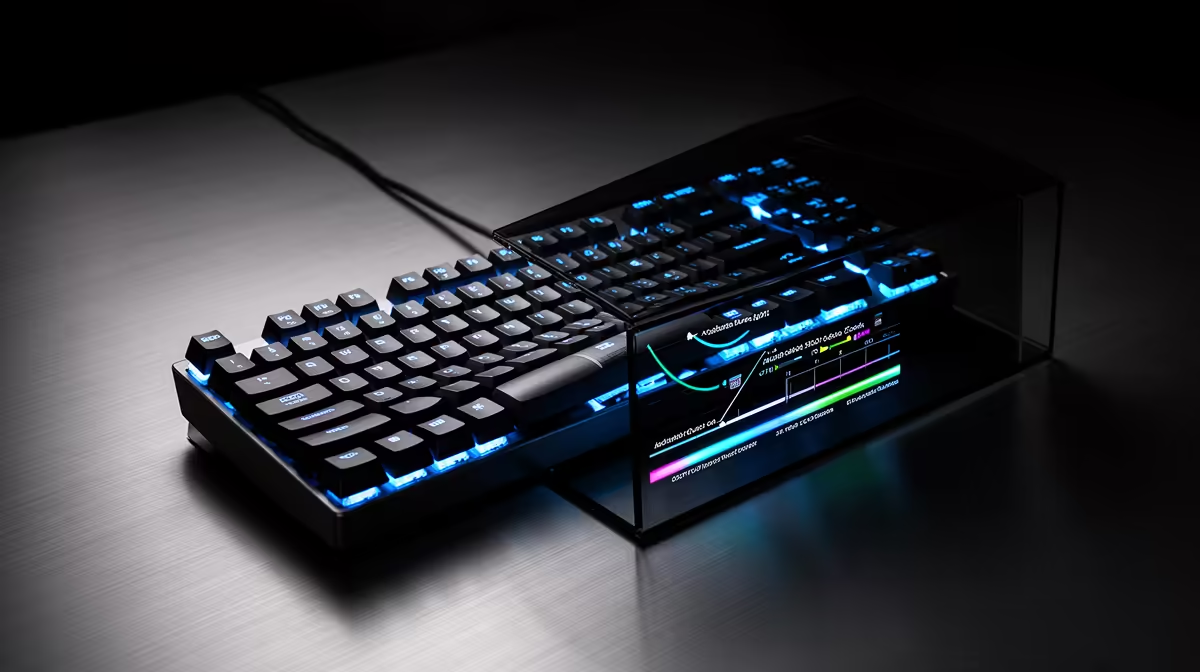
The switches provide travel data, but the software decides what every fraction of that travel means. Good magnetic keyboard software makes profiles, curves and calibration understandable enough to use without turning setup into a second hobby.
Quick Answer
Magnetic keyboard software turns raw key travel into actuation points, rapid-trigger reset distances, analog curves and per-key profiles. The board may work as a normal keyboard without the app, but advanced behaviour depends on firmware, onboard memory and software quality. Before buying, check operating-system support, account requirements, profile storage, calibration, update history and whether settings stay active after the app closes. Save a default profile before experimenting and keep firmware changes on a stable wired connection.
Learn the four main controls
Actuation point decides how far a key travels before the first press registers. Rapid trigger resets or retriggers according to movement rather than one fixed release point.
An analog curve maps travel to a variable output such as a virtual stick axis. Per-key profiles let WASD, typing keys and deliberate actions use different values.
Calibration maps each sensor's rest and full-travel range. It is a maintenance and setup tool, not a performance preset.
Check whether the app must run
Onboard memory can store profiles inside the keyboard. Some advanced mappings still need a background service, while others run from firmware after saving.
Create a test profile, close the app and reconnect the keyboard. Confirm actuation, lighting and analog mapping. Repeat on another PC when portability matters.
Read how many profiles the exact board stores. There is no typical number you can trust across brands.
Start with a default profile
Export or duplicate the factory setting. Name it with the firmware version and date. Test typing and one game before changing anything.
Tune one group of keys. A shallow WASD setup and conservative typing keys are easier to understand than a unique value on every switch.
Keep rapid trigger off until basic actuation stays clean. This separates an initial press problem from a reset problem.
Build a game profile
Link the profile to the game executable when the software supports it. Launch through the normal client and confirm the correct profile loads.
Test menu navigation, chat and held keys as well as a movement drill. An aggressive setting can improve counter-strafing and make text entry painful.
Use a manual hardware shortcut as backup. Launchers, anti-cheat processes and game updates can change executable detection.
Shape an analog curve
Start linear. Add a deadzone that removes resting noise, then test light, medium and full presses in a supported game.
A curve changes how travel maps to output. It is different from a digital actuation point, though both can exist on the same key profile.
Check mixed-input behaviour. Some games switch controller prompts or reject mouse plus virtual stick input.
Calibrate only through the official route
Keep the board flat and leave keys untouched unless the tool asks for full presses. Save profiles first.
Run calibration after a supported switch change, firmware instruction or repeatable drift. Do not use it as a ritual after every actuation adjustment.
Test defaults afterwards. A key that still reports unstable travel can need cleaning, firmware support or warranty service.
Treat firmware updates as real maintenance
Read the release notes. An update can fix calibration or add features, while it can also change profile behaviour.
Connect directly by the supported cable, keep the PC powered and do not unplug during flashing. Avoid unofficial firmware packages.
After reboot, check every critical profile and export a new backup. Do not assume an account sync restored onboard settings.
Review privacy and accounts
Read whether the app requires a cloud account, what data it stores and whether local mode exists. Use a unique password when an account is necessary.
Do not grant administrator access or broad permissions without understanding why the current software needs them. Download only from the manufacturer.
For a tournament or work PC, confirm software installation rules. Onboard profiles can be useful when background apps are restricted.
Judge software before the switches
Look for clear per-key diagnostics, profile export, update notes, offline behaviour and support documentation. A precise sensor is frustrating when the app loses settings.
Compare gaming keyboard deals for software and onboard features. Use the keyboard best-seller selection to compare complete boards and established layouts.
Keep a recovery kit
Save the installer source, profile export, firmware version and a photograph of critical values. Keep the factory reset instructions nearby.
When an update goes wrong, use the maker's recovery path. Random flashing or registry clean-up can turn a profile problem into a dead keyboard.
FAQ
Can the keyboard work without software?
It should provide basic typing, while advanced profiles depend on firmware, onboard memory and the exact implementation.
Is an actuation curve the same as an actuation point?
No. The point triggers a digital press. A curve maps travel across a variable output.
Can updates add features?
They can, subject to hardware capability. Judge the board by current working features and support, not promised additions.
Test the app offline, save a factory profile and prove one game profile survives a restart before tuning every key.









