


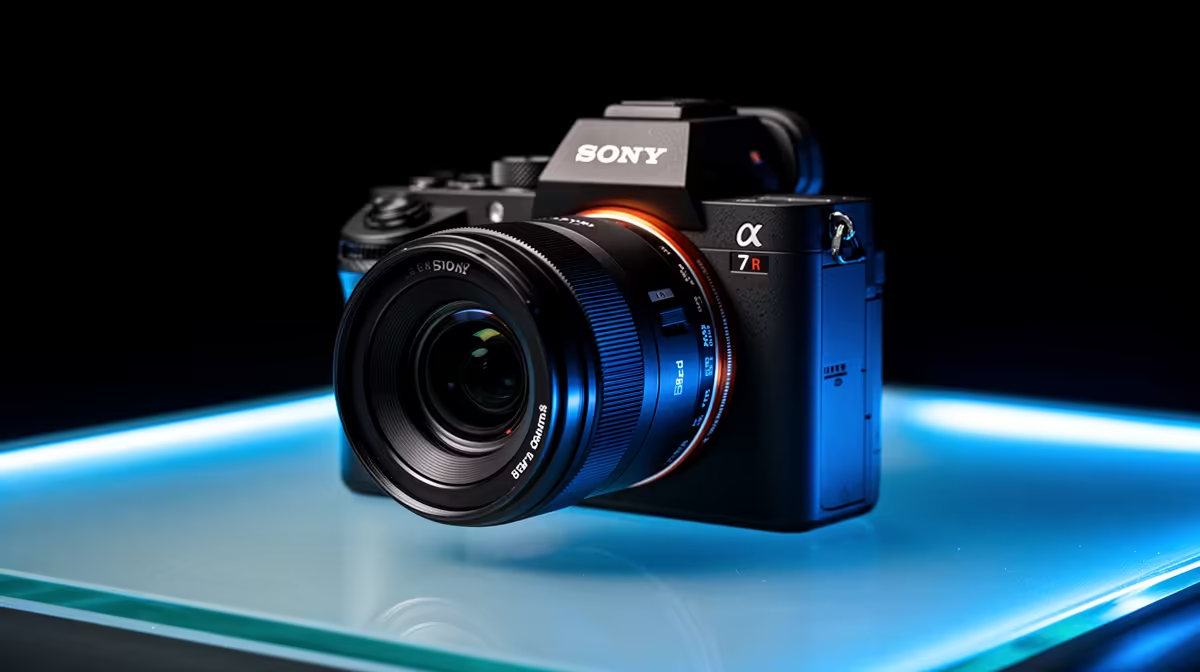
Cable runs dictate camera placement far more than most event organisers realise until they are standing in a venue trying to figure out how to get a feed from a balcony position to an encoder thirty metres away. Wireless streaming cameras with 8-hour batteries remove that constraint entirely, which means coverage decisions can be made on the basis of what the audience should see rather than where a cable can reach.
Quick Answer
Place wireless cameras at the angles cable cannot reach, stagger each unit on a separate 5GHz channel on a dedicated access point, and a trio of cameras covers a mid-size hall edge-to-edge. An 8-hour cell handles most event days; a USB-C power bank extends any unit past a long programme.
🔧 Placement Strategy for Full Hall Coverage
Three cameras tend to be the minimum for a venue that needs to feel fully covered on stream. The logic is simple: one angle establishes space, one angle creates intimacy, and one angle handles moments neither of the other two can catch.
The wide shot goes at the back of the hall, elevated enough to clear heads in the crowd. This is the establishing frame that tells viewers where they are. A camera mounted on a railing or shelf at balcony height, pointing toward the stage, can sit completely untethered and hold position for an entire event day without anyone touching it.
The tight angle belongs near the stage, low and close enough to catch presenter expressions and on-stage action in detail. This is the shot that cuts cleanly from the wide and creates the pace that holds online viewers who are not physically in the room.
The roaming unit is the third. Carried through the crowd, shifted to cover a sponsor moment, or repositioned at half-time, it handles the unrepeatable content. An 8-hour battery means this camera can move all day without a charging break interrupting coverage.
Positioning for SA Venue Conditions
South African events often run in warehouse venues and converted halls where ceiling height varies and ambient light competes with stage LEDs. Set exposure manually on each unit before the event rather than leaving cameras on auto. Two cameras with mismatched auto exposure look inconsistent when cut together, and fixing that in software during a live programme is not a realistic option.
⚡ Battery Management Across a Long Day
An 8-hour cell at 1080p is approximately correct for most single-day event programmes. The hours erode faster at higher resolutions or when the camera is streaming continuously rather than recording in bursts, so the practical figure for a busy live stream is closer to six to seven hours of active transmission.
Carrying a compact USB-C power bank at the venue solves this without complicated logistics. A 20,000mAh bank connected via pass-through to a camera that supports it turns the unit into a device with effectively unlimited runtime for the day, at the cost of a cable from the bank in a bag or pouch attached to the mount.
Cameras without pass-through need a hot-swap: a spare battery per unit, swapped at a natural programme break. A five-minute gap between sessions is enough time to swap and confirm the feed is live before the next segment starts.
🌐 Network Setup for Multiple Wireless Feeds
Three simultaneous 1080p feeds hitting the same access point will compete for channel capacity unless spread deliberately. Use a dedicated 5GHz access point for camera traffic only, separate from public or general venue networks. Assign each camera to a non-overlapping channel rather than leaving them to negotiate. The 5GHz band has enough non-overlapping channels to keep three feeds isolated, removing the dropped-frame problem that appears when multiple cameras contend for the same spectrum. Position the access point centrally rather than at one end of the hall so all three cameras receive roughly equal signal.
Pro Tip ⚡
Arrive at the venue at least an hour before the event to run a quick test stream from each camera position. A minute of test footage from each angle reveals any channel conflicts, exposure mismatches, or framing problems while there is still time to fix them. Problems found during a live programme are far more costly than the same discovery found at rehearsal.
🎯 What Three Cameras Actually Deliver
A wide, a tight, and a roaming wireless setup gives a production the cuts it needs to stay engaging across hours of programming. The viewer watching a well-switched three-camera stream does not sit in one unmoving frame; they move around the space and feel present in a way a single static shot never produces. For South African events where venue and talent costs already represent significant spend, the camera addition is a fraction of the total budget and has a disproportionate effect on how the event reads to both live viewers and in archived marketing footage.
Frequently Asked Questions
How many wireless cameras do you need for a mid-size hall?
Three handles most mid-size venues well: a wide from the back, a tight near the stage, and a roaming unit for crowd and off-stage moments. A fourth camera adds redundancy and a second tight angle for multi-speaker events, but three is a complete coverage baseline for most hall-scale productions.
Will an 8-hour battery actually cover a full event day?
At 1080p with continuous live transmission, expect six to seven practical hours before the cell needs attention. Most single-day events run within that window. For programmes longer than seven hours, a USB-C power bank on any camera that supports pass-through charging removes the limit entirely.
Why does a dedicated access point matter for wireless cameras?
A shared venue network carries traffic from dozens or hundreds of devices and cannot prioritise camera streams. A private access point with cameras as the only clients means the full channel bandwidth goes to the feeds, keeping frame rates steady. Public venue Wi-Fi drops frames unpredictably at busy events because congestion is simply too high.
Where should the access point be positioned in the venue?
As close to the geometric centre of the camera positions as possible. A central position gives all three cameras roughly equal signal strength. Mount it above head height to reduce body absorption from crowds moving between cameras and the router.
Can wireless cameras handle outdoor SA summer events?
Most units are rated for temperatures that cover typical South African summer conditions. The real risk is direct sun on the camera body raising operating temperature above the thermal rating. Mount cameras in shade and keep them out of overhead sun to hold stable performance through an outdoor afternoon programme.
Ready to cover your next venue without cable constraints? Browse the wireless streaming camera range and find the units built for all-day battery life and stable multi-camera setups.










