

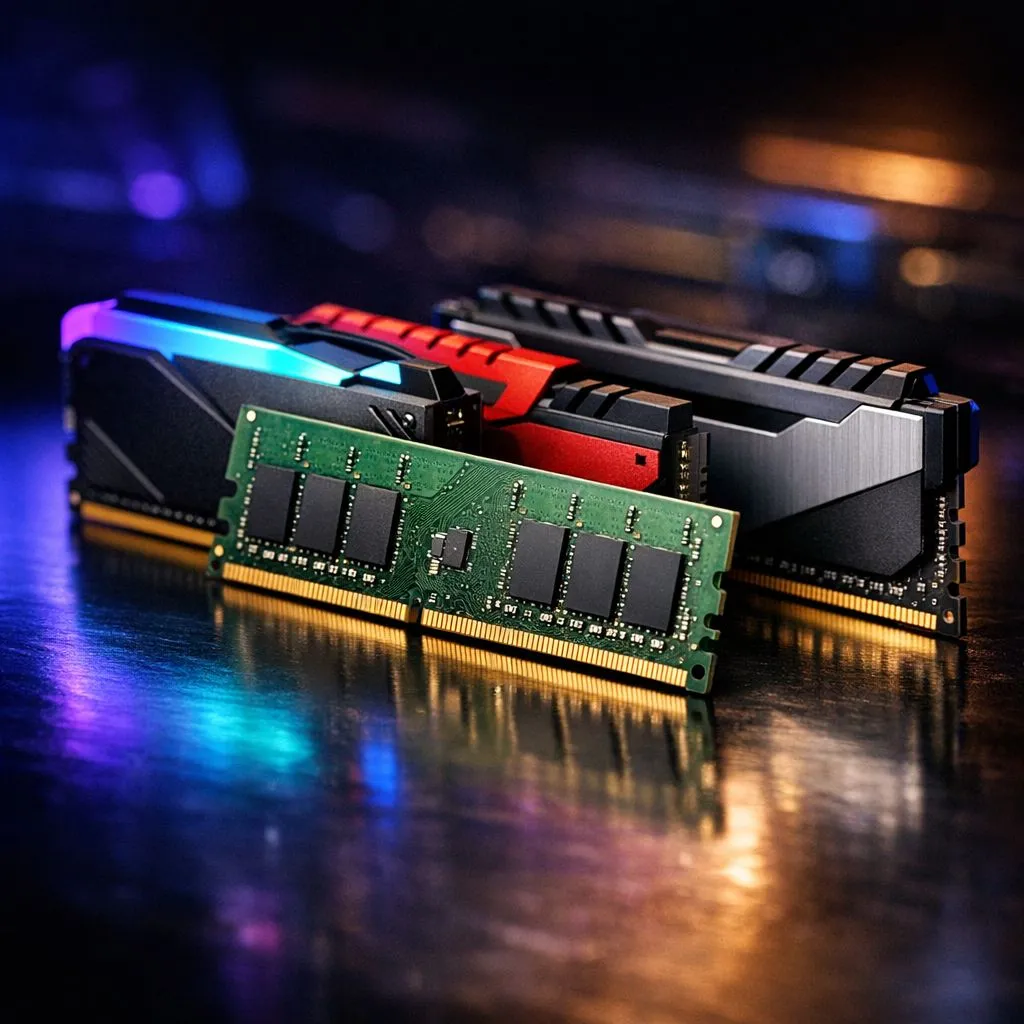
You've spotted a killer deal online for a single stick of RAM. It's the perfect size to double your PC's memory, but it's a different brand from what you've got. The big question pops into your head: can you risk it? Is mixing RAM brands a clever way to save some cash, or are you asking for a blue screen of death? Let's clear up the confusion and give you the definitive dos and don'ts for your rig. 🔧
The Short Answer: Can You Mix RAM?
Yes, technically you can mix RAM modules from different brands. Modern motherboards are pretty smart and will try their best to make them play nicely together. But—and this is a big but—it’s not always a smooth ride. When you install RAM with different speeds, your system won't magically run at the speed of the fastest stick. Instead, it will default all modules to the speed and timings of the slowest stick installed.
So, if you pair a zippy 3600MHz module with an older 2400MHz one, your entire system memory will run at 2400MHz. You're essentially leaving performance on the table.
The "Don'ts": Critical Specs That Absolutely Must Match
Before you even think about mixing RAM brands, there are a few non-negotiable rules. Getting these wrong means your PC won't even boot.
1. DDR Generation
This is the most important rule. You cannot mix different generations of RAM. DDR3, DDR4, and DDR5 modules have different physical pins and run on different voltages. They simply will not fit in the wrong motherboard slots. If your PC is a bit older and still running on older DDR3 modules, you must stick with DDR3 for any upgrade.
2. Form Factor
Desktop PCs use DIMM modules, while laptops and some small form-factor PCs use the much smaller SODIMM modules. They are not interchangeable, so make sure you're buying the correct physical size for your machine.
Check Before You Buy ⚡
Not sure what RAM you currently have? Download a free tool like CPU-Z. The 'Memory' and 'SPD' tabs will show you the exact type, size, speed, and timings of your installed modules. This takes the guesswork out of upgrading and helps you find a closer match.
The "Dos": Navigating Different Speeds and Timings
So, you've found two sticks of the same DDR generation and form factor. What now? The next challenge in mixing RAM is dealing with speeds and timings (latency).
When you mix modules, your motherboard’s UEFI/BIOS will read the data from each stick's Serial Presence Detect (SPD) chip. It then finds the most stable, common configuration that all sticks can run at. This almost always means throttling the faster, more expensive RAM.
For gamers and power users, this is a big deal. High-performance profiles like Intel's XMP or AMD's EXPO, which are crucial for getting advertised speeds, often fail to enable on a mismatched set. Your lightning-fast 6000MHz DDR5 kit could be hobbled because you introduced a slower module. For most builds today using popular DDR4 memory kits, sticking to a matched pair is the easiest way to guarantee XMP works flawlessly.
Is Mixing RAM Brands Really Worth the Risk?
Saving a few hundred ZAR might seem tempting, but the potential for instability is real. Mismatched RAM is a common cause of random crashes, programs refusing to launch, and the dreaded Blue Screen of Death (BSOD). You could spend hours troubleshooting, only to find your "bargain" RAM is the culprit. ✨
For high-performance systems, especially those running the latest DDR5 RAM, the advice is simple: don't do it. The tight tolerances and high speeds of DDR5 make it much more sensitive to mismatches. Your best bet for rock-solid stability is to buy a single, validated kit from a reputable manufacturer. Whether you choose a top-tier Kingston DDR5 kit or a reliable ADATA DDR5 option, buying a matched set is the only way to ensure you get the performance you paid for. 🚀
While mixing RAM brands is possible in a pinch for a basic office PC, it's a gamble for any gaming or performance rig. The minor cost saving is rarely worth the performance loss and potential instability.
Ready for a Hassle-Free Upgrade? Mixing RAM can be a gamble. For guaranteed stability and performance, a matched kit is your best bet. Explore our massive range of high-speed RAM kits and give your PC the boost it deserves.











