


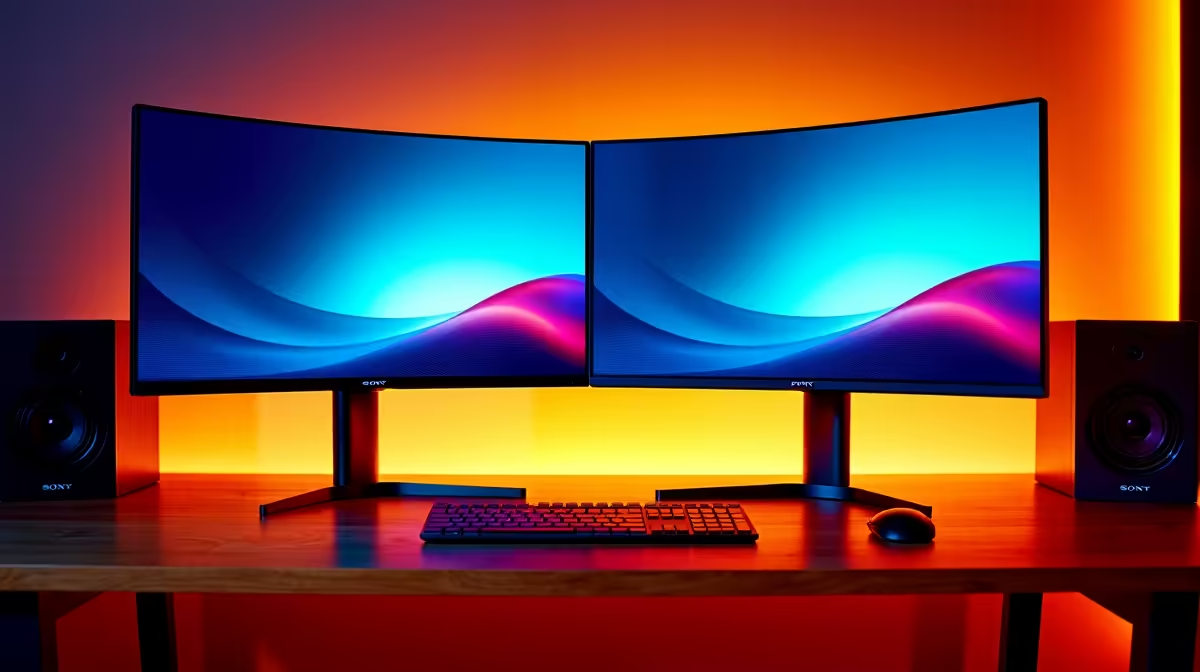
Alienware 27 240Hz QD-OLED Gaming Monitor- AW2726DM at R6731 suits a gamer who wants one sharp OLED gaming monitor for fast play and a second screen for admin, chat, research, or documents. It is the value-led OLED pick here because the 240Hz QD-OLED spec gives the main display the speed and contrast advantage, while the second monitor can stay practical and inexpensive.
Best OLED monitor picks for a two-screen desk
The Asus ROG Strix OLED XG27AQDMG gaming monitor at R8721 is a strong 27-inch class option, with a 26.5-inch viewable OLED panel that works well as the primary screen. For productivity, that size is comfortable for a browser, spreadsheet, CMS editor, or email window without making the desk feel oversized.
The MSI MAG 272QP QD-OLED X50 MONITOR at R14400 is the step-up choice when the main screen is doing the colour-rich work and gaming. Its QD-OLED panel makes sense for a creator desk where image previews, game visuals, and long writing sessions share the same setup, while a cheaper second display handles static windows.
Student desk or home office setup in South Africa
For a tighter desk, pair the Alienware AW2726DM at R6731 with the ViewSonic VX2779A 240Hz at R2350 as the secondary screen. The Alienware takes the OLED gaming and media role, while the ViewSonic gives you a 240Hz side display for notes, chats, browser tabs, or lecture material without spending OLED money twice.
Pro Tip ⚡
If you want one premium panel to carry both gaming and sharper productivity, the ASUS ROG Swift OLED PG27UCDM at R19300 brings a 26.5-inch 3840 x 2160p 4K UHD screen with 240Hz and 0.03ms response. The LG UltraGear 27" QHD OLED Gaming 480Hz 0,03ms Monitor at R14000 is better for players who prioritise extreme refresh rate on the main display.
Ready to choose the right oled monitor? Use Alienware 27 240Hz QD-OLED Gaming Monitor- AW2726DM at R6,731 as the gaming room benchmark, then check whether (3 in stock) matches the space, workload, and upgrade path.









