


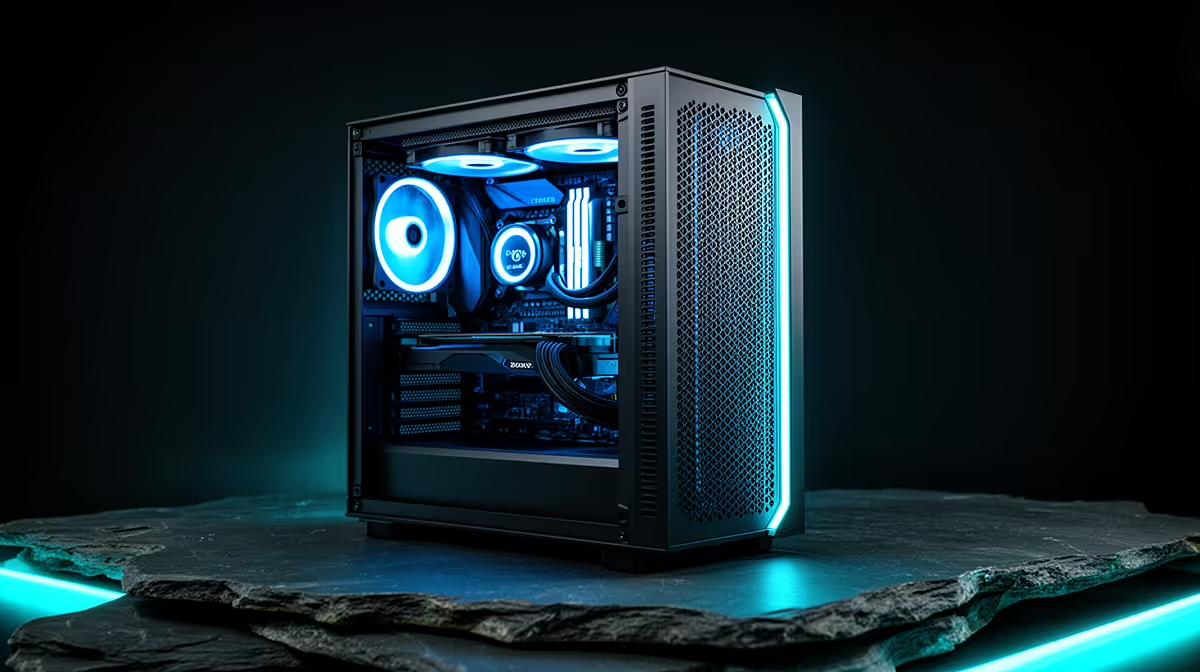
One desk, one PC, two completely different jobs: raiding until midnight, then video calls and spreadsheets from nine to five. Building a single machine for both means the parts list has to satisfy gaming demands and work demands without either one feeling like a compromise. A b860m motherboard with enough storage and networking built in makes that dual-purpose plan realistic in a case small enough to actually fit on a desk.
Quick Answer
For a compact gaming-and-work PC, the ASUS B860M MAX Gaming AX at R4,499 covers both roles with triple PCIe 5.0 M.2 storage for separating work files from game installs, 2.5Gb Ethernet for reliable wired networking, and 20Gbps USB-C for fast external drives and docking. That combination means one Micro-ATX board can genuinely handle both sides of the desk without a second PC.
🖥️ Why one PC for both roles makes sense
Running separate machines for gaming and work eats desk space and doubles your hardware cost for tasks that mostly do not overlap in time. A single build handles both as long as the motherboard has enough connectivity and storage to keep work files and personal files organised without constant juggling. On this ASUS board's product page, that connectivity list includes exactly the ports a hybrid setup needs: fast wired networking, quick USB-C, and multiple storage slots.
Keeping work and gaming separated on one machine
Triple M.2 slots mean you can dedicate one drive purely to your operating system and work applications, one to games, and keep a third free for backups or scratch space, rather than everything competing for space on a single drive.
📡 Networking that holds up for video calls and downloads
A hybrid PC needs a stable connection for video calls during the day and enough bandwidth for game downloads and updates in the evening. 2.5Gb Ethernet on this board gives faster local network transfers than standard Gigabit, useful if you back up work files to a NAS or move large game installs across your home network. Your video call quality depends mostly on your fibre line rather than this port, but the board is not the bottleneck either way.
🔌 Docking and external drives without extra hardware
The 20Gbps USB-C port, which also carries a DisplayPort signal, means a single cable can handle a monitor connection alongside high-speed external storage, useful for anyone plugging in a work laptop dock or an external SSD for project files. Combined with ASUS Q-Design tool-free features for easier builds and upgrades, and BIOS FlashBack for updating firmware without extra hassle, the board is built with practical day-to-day use in mind rather than just benchmark numbers.
🧱 Room to grow without upgrading the board
A PCIe 5.0 x16 slot means the graphics card has headroom for future upgrades, and DDR5 support up to 8666MT/s (as an overclock) means memory speed will not hold back either gaming frame rates or heavier work applications later. Aura Sync and 5X Protection III round out the durability and aesthetics side, though the practical case for a hybrid build rests on the storage and networking specs above. For the wider chipset context, the range of B860 boards shows how this level of connectivity compares at the price.
Frequently Asked Questions
Can one PC really handle both gaming and full-time work?
Yes, as long as the board has enough storage slots and connectivity to keep the two workloads organised, which triple M.2 and fast USB-C both support here.
Should work files and games share the same drive?
Splitting them across separate M.2 drives keeps things tidier and reduces the chance of one workload slowing down access to the other.
Is 2.5Gb Ethernet necessary for a work-from-home setup?
It is not essential for video calls, which depend more on your fibre connection, but it speeds up local backups and file transfers if you use a NAS or another networked device.
Does the Micro-ATX form factor limit upgrade options later?
It limits the number of PCIe expansion slots compared to full ATX, but this board compensates with triple M.2 storage and fast USB-C built in.
Will this board support a docking setup for a work laptop alongside the desktop?
The 20Gbps USB-C port can handle high-speed peripherals and display output, which covers most docking-style needs even though the board itself is built for a desktop CPU.
Does Aura Sync matter for a work-focused build?
It is purely cosmetic RGB lighting control, so it has no bearing on work performance, but it lets you tone the build down for a professional-looking desk or dial it up for evening gaming sessions.
What socket does this board need for the CPU?
It uses an Intel LGA 1851 socket, so CPU choice needs to match that platform when planning the rest of the parts list.
For the full picture of what else is available at this chipset level and beyond, the wider Intel motherboard catalogue is worth a browse before finalising a hybrid build.
Ready to plan one PC for gaming and the workday? The ASUS B860M MAX Gaming AX rests near our Intel B860 motherboard shelf, geared to serve as a compact base for gaming after hours and work during the day.











