A podcast recording setup is unnecessary for reception and bookings unless the business also records interviews or a show. Front-desk speech needs a clear headset or microphone for calls, not a mixer and studio signal chain. The NearStream USB/XLR microphone at R676 is a verified audio reference, but even that may be more than the desk requires.
Start with the reception call workflow
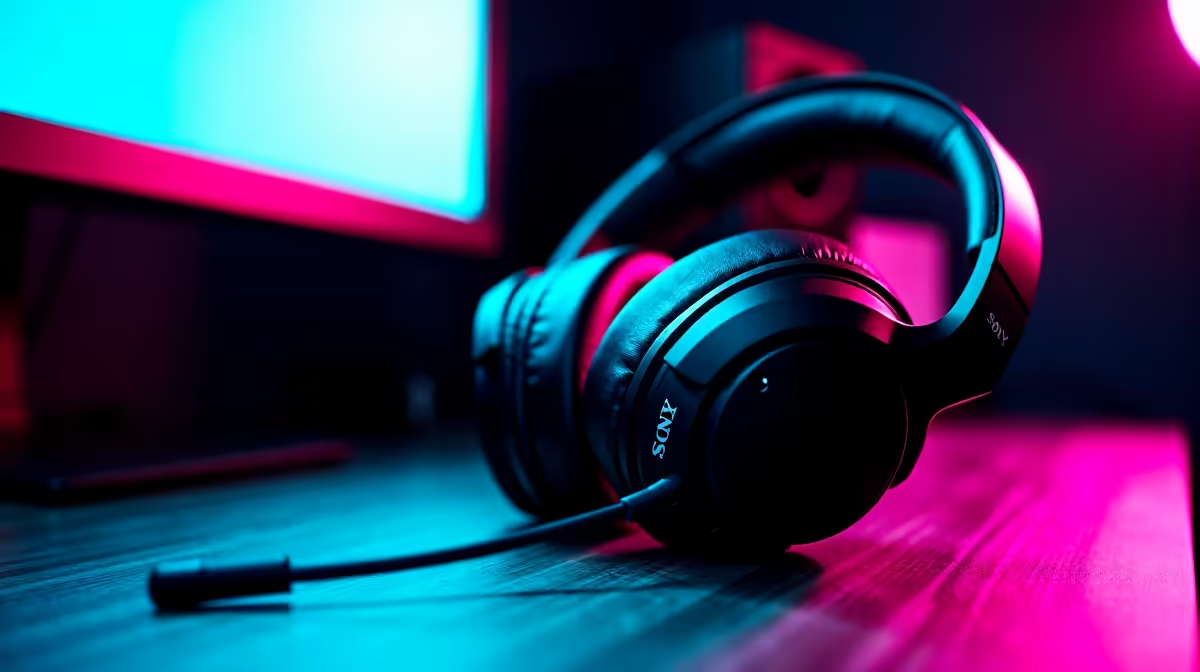
Confirm the booking platform, call application, computer ports, microphone support, headset needs, room noise and warranty. A directional headset microphone may reject surrounding conversations better than a desk microphone. XLR hardware needs an interface or mixer, adding controls that reception staff must maintain.
Take a test call while the booking system, printer and normal browser tabs are active. Record a permitted local sample and listen for keyboard noise, customer voices, echo and clipping. Check mute access, headset comfort and reconnection after sleep. Keep microphone input away from public displays and protect any recorded customer information.
Choose simple USB or headset audio when reliable calls are the only goal. Add podcast equipment only when recurring production work justifies separate recording, monitoring and acoustic treatment. Document the selected input in each application and keep a spare recovery procedure. Reception continuity depends on clear speech and recoverable bookings, not studio appearance.
Improving front-desk calls? > Ask Evetech to compare headset and microphone options against the room and booking software.