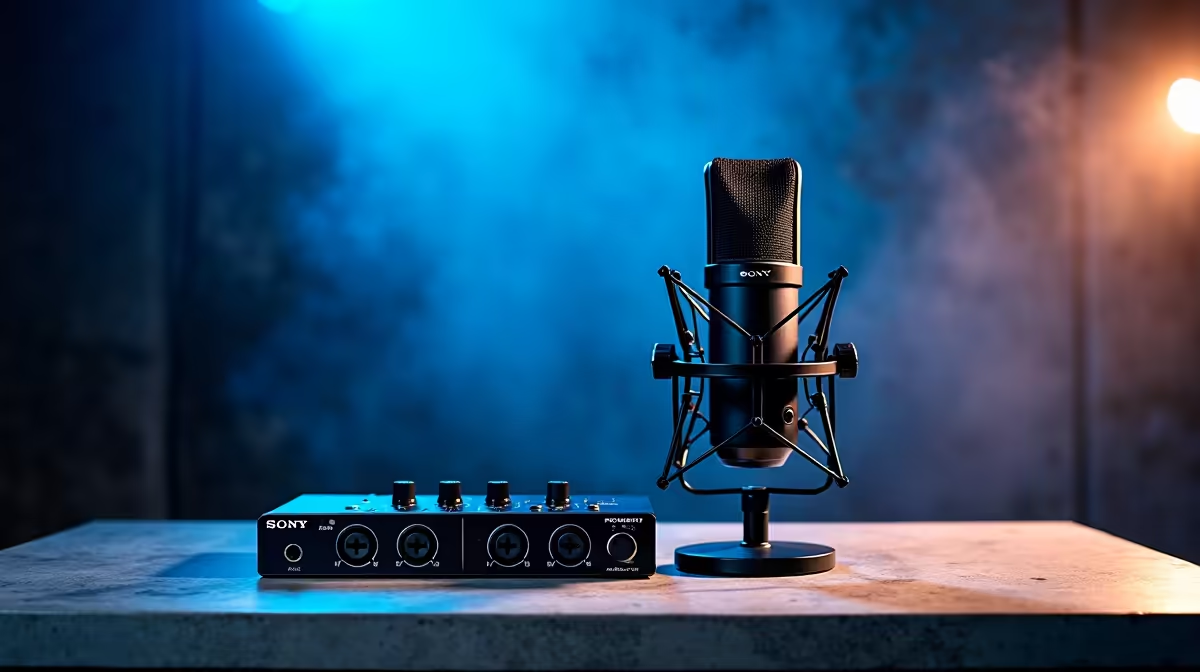
A podcast recording setup can support studying when it includes a suitable computer, clear microphone and headphones, but audio equipment alone is not enough for assignments. The course may require office software, coding tools, data analysis, design applications or secure exam software. Use the podcast gear for presentations, interviews and narrated projects, then check the computer separately against every academic requirement.
Test the full course workflow
The ASUS ExpertBook P1503 laptop is listed at R9,858, and the HyperX SoloCast 2 USB microphone at R690 in the verified facts. Verify availability, operating system, processor, memory, storage, webcam, ports, microphone support and warranty. The laptop must also meet the published requirements for the qualification and learning platform.
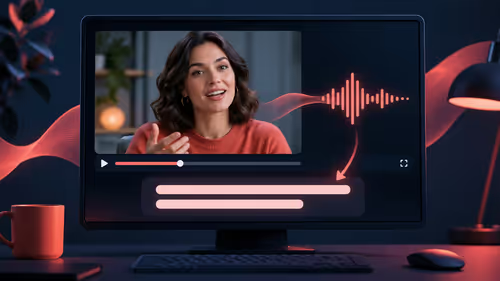
Open a normal assignment, browser research, video meeting and any specialist course application together. Then record a short presentation and export it in the required format. Use headphones to prevent echo and position the microphone close enough for clear speech without excessive gain. A quiet room and simple USB connection often matter more than elaborate studio controls.
Keep coursework and raw audio in organised folders with another copy elsewhere. Choose the combined setup when spoken projects are common and the computer meets all academic tasks. For text-heavy study, spend first on the laptop, display, keyboard and backup; add dedicated podcast equipment only when assignments or personal production will use it repeatedly.
Building a study and recording desk? > Ask Evetech to match the laptop, microphone and storage to the course.