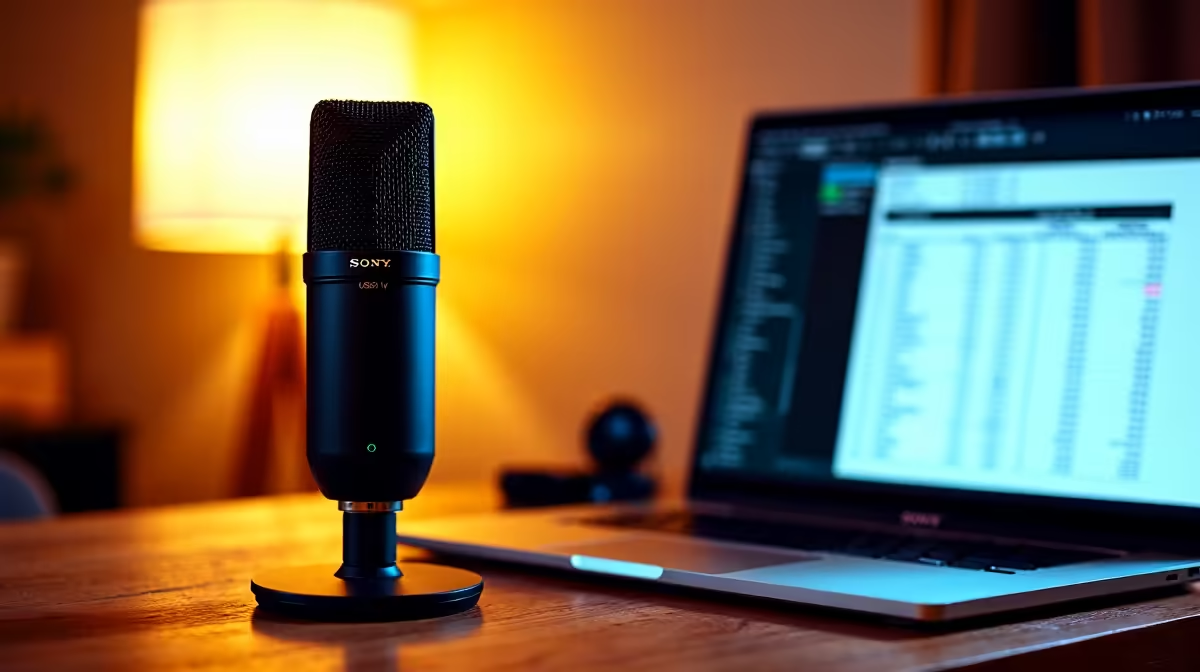
A podcast recording setup does not determine whether Pastel and Excel run well. The computer, supported operating system, memory and storage handle accounting work, while microphones and audio tools affect voice capture. One desk can serve both if the workflows remain secure and quiet.
Test accounts and audio without mixing data
Open representative spreadsheets and a safe test company, then capture a ten-minute voice segment. Watch memory, fan noise and audio stability. Confirm that business notifications, client details and accounting files cannot appear in recorded or streamed material.
The Minisforum UM750L with Ryzen 5 7545U, 16GB RAM and 1TB storage is verified at R4,600 as a compact-PC reference. The NearStream USB/XLR microphone at R676 and Logitech Z150 speakers at R421 are separate audio items. These do not form a validated accounting or podcast system. Confirm software support, ports, acoustics, backup needs and warranties.
Use separate accounts or workspaces, protect business credentials and close sensitive applications before any capture. Keep accounting records, spreadsheets, raw audio and edits in appropriate independent backups. Use licensed media and obtain guest consent.
Use one PC when both tests pass and privacy controls are clear. A dedicated business machine may be safer if public content and confidential client work frequently overlap.
Mute accounting alerts during audio capture and restore them immediately after the session.
Combining office and podcast work? > Compare Evetech mini PCs and microphones after the privacy rehearsal.