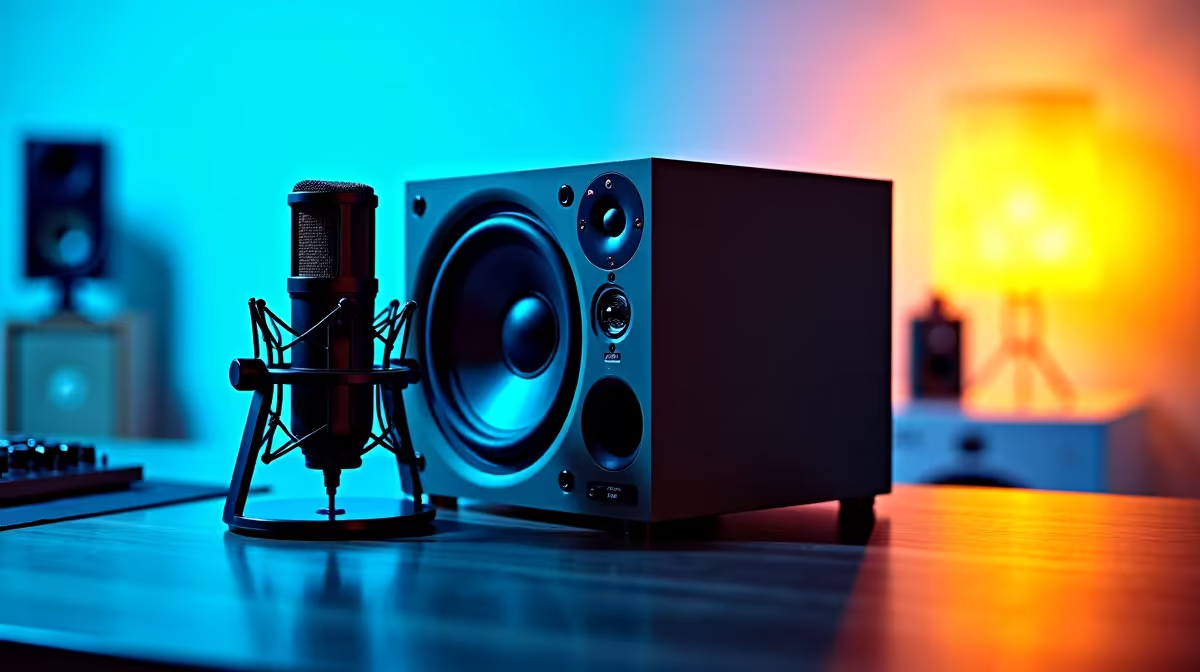
A podcast recording setup is not automatically worth it for beat-making. Podcast gear prioritises speech, while music production may need low-latency instrument inputs, MIDI control, monitoring and software suited to the producer. A USB microphone helps only when vocals or spoken tags are part of the track.
Build the beat and input map before buying audio hardware
List instruments, microphones, MIDI devices, headphones and speakers. Create one representative session, recording buffer behaviour, CPU load and noise. Decide whether the missing component is an audio interface, controller, microphone or simply a quieter recording space.
The NearStream USB/XLR microphone at R676 is a verified microphone reference, not a music-production interface or complete podcast kit. The Minisforum NAB6 Lite at R4,150 is a separate compact-PC reference. Confirm current digital-audio software, driver, latency, input, memory, storage and warranty requirements independently.
Keep recording levels below clipping, monitor at safe volume and save projects with samples, plug-in information and stems. Use licensed sounds and maintain an independent backup. A mixer cannot correct an unsupported driver or poorly organised session.
Buy podcast equipment only when speech content is part of the music workflow. Choose production hardware from the tested signal path and software.
Check round-trip latency with the same plug-ins and buffer size used during actual recording, not an empty project.
Building a beat-making desk? > Compare Evetech PCs and microphones against the production session.