

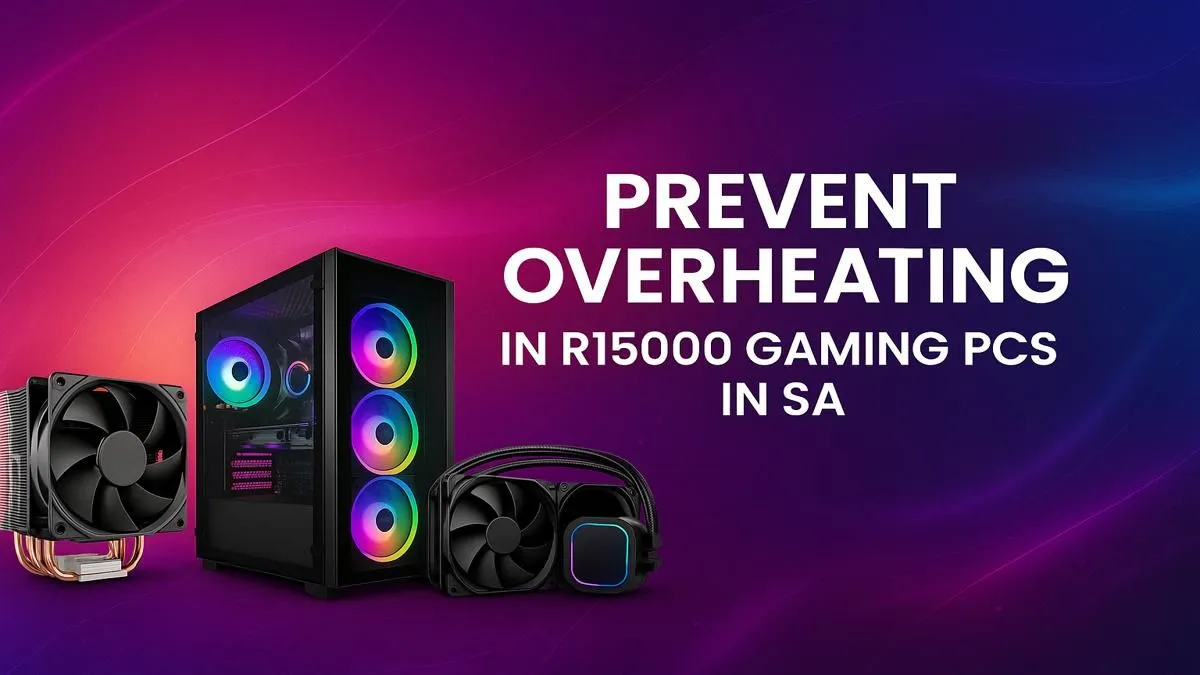
You’re in the final circle in Warzone, the tension is thick... and suddenly your frames drop to a crawl. Your R15,000 rig, which should be crushing it, is stuttering. It’s not lag; it’s your hardware crying for help. A gaming PC overheating is a common problem here in South Africa, where a hot day can push your components to their thermal limits. But don’t stress, we’ll help you get those temperatures down.
Why Your Gaming PC is Overheating: The Usual Suspects
Before you can fix the problem, you need to understand it. When your CPU or GPU gets too hot, it automatically slows itself down to prevent damage. This is called thermal throttling, and it’s the number one enemy of smooth frame rates.
For most gamers, a gaming PC overheating comes down to a few key culprits:
- Dust Bunnies 🐰: The biggest enemy. Dust clogs heatsinks and suffocates fans, trapping heat inside your case.
- Poor Airflow: Your PC needs to breathe. If fans are blocked, installed incorrectly, or the case itself is restrictive, hot air has nowhere to go.
- Aging Components: The thermal paste that sits between your CPU and its cooler can dry out after a few years, becoming much less effective at transferring heat.
- Pushing the Limits: Modern games are demanding. Your PC is working hard, and that generates a lot of heat.
Quick Fixes for an Overheating PC (That Won't Cost a Cent)
Let's start with the easy, free solutions. Often, a little maintenance is all you need to solve your PC's thermal issues and get back to gaming smoothly.
1. The Deep Clean 🧼
This is your first and most important step. Power down, unplug your PC, and take it outside if you can. Get a can of compressed air and blow the dust out of every fan, filter, and heatsink you can see. Pay special attention to the GPU fans and the CPU cooler's fins. You’ll be amazed at what comes out.
2. Check Your Airflow
Take a look inside your case. Do you have fans pulling cool air in from the front and pushing hot air out the back and top? Make sure no cables are blocking the fans and that the PC has a few centimetres of clear space around it for ventilation. Proper airflow is a core principle even in the most affordable budget gaming PCs, as it allows the components to perform as intended.
3. Tweak Your Fan Curves
Your PC's fans don't have to run at 100% all the time. A fan curve tells them to spin faster as temperatures rise. Most default settings are okay, but a more aggressive curve can seriously improve cooling.
Pro Cooling Tip 🔧
Most motherboards let you adjust fan curves in the BIOS UEFI. To enter it, restart your PC and press the 'Delete' or 'F2' key as it boots up. Look for a section called 'Hardware Monitor', 'Fan Control', or something similar. Here, you can set the fans to react more aggressively to temperature changes, keeping your components cooler during intense gaming sessions.
When It's Time for a Small Upgrade
If cleaning and tweaking don’t solve your overheating gaming PC, it might be time to spend a little to get a lot back in performance. For many builds, especially those with powerful components, some powerful options under R20,000 can often be pushed to the next level with a simple cooling upgrade.
A better CPU cooler or a couple of extra case fans can drastically lower temperatures for a relatively small investment. The stock coolers that come with many CPUs are often just... adequate. Upgrading to a decent air tower or an All-in-One (AIO) liquid cooler can make a world of difference.
Is Your Case the Real Problem?
Sometimes, the issue is the box itself. Some PC cases, especially older or cheaper models, prioritise looks over airflow, creating a "hotbox" that traps heat no matter what you do. Modern PC cases are designed with thermal performance as a top priority.
If you suspect your case is the bottleneck, it might be time for a fresh start. Looking at some of the great pre-built PC deals available can show you how modern systems integrate high-airflow designs from the ground up. Even the most powerful components in high-performance rigs above R20k rely on a well-designed chassis to keep them cool and running at peak speed.
Ultimately, if your PC is a few years old and struggling with both heat and performance in new titles, it might be a sign that the core components are reaching their limit. An overheating issue can sometimes be the final symptom of a system that's due for a well-deserved retirement. If that's the case, it's worth seeing what a new machine can offer... you might be surprised at the performance jump. Why not check out our best gaming PC deals and see what your budget can get you? ✨
Ready for a Cooler, Faster Gaming Experience? An overheating PC can ruin your fun, but the fix is often within reach. If you've tried it all and your rig is still running hot, it might be time for an upgrade. Explore our massive range of gaming PC deals and find a machine built to stay cool under pressure.











