


Electrical noise is invisible, constant, and coming from more sources on a typical desk than most people realise: the router in the corner, the phone charger under the monitor, the power strip feeding the whole setup. None of that noise matters much until it finds a way into a signal cable, and stopping it starts with two build details buyers rarely check before purchase: shielding and conductor quality on an 8k displayport cable.
Quick Answer
Preventing signal interference reliably requires a cable that pairs oxygen-free copper conductors with proper foil-and-braid shielding, rather than relying on either one alone. The UGreen DP114 combines both at R299, aiming to keep an 8K signal and high refresh rate clean even in a desk setup crowded with other electronics.
🧲 Where Interference Actually Comes From
Electromagnetic interference is generated by almost every powered device nearby: routers, phone chargers, USB hubs, even fluorescent office lighting. Signal cables act like unintentional antennas if not properly protected, picking up small amounts of this ambient noise as it passes close by. At lower resolutions this noise is often imperceptible, but at 8K and high refresh rates, where far more data moves through the cable every second, even minor interference becomes visible as flicker, artefacts or brief sync loss.
Why Desk Clutter Makes This Worse
A cable routed directly alongside a power brick, tucked against a router, or bundled tightly with charging cables sits in a higher-noise environment than one kept a reasonable distance away. Shielding reduces the impact of this proximity, but routing still plays a role no amount of shielding fully eliminates.
🛡️ How Foil-and-Braid Shielding Actually Works
A single shielding layer, whether foil or braid alone, leaves gaps the other type would normally cover. Foil wraps the conductors in a continuous metal layer that handles high-frequency interference well but can develop small gaps at stress points and connector ends. Braided shielding is a woven metal mesh that is physically tougher and manages lower-frequency noise, but its interwoven structure leaves tiny gaps foil does not have.
The DP114 combines both layers specifically to close these respective gaps, rather than doubling up on one shielding type and leaving the other's weakness unaddressed. This dual-layer approach is a large part of why the cable is rated for 8K and high refresh rate use rather than lower-demand signals only.
Shielding's Limits
No shielding configuration makes a cable immune to interference in every scenario. Extreme proximity to strong sources, or coiling a cable tightly against multiple noise-generating devices, can still degrade signal quality even with dual-layer protection. Shielding significantly reduces risk; it does not eliminate the need for basic sensible cable routing.
⚡ Why Oxygen-Free Copper Matters Alongside Shielding
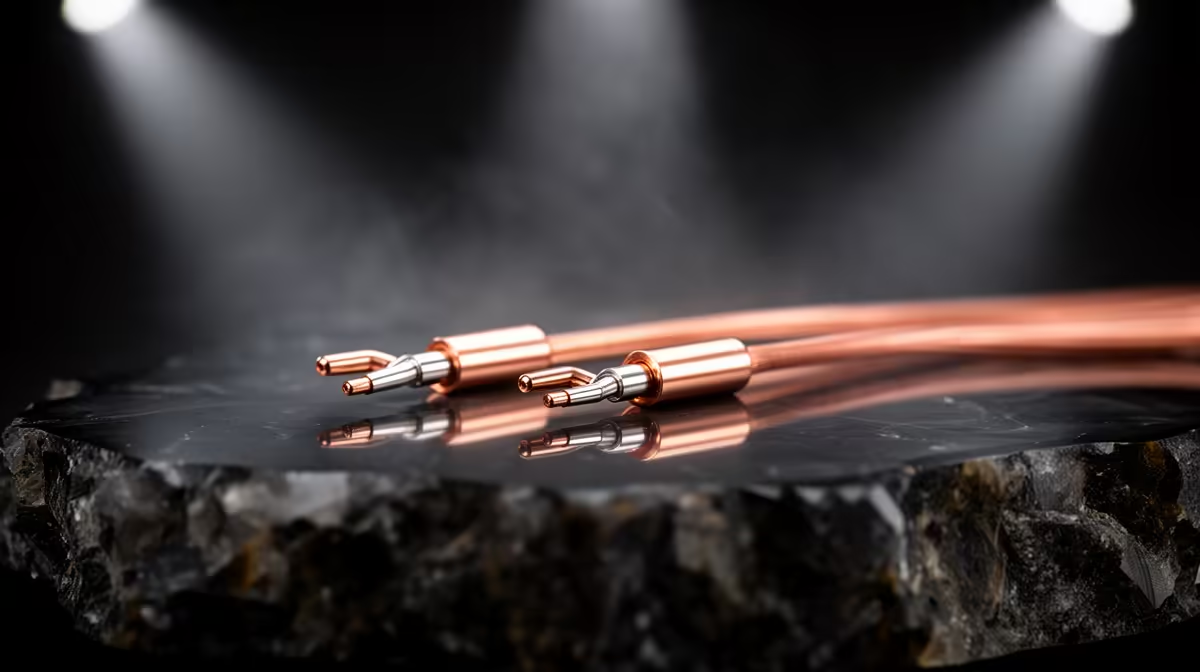
Shielding blocks external noise from entering the cable, but conductor quality determines how cleanly the actual signal travels once inside. Oxygen-free copper has fewer impurities than standard copper, which keeps electrical resistance lower and more consistent along the length of the cable. Lower, more stable resistance means the original signal degrades less between the GPU and the monitor, which matters increasingly as resolution and refresh rate climb.
The Combined Effect
Shielding and conductor quality address two different problems: one keeps noise out, the other keeps the signal itself intact. A cable strong in one area but weak in the other will still show interference-related issues, just from a different cause. The DP114 pairs both deliberately rather than prioritising one over the other, since gold-plated connectors also reduce a third source of signal loss at the connection points themselves.
🔌 Practical Steps to Reduce Interference at Home
Choosing a properly shielded cable is the foundation, but routing habits still make a measurable difference. Keeping display cables physically separated from power cables and Wi-Fi routers where practical, avoiding tight coils near noise sources, and not bundling a DisplayPort cable together with multiple charging cables all reduce the interference a cable has to resist in the first place.
Full build specifications for this cable are available on the DP114's spec sheet. Buyers comparing shielding across other cable types can browse our cable solutions catalogue, and anyone tackling desk clutter and interference across a whole gaming station may also want to check the gaming accessories listing.
Frequently Asked Questions
Can a router really interfere with a DisplayPort cable?
Yes, routers emit electromagnetic noise that unshielded or poorly shielded cables can pick up, particularly when routed in close proximity for an extended length.
Does shielding add noticeable bulk to a cable?
Dual-layer shielding does add some thickness compared with an unshielded cable, though the DP114 keeps its braided outer sheath practical for normal desk routing.
Is oxygen-free copper significantly better than standard copper?
Oxygen-free copper has fewer impurities, giving it lower and more consistent resistance, which becomes more noticeable at higher resolutions and refresh rates where signal integrity matters more.
Will moving my cable away from my router fix interference on its own?
Better routing helps, but pairing it with a properly shielded cable gives the most reliable protection, since routing alone cannot fully compensate for weak internal shielding.
Does interference cause permanent damage to a monitor or GPU?
No, interference typically causes visible signal issues like flicker or dropout rather than any lasting hardware damage, though it does make the connection unreliable to use.
Ready to keep interference away from your display signal for good? The UGreen DP114 pairs foil-and-braid shielding with oxygen-free copper conductors to keep the signal path clean. Evetech's DisplayPort cable range has it for R299.











