


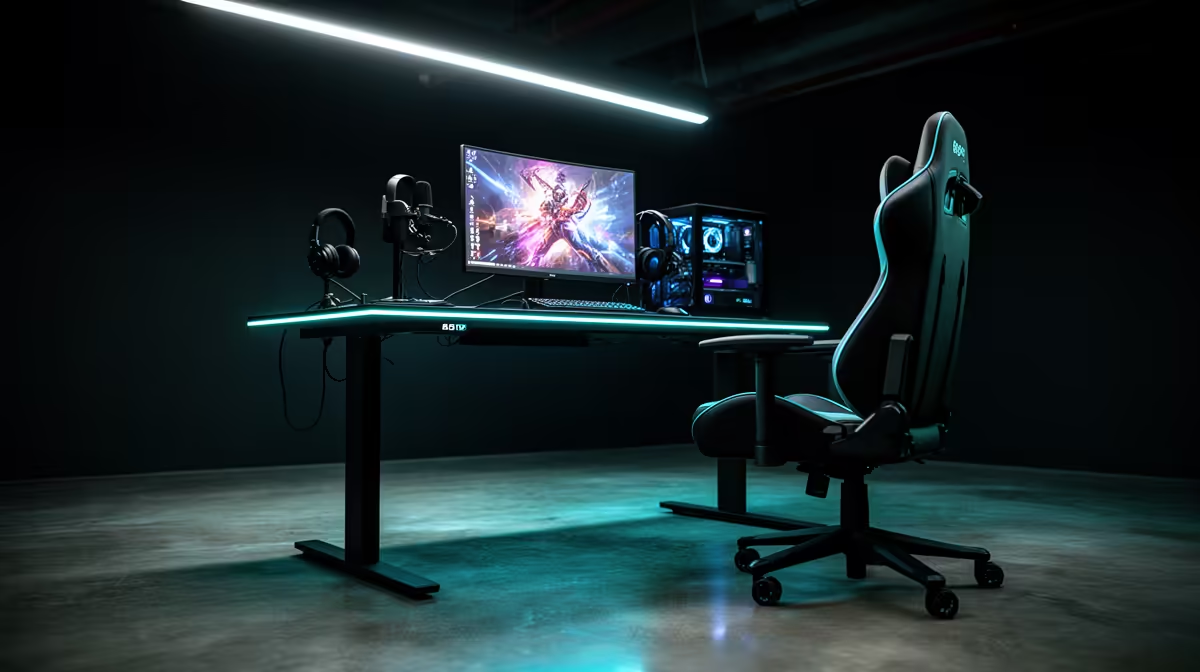
Hybrid work in South Africa has settled into a permanent reality for a large portion of professionals, and the gap between a home setup that looks and sounds credible and one that undermines every meeting is no longer about expensive broadcast gear. A focused combination of three plug-and-play components, chosen with the right priorities, puts professional 4K streaming quality within reach for around R6,000 total. The key is understanding what to spend on, and what to skip.
Quick Answer
Centre the build around a 4K autofocus webcam, a single diffused key light, and a USB microphone. All three run plug-and-play with no capture card or complex signal chain. Budget around R6,000 across the three items for a setup that covers daily work calls and publishable content.
🎯 The Camera: Where the Budget Concentration Makes Sense
The webcam is the anchor of the build. For a hybrid worker who appears on screen daily, the camera quality directly affects the impression made in every meeting, client call, and recorded session. At the 4K tier, the spec to prioritise is sensor size over the resolution number itself.
A 4K webcam in the R2,500 to R3,500 range with a larger sensor produces clean, low-noise footage in real-world office lighting conditions. South African home offices frequently deal with overhead LED fixtures, monitor glow from a second screen, and inconsistent natural light depending on the time of day and window orientation. A larger sensor handles those variations without grinding footage into grain.
Reliable autofocus is the second feature that earns its cost in daily use. Phase-detect systems track the face continuously, so leaning forward to adjust a cable or gesturing through a point does not produce the blurred, soft frame that fixed-focus cameras deliver in the same moment. For a hybrid worker who moves naturally during calls, this is functional rather than cosmetic.
Plug-and-play USB connection keeps the setup simple. The camera registers as a UVC device, appears in Teams, Zoom, Google Meet, and OBS without driver installation, and starts working the moment the cable seats. No capture card sits between the camera and the PC.
🔆 The Key Light: One Well-Placed Light Beats Multiple Bad Ones
Lighting is where many hybrid worker setups go wrong, not from a lack of lights, but from the wrong placement of the ones they have. A single soft key light positioned off-centre from the camera and set slightly above eye level creates the facial depth and shaping that separates a professional appearance from a flat, overlit look.
A bi-colour LED panel with adjustable colour temperature, priced around R400 to R800, gives you enough control to dial in the right warmth for any time of day. Shifting between warmer evening tones and cooler daylight tones prevents the colour cast that occurs when a neutral light fights a warm-lit room.
Diffusion matters. A bare LED panel produces harsh shadows that emphasise imperfections. A built-in diffuser or a clip-on panel softens that output and produces smooth, even illumination. Keep the brightness moderate, enough to lift the subject above ambient without washing out highlight detail.
Pro Tip ⚡
A white or neutral-grey wall on the opposite side from your key light acts as a passive reflector, bouncing soft fill back onto the shadow side of the face. In a Cape Town or Joburg home office where space is limited, this removes the need for a second fill light entirely. Rearranging the desk to face a pale wall can be the cheapest upgrade in this build.
🎙️ The USB Microphone: Audio That Matches the Visual Standard
A 4K image paired with laptop microphone audio reads as unfinished. Meeting participants and content viewers process audio quality at a near-subconscious level, and laptop or monitor-embedded microphones capture keyboard noise, room echo, and HVAC hum that a dedicated USB microphone rejects.
A cardioid pattern USB microphone, budgeted between R500 and R1,200, is the right fit for a hybrid worker setup. The pickup pattern favours audio from directly in front of the capsule and naturally attenuates sound coming from the sides and back of the microphone, which handles keyboard noise and room reflection without any software processing.
Position it 15 to 25cm from the mouth on a short desk stand or small boom. An in-line gain control allows quick adjustments without navigating software, useful across back-to-back meetings. USB is the right choice over XLR here: no audio interface, no additional hardware, entirely plug-and-play.
Frequently Asked Questions
What are the three core components for a professional 4K hybrid streaming setup?
A 4K autofocus webcam, a single diffused key light, and a USB cardioid microphone. Together they cover the visual, lighting, and audio requirements for professional-quality calls and content without a capture card, audio interface, or complex signal chain. All three connect directly to the PC and are recognised immediately.
How should the R6,000 budget be divided across the three components?
A reasonable split is approximately R2,500 to R3,500 on the webcam where sensor quality justifies the majority of the spend, R400 to R800 on a bi-colour LED key light with diffusion, and R500 to R1,200 on a USB cardioid microphone. The webcam earns the largest portion because it affects every recorded frame.
Is a capture card necessary for this type of setup?
No. A USB 4K webcam feeds the PC directly as a UVC device. Streaming and conferencing software recognises it without additional hardware in the signal chain. Capture cards are necessary for HDMI camera sources, such as mirrorless cameras or dedicated broadcast cameras. For a plug-and-play hybrid worker build, they add cost and complexity without benefit.
Can one key light produce professional-looking video on its own?
Yes, when positioned correctly. A single diffused key light at 45 degrees, slightly above eye level, shapes the face with the depth and contrast that reads as professionally lit. A passive fill from a pale wall on the opposite side softens shadows without a second light. Multiple lights placed poorly produce worse results than one light placed well.
Will this setup serve both daily work calls and content creation?
Fully. The 4K webcam with autofocus and the USB microphone meet the quality standard for Teams and Zoom calls at the professional level, while the same gear produces content-grade footage for recording tutorials, product reviews, or YouTube videos. The key light is the component that scales both use cases with the least additional investment.
Ready to put together a 4K hybrid streaming setup that covers both work calls and content? Browse the streaming webcam, LED lighting, and USB microphone ranges to build a professional plug-and-play setup that works from the first day.










