


What Pros Use vs What You Need: Budget Esports Gear
Quick Answer
Professional players show that a product can survive elite competition, but their desk cannot choose your grip, sensitivity, game or budget. Buy the function: clean tracking, enough pad area, reliable input, suitable refresh and clear communication.
You rarely need the top model in every category. You do need a baseline that stops the hardware from causing repeated errors.
Copy the Requirement, Not the Model
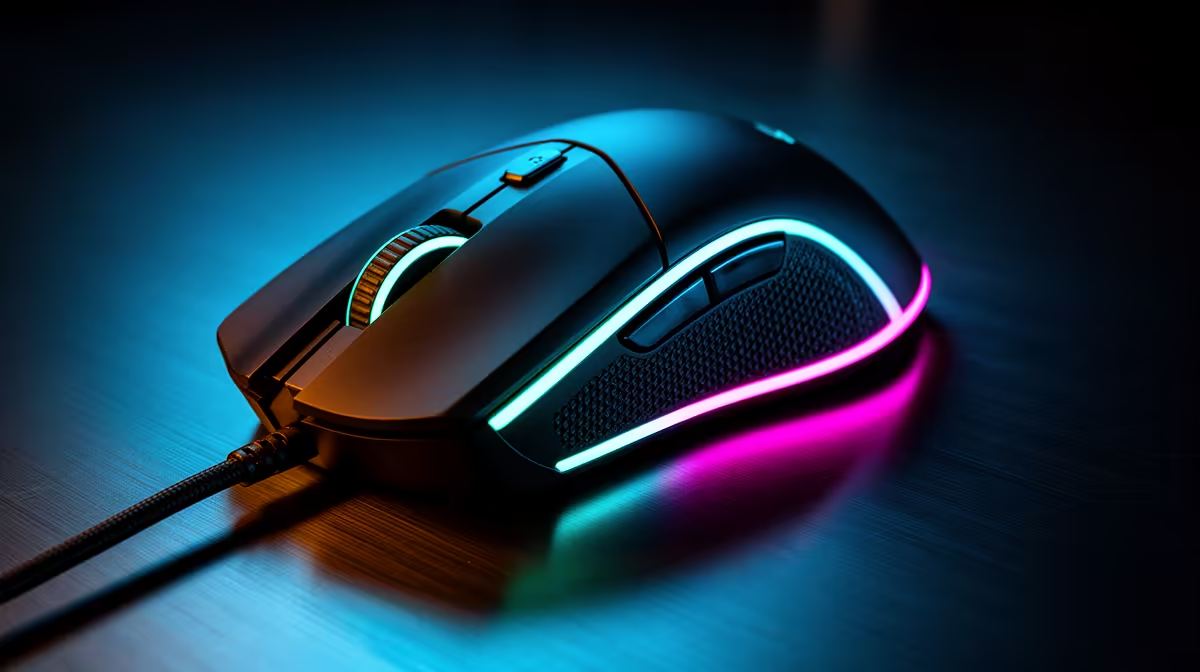
When a professional uses a mouse, ask what role it fills. The shape suits that hand, the weight suits that sensitivity, and the connection stays stable.
Find a budget model that meets those needs for you. A different shell can be the better fit.
The same applies to monitors, keyboards and headsets. Extract resolution, refresh target, layout and connection before comparing brands.
Mouse Specs That Matter
Choose a sensor that tracks cleanly at your DPI, a shape that supports your grip and clicks that remain consistent. Check dimensions rather than relying on small, medium or large labels.
Polling rate must stay stable on your PC. Extreme rates can use more resources and may offer little gain on a modest system.
Test a full session. Comfort and repeatable stopping matter after the first impressive flick.
The Pad Is Part of the Sensor Path
Measure the full swipe. A large cloth pad can deliver consistent room and control without a large spend.
Keep the surface clean, flat and secure on the desk. Worn zones can change glide more than a sensor upgrade changes tracking.
Match speed and stopping feel to your control. A fast professional pad may fight a player who presses hard or overshoots.
Keyboard Hype Needs a Job
Switch type can change feel and sound. It does not replace movement practice or decision-making.
Protect reliable registration, a comfortable layout and enough mouse room. A compact board may be the useful upgrade on a narrow desk.
Premium rapid-trigger or analogue features can help specific players and games, but test the use before paying. Current game and event rules still apply.
High Refresh Can Be a Real Upgrade
A move from 60Hz to a suitable high-refresh monitor can improve motion clarity when the PC produces the frames. Check response behaviour, adaptive sync and connection support.
A 240Hz label has less value when the machine runs near 100 frames per second. Match the screen to measured output.
Set the refresh rate in Windows. Many new monitors stay at 60Hz until changed.
A Budget Headset Can Compete
You need clear calls, usable directional cues and comfort. A premium music tuning or wireless ecosystem is optional.
Record the microphone and test cue placement at safe volume. Check clamp and pad heat after an hour.
A wired model can save budget and avoid battery concerns. Confirm the exact PC or console connection.
Build a Baseline Basket
Browse peripheral best sellers for products that meet each role. Use gaming accessories for pad, cable or connection needs.
Write the current fault beside every candidate. A product without a fault to solve stays out.
Keep delivery and platform compatibility in the total. A cheap peripheral that needs an extra adapter may lose its advantage.
Test Like a Player, Not a Collector
Keep sensitivity, binds and display settings stable. Use one drill and several real matches.
Track missed inputs, pad-edge hits, audio confusion and comfort. Do not use one win or loss as the verdict.
When the budget item passes, stop shopping. Practice can now work on a consistent setup.
Read Professional Setups in Context
Tournament desks, supplied monitors and team practice rooms differ from a bedroom setup. A player may choose a familiar product because years of muscle memory matter.
Public gear lists can also be old or incomplete. Check the date and do not infer why a person uses a product unless they have explained it.
Take the repeatable part of the setup: enough pad room, a known sensitivity, stable high refresh and a clear communication path.
Upgrade in the Right Order
Fix failure first: missed clicks, double input, sensor skips, a broken cable or audio dropout. Fix fit second: hand pain, pad edge, headset pressure or a keyboard that crowds the mouse.
Move to performance features after those basics pass. A higher-refresh monitor or low-latency wireless link needs a PC and connection that can use it.
Leave appearance to the end. A matching colour set should never force a worse mouse shape.
Keep a Before-and-After Clip
Use one aim routine, movement drill and voice recording before the purchase. Save the settings.
Repeat them after several sessions on the new gear. Note errors and comfort rather than only score.
If the result is unchanged and the old hardware was healthy, the premium may have bought preference. That is acceptable when the budget allows, but it should not be sold as a rank guarantee.
FAQ
Do pro mice always perform better?
No. Many budget gaming mice meet a clean sensor floor. Shape, fit and stable connection decide whether the product works for you.
Does keyboard switch type affect competition?
It changes feel and can support certain input features, but reliable registration, layout and practice remain central.
Is a budget headset enough?
Yes when cues, microphone, comfort and connection pass your test at safe volume.
Translate every pro product into a function, buy the least expensive gear that passes that function, and keep the saved budget for the next measured limit.











