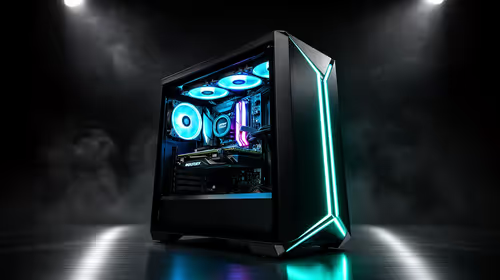
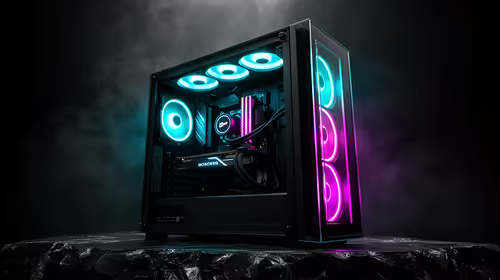
Tired of your PC sounding like a jet engine during a clutch moment in Valorant? Or maybe the constant hum is killing your late-night productivity grind. A quiet PC build isn't a luxury; it's an upgrade to your focus and immersion. In South Africa, where every watt and decibel counts, building a silent rig is easier than you think. Let's dive in and silence the noise for good. 🤫
The Anatomy of a Silent Rig
Before you start shopping, it's crucial to understand what makes a PC noisy. The culprits are almost always moving parts: fans. CPU coolers, case fans, graphics card fans, and even the fan in your power supply all contribute to the overall noise profile of your system. The goal of a quiet PC build is to minimise the speed (and therefore the noise) of these fans without sacrificing cooling performance.
This is achieved through two main principles:
- Efficiency: Components that run cooler require less aggressive cooling.
- Airflow: A well-designed case that moves air effectively allows fans to spin slower.
Choosing Your Whisper-Quiet Components
Building a truly silent rig starts with selecting the right parts. Every component choice has an impact on the final decibel level.
CPU Coolers: Air vs. AIOs
Your CPU cooler is often the loudest part of a system under load. For a quiet computer build, you have two excellent options:
- High-Performance Air Coolers: Large air coolers with big heatsinks and 140mm fans (like those from Noctua or be quiet!) are exceptionally effective. Their sheer size dissipates heat so well that the fan barely needs to spin up during most tasks.
- All-in-One (AIO) Liquid Coolers: AIOs with large radiators (280mm or 360mm) offer fantastic cooling. The larger surface area of the radiator means the fans can run at a lower, quieter RPM to achieve the same cooling as a smaller, louder unit.
Graphics Cards with a Silent Streak
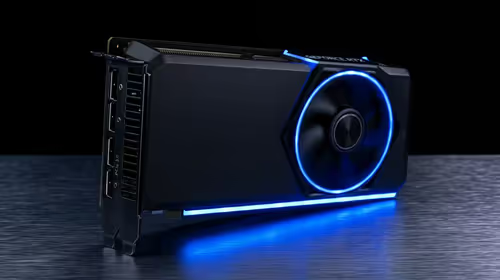
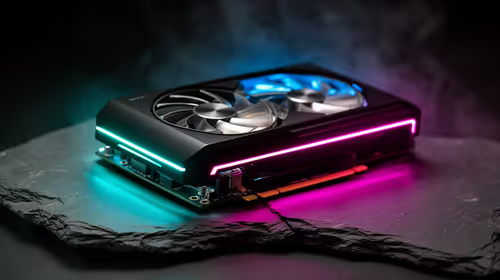
Modern GPUs are smarter about noise. Many high-end cards feature a "zero-RPM" or "fan-stop" mode, where the fans don't spin at all during light tasks like browsing or watching videos. Whether you're customising the latest NVIDIA GeForce gaming PCs or an AMD-powered beast, look for cards with large, triple-fan coolers, as they move more air at lower speeds.
Silent Assassin Tip 🔧
Most motherboards and graphics card utilities (like MSI Afterburner) let you create custom fan curves. You can set fans to stay at a very low, inaudible RPM until your components hit a certain temperature, like 60°C. This simple tweak makes a massive difference to the noise levels of your quiet PC build during everyday tasks.
The Case and Power Supply
Don't overlook your chassis and PSU. Look for a case designed for silence, often featuring sound-dampening foam on the panels and an emphasis on airflow. For your Power Supply Unit (PSU), choose a high-efficiency model (80+ Gold or Platinum). They generate less waste heat, meaning their internal fan runs less often, and some even have a zero-RPM mode.
Fine-Tuning for Absolute Silence ⚡
Hardware is only half the battle. Once your silent rig is assembled, you can use software to achieve near-inaudible operation. Optimising your system isn't just about hardware. For instance, many users of AMD Radeon gaming PCs use the Adrenalin software to undervolt their GPU, reducing heat and fan noise without a major performance hit.
Proper cable management is also key. Tucking away cables improves airflow through the case, allowing your fans to work more efficiently and quietly.
Beyond Gaming: The Silent Workstation
A quiet PC build isn't just for sneaking up on enemies in-game. For video editors, music producers, and developers, a silent environment is non-negotiable for deep focus. That's why the principles of a quiet build are so crucial for high-performance workstation PCs, where concentration directly impacts output. A silent workstation is a productive workstation. ✨
Ready to Build in Peace?
Crafting the ultimate quiet PC build is a rewarding journey. Whether you need a whisper-quiet gaming beast or a silent workstation, we've got the components and expertise to make it happen in South Africa. Explore our range of customisable PCs and start your silent build today.