

Master the Silence: Quiet PC Build Strategies
There is nothing worse than sitting down for a late-night session of Warzone or Elden Ring, only for your PC to sound like a jet engine taking off from OR Tambo. We all want peak performance, but the noise can be a massive distraction. Building a Quiet PC Build: Reduce Fan Noise Without Sacrificing Cooling is about balance. You do not need to choose between silence and thermals... you just need the right gear 🔧.
The Foundation: Choosing a Silent Chassis
Your journey starts with the box. A high-quality case does more than just hold components... it dampens vibration and directs airflow efficiently. If you want a setup that looks as good as it sounds, Gamdias gaming cases offer excellent structural integrity to prevent that annoying "rattle" often found in cheaper builds.
For those looking for local reliability and great value, our range of Evetech gaming cases provides ample space for cable management. Remember, messy cables block airflow, forcing fans to spin faster and louder. Generally, larger computer cases allow for 140mm fans, which move more air at lower speeds than smaller 120mm alternatives.
Taming the Heat: CPU Cooling Solutions
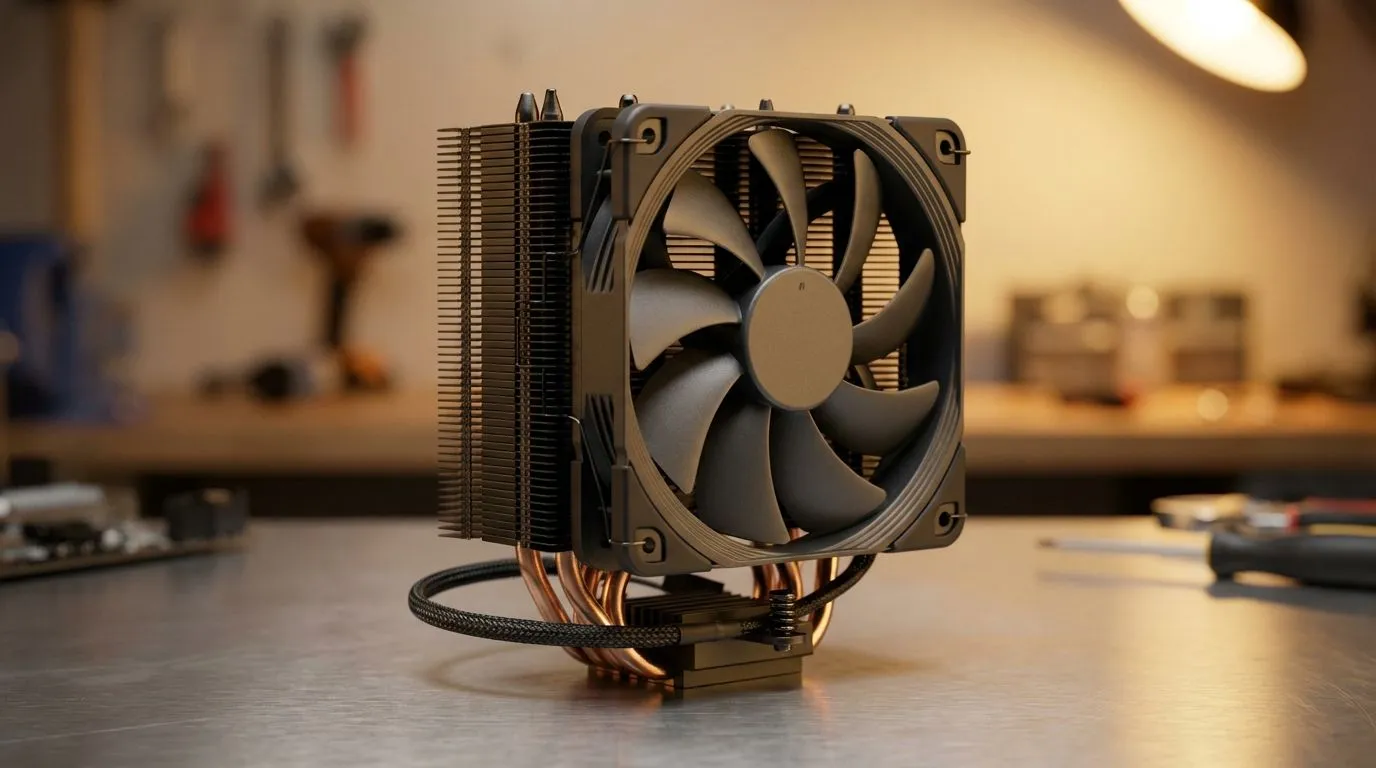
The CPU is usually the hottest part of your rig. When it gets hot, the fan ramps up. Upgrading from a noisy stock cooler to dedicated CPU coolers is the single best way to lower your decibel levels.
If you are running high-end hardware, a Liquid Cooler (AIO) is often the quietest path. By moving the heat to a large radiator, the fans can spin much slower while maintaining icy temperatures. It is a premium solution for a premium experience ⚡.
Optimising Airflow with High-Quality Fans
Not all fans are created equal. Cheap fans use sleeve bearings that wear out and start whining after a few months. Investing in premium case fans ensures long-term silence. Brands like CORSAIR are industry leaders here, using magnetic levitation or high-quality fluid dynamic bearings to keep things whisper-quiet.
Silence Pro Tip ⚡
Use PWM (Pulse Width Modulation) fans and set a custom fan curve in your BIOS. You can set your fans to stay at a very low RPM (around 20% to 30%) until the CPU hits 55°C. This keeps your PC virtually silent during web browsing or watching Netflix in South Africa.
Style does not have to be loud either. You can find stunning RGB fans that offer silent operation through rubberised mounting points. However, if you prefer a stealthy "sleeper" build, choosing fans with no lighting often means every cent of the price goes into blade aerodynamics and bearing quality 🚀.
Final Tuning for Peace of Mind
Once your hardware is installed, the final step in your Quiet PC Build: Reduce Fan Noise Without Sacrificing Cooling is software tuning. Use tools like Fan Control to synchronise your case fans with your GPU temperature. This ensures that even when your graphics card is working hard under a heavy ZAR 1,000+ AAA game load, your case fans are only spinning as fast as they absolutely need to ✨.
Ready to Build Your Silent Powerhouse? Reducing noise doesn't mean you have to compromise on performance. From premium coolers to whisper-quiet fans, we have everything you need to build the ultimate stealth rig. Explore our massive range of PC components and start your journey toward a quieter gaming experience today.











