


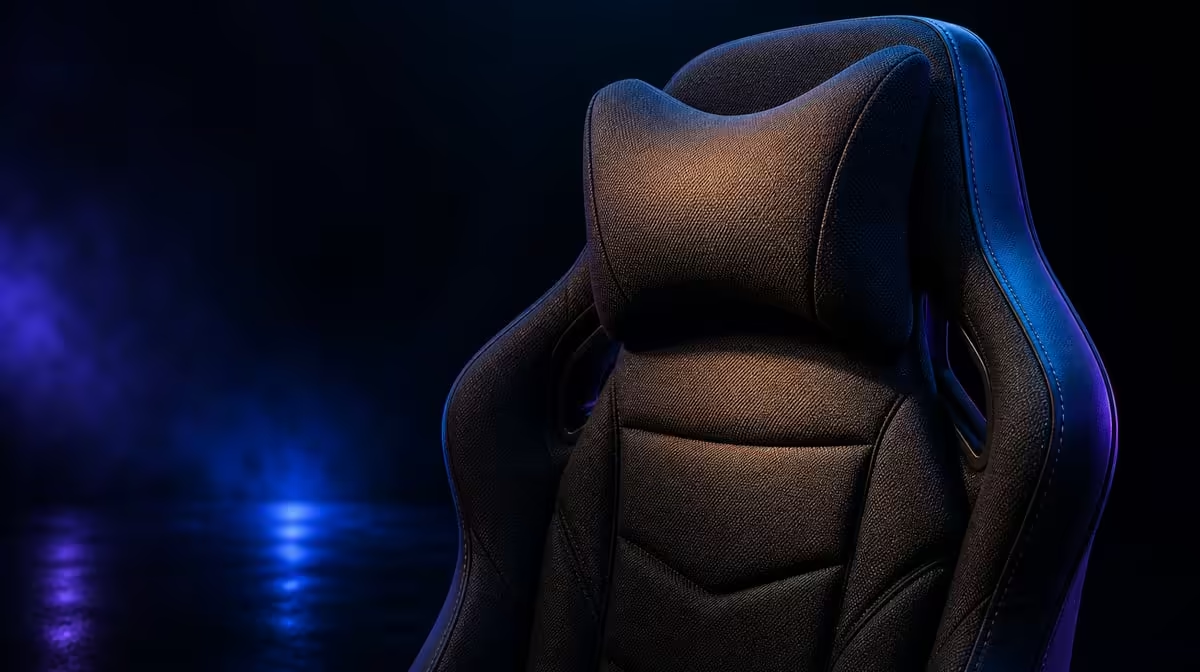
Back and shoulder fatigue often grows from reaching, raised arms and too much time in one position. To reduce fatigue with gaming chair adjustments, settle the torso, pull controls closer and support the forearms before refining head contact.
Quick Answer
Sit fully into the HERO TX cold-foam, move the desk controls within reach and set the enlarged 4D pads so the shoulders stay low. Use the memory headrest during comfortable reclined moments and add regular movement breaks. At R7,899, the chair can improve fit but cannot diagnose or eliminate persistent pain.
🪑 Restore torso contact
Place the feet stably and let the body settle against the chair. Notice whether the user slides forward to reach the keyboard or screen.
Move the controls before increasing chair support. Reaching can create fatigue that no cushion fixes.
Evetech's noblechairs chair page gives buyers relevant support options.
Check seated pressure
Use the cold-foam through a short task and note hotspots. Shift and return instead of holding one pose.
TX fabric controls surface feel, while the cushion manages pressure below.
Respect the load limit
Confirm the 150kg maximum separately. It does not predict personal proportions.
Desk clearance and body fit still need testing.
💪 Lower the arms
Let the elbows bend beside the torso and raise the 4D pads only until the forearms meet them. Stop before the shoulders lift.
Refine reach, spacing and angle for the input device. Save separate controller and desk profiles where useful.
Inspect the desk edge
Move close enough to work without leaning. Retract the pads if they collide.
Compare other chair designs through Evetech's gaming-chair range in South Africa.
Recheck after ten minutes
Watch whether one shoulder rises or a forearm leaves support. Reset the body before moving hardware.
Small recurring drift can reveal a control-position problem.
🧠 Align head and screen
Put the monitor at a comfortable viewing distance and let the memory headrest meet the head only during natural recline.
Do not push the chin forward to maintain contact. Focused work may leave the rest.
Use discomfort as a stop signal
Leave any setting that worsens pain, tingling or numbness. A chair adjustment is not medical treatment.
Seek appropriate professional guidance when symptoms continue.
⏱️ Build movement into the session
Stand, walk, release the arms and change visual focus regularly. Return to the saved setup and see whether comfort is easy to recover.
The chair best-seller board offers a snapshot against which to test R7,899. Recheck the chosen product when the buying decision is made.
Alternate tasks
Switch between keyboard, mouse, controller and viewing positions. Adjust only what the new task requires.
The chair should support movement between modes rather than lock one posture.
Keep a fatigue log
Record when fatigue begins, which control is active and where contact changes. Alter one variable and repeat.
A pattern across sessions is more useful than random adjustment.
Compare the mouse and keyboard sides
Use each side separately and note whether one shoulder rises. Adjust pad height or reach on that side without tilting the torso.
Move the control closer if the armrest cannot solve the distance.
Test a controller position
Hold the controller near the torso and bring the pads inward where useful. The back should remain available.
Save this separately from the work profile.
Recheck seat pressure
After arm support changes, notice whether the body shifts on the cold-foam. Reset the feet and pelvis.
Upper-body correction should not create a new pressure hotspot.
Include warm-session textile feel
TX fabric can shape comfort during longer contact. Test in the real room and normal clothing.
Add breaks; the covering cannot remove heat from continuous sitting.
Review the final hour
Reassess the shoulders, back and head after a longer interval; an initially acceptable setup can lose its balance as the session continues.
Stop any position that worsens symptoms and preserve only the settings that remain comfortable.
Save a recovery profile
Record chair distance, pad positions, screen alignment and when the memory headrest is used. Restore it after standing.
Ease of return is a practical sign that the full adjustment sequence works.
Review monitor height
Look ahead with the chin comfortable and adjust display position before leaning. The memory rest should not pull the gaze away.
Recheck shoulders after the visual target improves.
Compare a passive task
Use the chair for reading or viewing and notice whether the relaxed profile still supports arms and head.
Save it separately from active gaming.
Include shared users
Store distinct armrest, desk and head-contact notes for each person. Do not average bodies.
The 150kg maximum remains a separate check.
Finish after movement
Stand, walk and restore the selected profile. Complete the task again.
The correction works when fatigue does not immediately return through the same reach pattern.
Review the next-day result
Repeat the saved setup during another normal session and note whether fatigue appears at the same point.
Stable improvement across days is stronger evidence than one adjusted hour.
Keep the chair within its role
Use the HERO TX to improve contact and reach, not to promise treatment. Movement, task variation and appropriate advice remain part of the response.
Stop a setting that worsens symptoms.
Frequently Asked Questions
What commonly drives shoulder fatigue at a desk?
Raised arms, distant controls and long static periods can contribute.
How should the HERO TX armrests be positioned?
They should meet relaxed forearms without lifting the shoulders.
What role does the headrest play in the setup?
It can provide comfortable head contact during reclined moments.
Can cold-foam remove fatigue during long sessions?
No. Cushion support does not replace movement.
When should a user seek more than setup advice?
Persistent, worsening or severe symptoms need appropriate professional assessment.
Ready to rebuild the desk around lower shoulders and easier reach? Browse Evetech's gaming chairs with your control distances and movement schedule prepared.









