


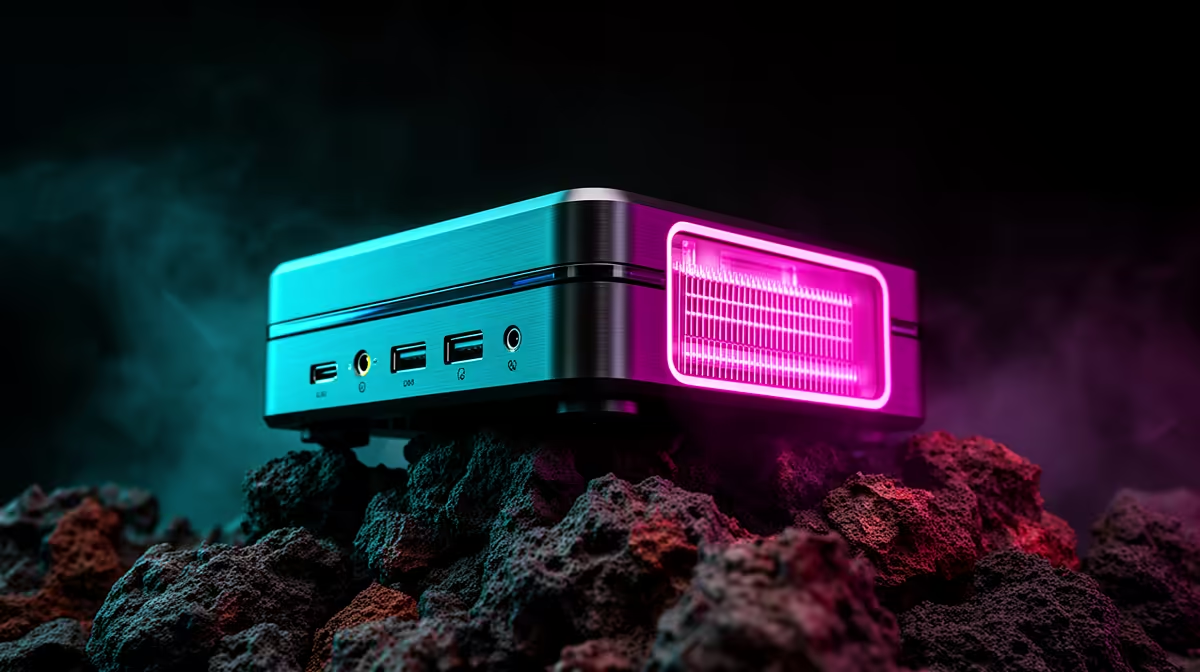
Ping spikes rarely trace back to your graphics card or processor. They come from the path between your desk and the game server, and that path punishes wireless links far more than most players realise. On a gaming mini pc, where a wired port sits right there on the back panel, fixing that path is often a five-minute job rather than a hardware upgrade.
Quick Answer
Plug the GR70 into your router through its 2.5G LAN port and you will typically shave several milliseconds off ping compared with Wi-Fi 7, at no extra cost. If a cable genuinely cannot reach your desk, move the router closer and clear wall obstructions as the next best step. The machine itself costs R66,399 and already includes both connection types, so the choice is built in either way.
🔌 Wire It In Whenever You Can
Every wireless link, however modern, introduces variability a cable simply does not have. Wi-Fi contends with other networks, channel interference and the occasional re-transmission when a packet drops. A 2.5G LAN cable removes almost all of that, delivering a flat, predictable connection straight from the machine to your router or switch. If your desk sits anywhere near the router, running a single cable is the single biggest latency win available, and it costs nothing beyond the cable itself. For competitive titles where every millisecond counts, this is not optional. A wired connection also avoids the packet loss that shows up as stutter and rubber-banding in fast online games, something a fast GPU cannot fix on its own.
If the Router Sits in Another Room
Powerline adapters or a dedicated cable run through a roof space both beat Wi-Fi for consistency, even if neither is quite as clean as a direct cable. Either option still lands on the 2.5G LAN port and skips the radio noise wireless has to work around.
📶 When Wi-Fi 7 Is Genuinely Your Only Option
Not every home layout allows a cable, which is exactly why this machine ships with Wi-Fi 7 rather than an older standard. Wider channels and lower contention than previous generations narrow the gap against a wired setup considerably, sometimes the difference between a playable connection and one that spikes during a busy evening.
Positioning still matters more than the wireless generation itself. Keep the router within line of sight where possible, and avoid placing either device near thick concrete walls, metal cabinets or large appliances that absorb or reflect the signal. Even one interior wall between router and desk can add noticeable jitter on a busy night.
Cutting Interference From Other Devices
Smart home gadgets, baby monitors and neighbouring networks all compete for the same frequency bands. Switching your router to the 6GHz band that Wi-Fi 7 supports, where your other devices allow it, keeps that traffic away from your gaming connection entirely.
📍 Router Placement and Small Physical Fixes
Distance and obstructions explain most of the latency difference people notice at home. Moving the router to a central, elevated spot, rather than tucking it behind a television unit, often makes a bigger difference than any software tweak. If your desk and the router can sit on the same side of the house, do that before reaching for any other fix.
Cable quality matters once you do go wired. A basic Cat5e cable suits most home internet speeds, though Cat6 is worth the small extra cost if you are also running a NAS or other heavy local traffic over the same line.
🖥️ Settings Worth Checking on the Machine Itself
Once the physical setup is sorted, a few software checks confirm you are getting what you paid for. Windows 11 occasionally throttles background updates or defers driver installs in ways that briefly spike latency mid-match. Setting active hours to match your usual gaming sessions stops updates interrupting play at the worst moment.
It is also worth confirming router firmware is current, since manufacturers regularly patch Wi-Fi 7 stability issues in the months after launch. Beyond networking, if the GPU side of a build is still an open question, checking current pricing on graphics cards before committing to a full spec is a sensible next step. And if the compact form factor itself appeals beyond this one model, Evetech's mini PC range covers several configurations at different price points, with the full GR70 listing here for anyone comparing this exact build directly.
Frequently Asked Questions
Does a wired connection really beat Wi-Fi 7 for gaming?
Yes, in almost all cases. Wi-Fi 7 narrows the gap significantly against older wireless standards, but a direct cable still removes contention and re-transmission delays wireless cannot fully avoid.
Is the 2.5G LAN port worth using over Wi-Fi?
Yes, especially for online multiplayer where consistent ping matters more than peak download speed. The port comes standard, so there is no extra cost to using it.
Will moving my router closer actually reduce lag?
In most homes, yes. Distance and wall obstructions are the biggest contributors to wireless latency, and a closer, clearer line of sight typically produces a steadier connection.
Can Bluetooth interfere with my Wi-Fi gaming connection?
It can, though modern Bluetooth 5.4 hardware manages coexistence with Wi-Fi far better than older generations did. Interference is more likely to come from neighbouring networks than your own peripherals.
Ready to shave milliseconds off your network latency? Check out ASUS's GR70 mini rig within Evetech's mini PC shelf at R66,399, designed to keep network latency down during play.











