


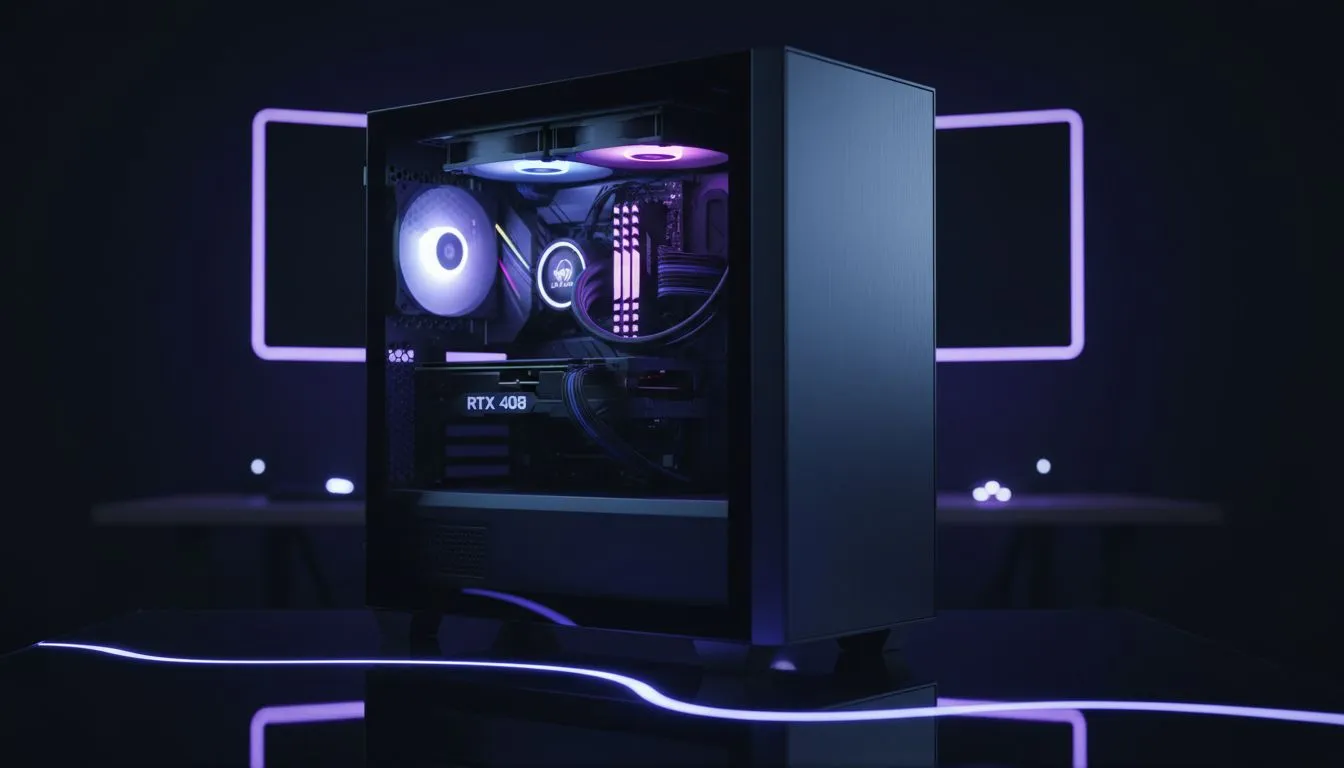
The Mid-Tower Struggle: Why Routing Matters
You’ve just unboxed that shiny new GPU and a set of ARGB fans. The excitement is real... until you see the mess of wires trailing from your controller. In South Africa, we take pride in our battle stations, but nothing ruins a build faster than cable spaghetti. Master your setup with our RGB cable management: clean mid-tower routing guide to turn that chaos into a masterpiece. 🔧
A clean interior isn't just about looking good for your Instagram followers. It’s about airflow. When cables block the path of your intake fans, your components run hotter, leading to thermal throttling during those intense late-night sessions. Starting with one of the many quality computer cases available today is the first step toward a professional-looking rig.
Choosing a Case Built for Cable Control
Not all chassis are created equal. Some cases are designed with massive "basements" to hide your power supply and excess cables, while others leave you fighting for every millimetre of space behind the motherboard tray. If you want a stress-free experience, Fractal Design PC cases are legendary for their integrated cable channels and pre-installed Velcro straps.
When selecting a mid-tower, look for multiple grommet-lined pass-through holes. These allow you to bring your RGB and power cables out exactly where they need to connect to the motherboard, minimising the amount of visible wire.
Pro Routing Tip ⚡
Use the "tuck and roll" method for excess RGB slack. Instead of bunching wires in the middle, route them along the outer perimeter of the chassis and secure them with Velcro ties every 10cm. This prevents the dreaded "bulge" that makes closing your side panel a nightmare.
Step-by-Step RGB Cable Management: Clean Mid-Tower Routing Guide
- Map Your Hubs: Place your RGB controller hub in a central location behind the motherboard tray. Use double-sided tape or magnets to keep it secure.
- Group by Zone: Group your top fans together and your front fans together. Routing them in "bundles" makes it easier to troubleshoot later.
- Daisy-Chain Where Possible: Many modern fans allow you to link the RGB headers together. This reduces the number of individual wires running back to the controller.
- The Bottom-Up Approach: Start with your smallest cables... like the front panel headers... and work your way up to the thick 24-pin power cable. ⚡
Managing the Budget Build
You don't need to spend a fortune to get a clean look. Many Gamdias gaming cases offer excellent routing options even at lower price points. If you are working with a strict budget, there are fantastic affordable cases under R1500 that still provide enough clearance for decent cable management.
Remember... patience is your best tool. Taking an extra thirty minutes to zip-tie your ARGB leads will save you hours of frustration when you eventually decide to upgrade your hardware. Keep it tidy, keep it cool, and let your RGB shine without the clutter. 🚀
Ready to Build Your Masterpiece? A clean build starts with the right foundation. Whether you are looking for premium airflow or budget-friendly aesthetics in South Africa, we have the hardware to make it happen. Browse our latest computer case deals and start your next clean build today.











