


Best AMD GPU Under R40000 in SA 2026
Top AMD GPU Under R40000 picks evaluated on performance, value & SA availability with current Rand pricing from Evetech.
Read moreRGB gaming setup planning made simple: choose compatible lights, controllers, and software to get every component synced and responsive 🔌🎮
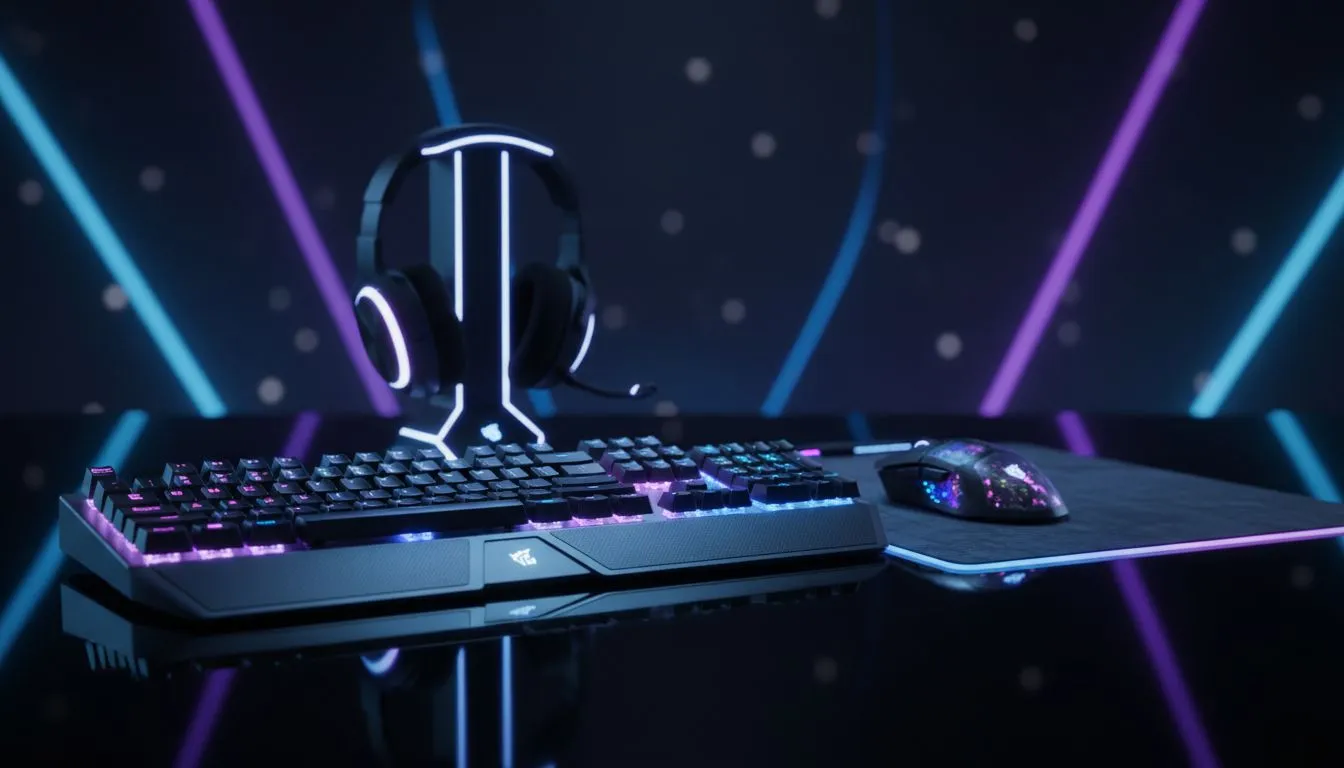
Tired of your PC looking like a rainbow threw up on it? You’ve spent your hard-earned cash on epic components, but instead of a sleek, unified glow, you have a chaotic mess of clashing colours. Getting a full RGB gaming setup to sync perfectly feels like a dark art, but it’s not. It just takes a little planning. Let's get your battle station looking less like a random disco and more like a pro-level rig. ✨
A well-planned RGB gaming setup isn't just about aesthetics; it's about creating an immersive experience. Imagine your entire room flashing red when you're low on health in Apex Legends, or pulsing with colour to the beat of your favourite track. That’s the power of synchronisation.
The alternative? Juggling three or four different software applications just to control your lights, which can hog system resources and drive you crazy. A unified approach simplifies control and ensures every component works together in harmony.
Before you buy a single component, you need to decide on an RGB ecosystem. Think of this as the "brain" of your lighting. The most popular platforms in South Africa are:
Your motherboard is usually the heart of your chosen ecosystem. If you get an ASUS motherboard, committing to Aura Sync for your other components (like RAM and fans) is the easiest path to a fully synced RGB gaming setup.
With your software ecosystem in mind, you can start choosing hardware that plays nicely together.
The case and motherboard are the canvas for your masterpiece. A good case with a tempered glass side panel is non-negotiable—you want to show off your work! There are fantastic computer cases available that offer great airflow and a clear view of your glorious RGB internals.
For a clean, minimalist aesthetic that makes colours pop, brands like Fractal Design offer PC cases that are both stylish and builder-friendly. If you prefer a more aggressive "gamer" look, there are plenty of options. Many gamers find the bold designs from Gamdias gaming cases to be the perfect centrepiece for their build.
Always check your motherboard's headers. A standard 4-pin RGB header (12V) can only display one colour at a time across all LEDs. For those smooth rainbow effects, you need a 3-pin Addressable RGB (ARGB) header (5V). Mixing them up can permanently damage your components, so double-check before you plug anything in!
Now, fill that case with parts that speak the same language as your motherboard.
Don't think a stunning setup has to cost a fortune. You can find excellent Gamdias cases for under R1500 that provide a solid foundation for an incredible build without breaking the bank. 🚀
The final touch is extending the light show to your desk. By sticking to one brand for your keyboard, mouse, and headset (like Razer or Corsair), you can sync them effortlessly through a single app. This creates a truly cohesive and immersive environment where your entire desk reacts to what's happening in-game. A perfectly planned RGB gaming setup makes your PC more than just a tool—it becomes an extension of your personality.
Ready to Build Your Luminous Rig? Planning is the key to an RGB setup that impresses. Stop fighting with clashing colours and start building a rig that's perfectly in sync. Explore our massive range of PC cases and find the perfect canvas for your masterpiece.
Use unified lighting software (iCUE, Armoury Crate) or OpenRGB with compatible drivers, enable ARGB headers, and load matching profiles for all devices.
Get addressable RGB strips, a controller or ARGB motherboard headers, compatible GPU/SSD lighting, and synchronized peripherals for an addressable RGB setup.
Try native suites like iCUE, Armoury Crate, or Mystic Light; use OpenRGB or middleware to bridge cross-brand rgb synchronization.
Yes—use smart LEDs or Philips Hue with a bridge and a software bridge to extend PC profiles for a full room RGB setup.
Update firmware, check ARGB header voltage and cable connections, avoid mixing 5V/12V strips, and close duplicate lighting apps to stop sync issues.
Motherboard sync is easiest for PC components; use a controller or hub when adding non-PC lights or complex scenes for broader RGB lighting ecosystem control.
Consoles usually lack direct PC sync; use external hubs, smart lights, or apps with game-sync features to include consoles in a synced setup.
Top AMD GPU Under R40000 picks evaluated on performance, value & SA availability with current Rand pricing from Evetech.
Read more
Top RTX 4090 Under R12000 () picks evaluated on performance, value & SA availability with current Rand pricing from Evetech.
Read more
Ryzen 5 5600X + B550 + RTX 4060 Build Under. Full parts list, Rand pricing & expected performance. Build confidently with SA-available components.
Read more
Ryzen 5 5600X + B550 + RTX 4060 Build Under. Full parts list, Rand pricing & expected performance. Build confidently with SA-available components.
Read more
Top AMD GPU Under R25000 picks evaluated on performance, value & SA availability with current Rand pricing from Evetech.
Read more
Top Crucial GPU Under R15000 picks evaluated on performance, value & SA availability with current Rand pricing from Evetech.
Read more
Snapdragon X2 NPU Explained: How 80 TOPS Changes. Plain-English explanation of what it means, why it matters & how it affects your buying decisions in SA.

HBM? High Bandwidth Memory Used in GPUs and AI. Plain-English explanation of what it means, why it matters & how it affects your buying decisions in SA.

How much should you spend on sim racing accessories in South Africa for a realistic setup? We break down budgets by quality tiers, so you buy smart gear and avoid overspending 🎮💸

G-Sync and FreeSync? Variable Refresh Rate. Plain-English explanation of what it means, why it matters & how it affects your buying decisions in SA.

AMD Laptop: Value. SA-focused analysis with local pricing data, real-world insights & actionable buying advice.

How MacBook Neo Handles 30+ Chrome Tabs with Only. SA-focused analysis with local pricing data, real-world insights & actionable buying advice.

Why Apple Put 8GB RAM in MacBook Neo: The A18 Pro. SA-focused analysis with local pricing data, real-world insights & actionable buying advice.

Upgrade your work laptop with a New Motherboard. Step-by-step instructions with SA-specific tips, common pitfalls to avoid & expert recommendations.

Maintain wired headset — Checklist: • inspect cables • clean earpads • store properly 🔧🎧 Practical steps to preserve sound quality and avoid premature replacements.

Fix crackling headset fast: step-by-step checks for cables, connectors, drivers, and settings to remove static or distorted audio on wired headsets 🎧⚙️

Stereo vs mono headsets: learn which delivers clearer calls, better spatial music, or simpler mono voice performance — pick the right headset for meetings, music, or gaming 🎧💬

- Compare gaming headset vs studio headphones; - Assess comfort, mic and sound; - Recommend best daily picks. Gaming headset vs studio headphones: learn which suits work, music and casual gaming. 🎧⚖️