


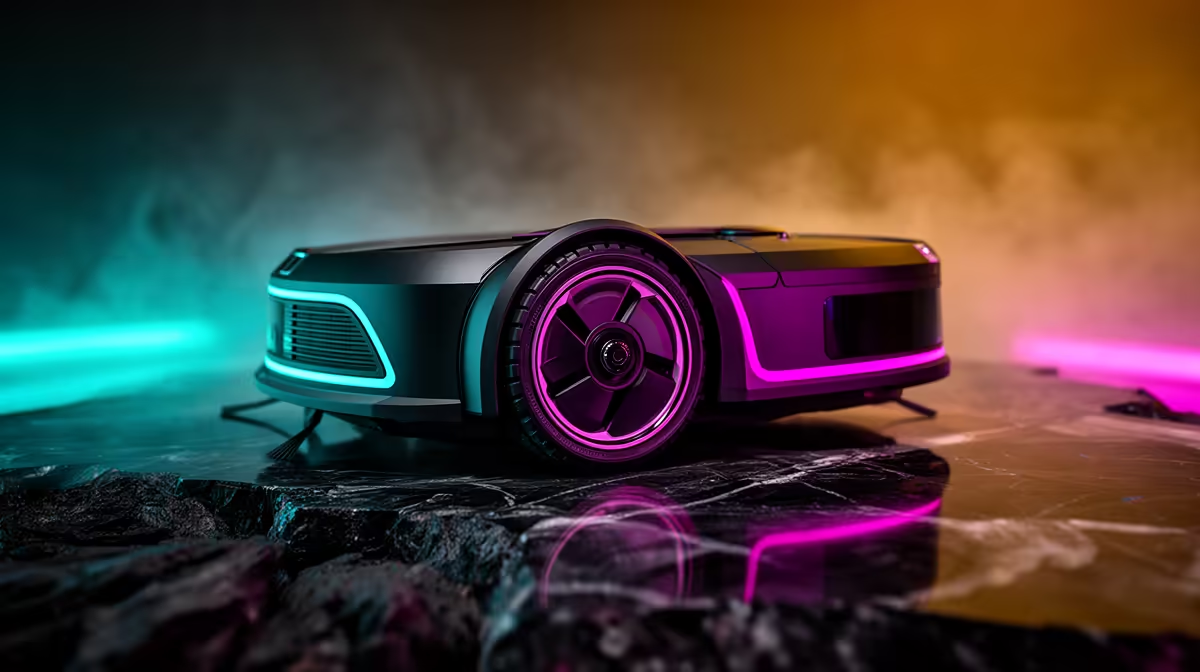
A robot vacuum is usually outside the essential budget for a first-time PC buyer. It may reduce routine floor cleaning in a suitable home, but it does not protect the computer from poor placement, blocked ventilation or neglected dust filters. Fund the working PC setup and basic cleaning routine first.
Check the room before automation
Look at floor type, thresholds, loose cables, narrow gaps, stairs, pet mess and clutter. Decide where the charging dock can remain accessible. For the computer, keep the case off thick carpet where possible, maintain clear air intakes and route cables so neither feet nor cleaning equipment can catch them.
A verified robot-vacuum model with current pricing is unavailable in the factpacks. Compare any live model by supported floor types, obstacle handling, dock space, mapping privacy, replacement brushes and filters, noise, service access and warranty. Do not assume it can safely navigate loose PC and network cables.
Use simple manual cleaning for several weeks and note whether floor maintenance is actually being missed. Shut the computer down before moving it, clean exterior vents carefully and follow the case and component guidance for internal dust.
Buy a robot only when the room is compatible and the recurring chore justifies it after the computer essentials are covered. Secure cables and supervise initial runs.
Pro Tip ⚡
Setting up a first PC area? > Browse Evetech desk and PC accessories for the essentials first.











