


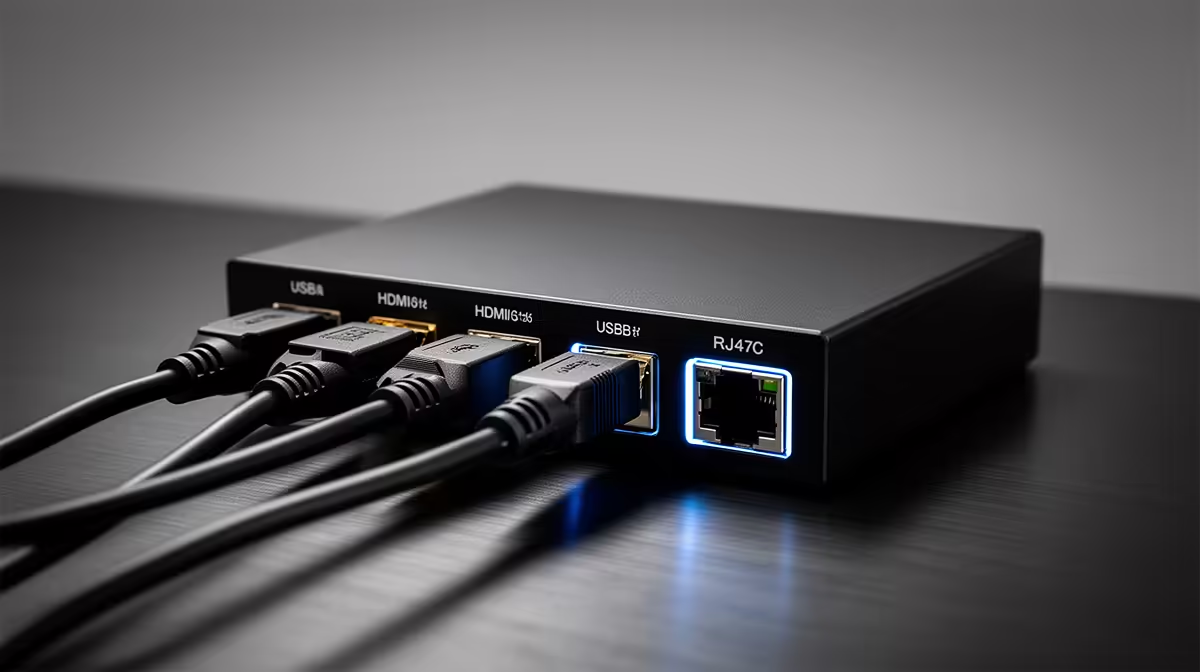
Getting a camera signal from the lens to the streaming encoder sounds straightforward until you are staring at a desk with three different cable types and two devices that refuse to talk to each other. Streaming camera connections via HDMI, USB, and RJ45 each carry video in a structurally different way, and the right choice for a setup depends on how far the camera sits from the encoder, how much latency the stream can absorb, and how much configuration work is reasonable for the use case.
Quick Answer
Use USB for a simple plug-and-play webcam feed. Use HDMI through a capture card for a DSLR or mirrorless camera at the lowest latency. Use RJ45 for long-distance NDI feeds across Ethernet where cable length rules out HDMI or USB. Each connection solves a different problem.
🔌 USB: Where Most Streaming Starts
USB handles the majority of home streaming setups because it does two jobs with one cable: it carries video and draws power simultaneously. A USB 3.0 webcam plugged into the streaming PC shows up in OBS, Streamlabs, or any other encoding software without any additional hardware. There is no capture device to configure, no network to set up, no drivers to install for a standard audio-class-compliant camera.
The video over USB is compressed inside the camera before travelling down the cable. The PC receives an already-processed feed rather than raw pixel data. For 1080p streaming at typical bitrates, that difference is not visible to viewers. USB cable runs are reliable to around 5 metres, which is not a constraint for a desk-mounted camera.
📺 HDMI With a Capture Card: The Quality Path
HDMI exits a camera as an uncompressed video signal. The camera does none of the encoding work; it simply pushes raw pixel data out through the port. That uncompressed signal carries full colour depth and detail that would be lost in the compression step of a USB feed.
The problem is that streaming software cannot read an HDMI signal directly. An HDMI input port on a capture device converts that raw signal into a USB stream the PC can receive and encode. The capture device is the translator between the camera's native output and the software's expected input format.
The result of this chain is a higher-fidelity source signal arriving at the encoder. For streamers who invest in mirrorless cameras or DSLRs with clean HDMI output, the capture card is what unlocks that image quality for use in a live stream. A good capture card introduces under 100 milliseconds of passthrough latency, meaning the signal from camera to screen is near-real-time and usable for a live monitoring setup.
Passive HDMI cables begin to degrade around 10 to 15 metres. For a camera positioned across a large room or in a separate space, that range limit is the practical reason to consider RJ45 instead.
🌐 RJ45 and NDI: Video Over Ethernet
RJ45 is the standard Ethernet port, and in camera contexts it signals a device built for network video transmission. The NDI protocol is the most common format for this: the camera encodes its video as a network stream and any device on the same network, with compatible software, can receive that feed.
The distance advantage is substantial. Ethernet runs reliably for up to 100 metres without boosting. A camera in a ceiling corner, across a large venue, or in a separate room becomes a viable feed over RJ45 where HDMI or USB would require active extension hardware.
For permanent SA studio installs, Power over Ethernet handles video and power in a single cable run, eliminating the adapter at the camera mount entirely.
The trade-off is encoding latency. An NDI feed must be compressed, transmitted, and decoded, adding a frame or two compared to a direct HDMI path. For most live streaming uses that difference is not operationally relevant.
Pro Tip ⚡
If you are mixing an HDMI camera and an RJ45 NDI camera in the same stream, align them in your encoding software using a manual frame delay on the network feed. A wired Ethernet NDI stream typically runs one to two frames behind a direct HDMI source, and unaligned sources cause subtle audio-video sync issues that are harder to catch in a busy stream.
🔧 Choosing Based on Your Actual Setup
The decision logic is straightforward once you define the setup rather than the spec.
A solo streamer with a webcam on the desk needs nothing beyond USB. A streamer using a mirrorless camera should connect via HDMI through a capture card for the uncompressed source signal. A multi-room studio or fixed installation at a training facility should consider RJ45, where long Ethernet cable runs and wired stability suit permanent positions far better than extended USB or HDMI.
Frequently Asked Questions
Which cable connection produces the lowest latency for streaming?
HDMI through a capture card produces the lowest latency for a camera-to-encoder path. The signal travels from the camera as a direct video feed to the capture device, which hands it to the encoding software with under 100 milliseconds of delay on a good device. RJ45 NDI adds network encoding and decoding on top of that, introducing slightly more latency.
Can a regular webcam stream over USB without additional hardware?
Yes. A standard USB webcam plugs into the PC and is immediately available as a video source in any streaming software. There is no capture device needed and no configuration beyond selecting the camera as an input source. USB 3.0 supports the bandwidth for 1080p and above without quality compromises at typical streaming resolutions.
What does a capture card do for an HDMI camera?
It converts the uncompressed HDMI signal into a format the PC can receive, typically presenting as a USB video device to the operating system. Without a capture card, streaming software cannot read an HDMI signal. Most cards also offer passthrough output for monitoring the camera feed on a separate screen.
Why would a streaming setup need an RJ45 camera?
For distance. Ethernet carries video reliably across 100 metres, far beyond HDMI or USB without active boosters. For cameras at the far side of a venue, mounted overhead, or in spaces where long HDMI runs are impractical, RJ45 is the clean solution.
Can HDMI and USB cameras be mixed in the same stream?
Yes. Encoding software handles multiple inputs simultaneously regardless of connection type. An HDMI source through a capture card and a USB webcam both appear as video inputs and can share the same scene without compatibility issues.
Ready to route your cameras cleanly into a streaming setup? Browse the capture cards and webcam range to match the connection type to your studio layout and quality requirements.











