

Best Samsung GPU Under R10000 in SA 2026
Top Samsung GPU Under R10000 picks evaluated on performance, value & SA availability with current Rand pricing from Evetech.
Read more- Ryzen 7 9850X3D integrated graphics: assess benefits - Show troubleshooting workflows - Offer diagnostic tests and quick fixes Ryzen 7 9850X3D integrated graphics speeds troubleshooting by providing fallback display, driver isolation, and onboard tests. 🛠️⚡
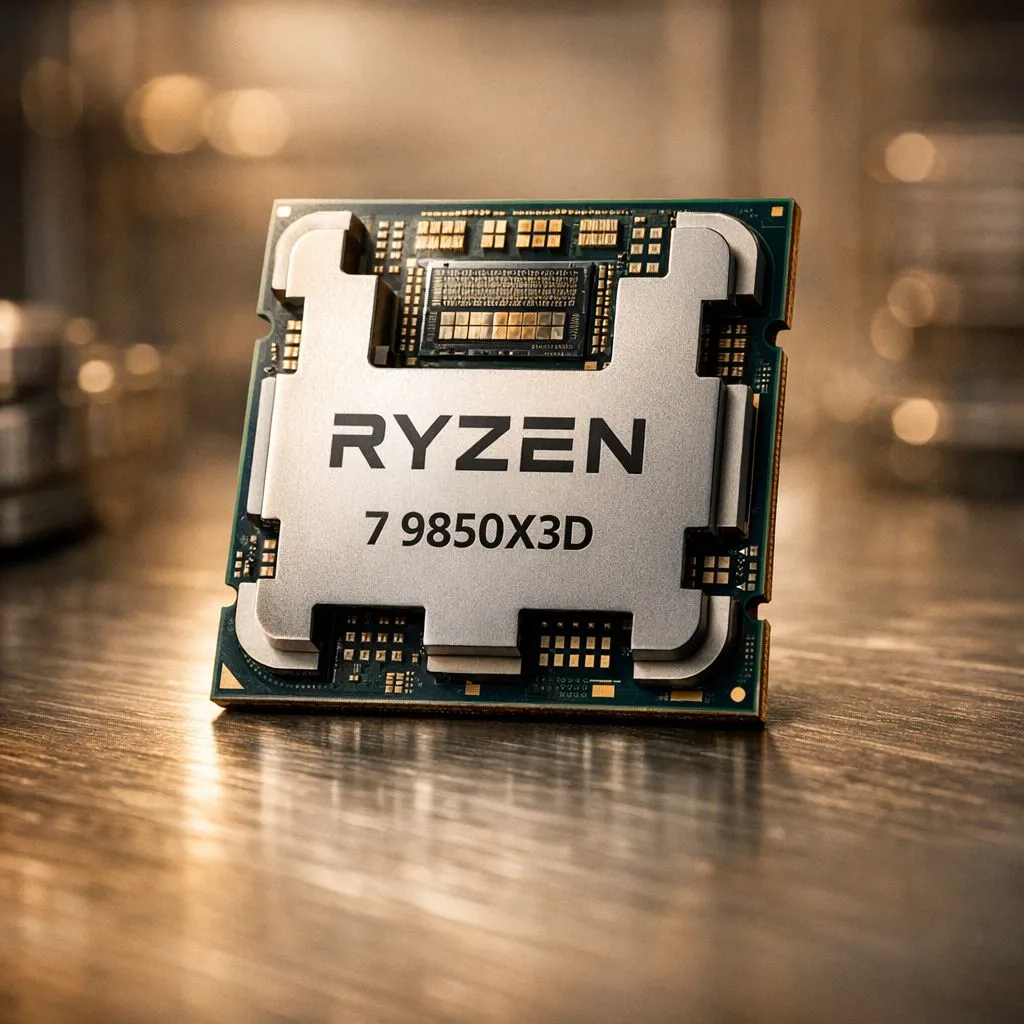
Imagine you have just finished building your dream PC in Cape Town. You hit the power button... and nothing. The screen stays dark. Instead of panicking about your expensive dedicated GPU, you remember the Ryzen 7 9850X3D integrated graphics. This small feature is a massive safety net for any South African enthusiast looking to build with confidence 🔧.
While most gamers focus on the legendary 3D V-Cache for frame rates, the inclusion of RDNA-based onboard video is a quiet hero. When you buy AMD CPUs from the latest generation, you are not just getting raw speed. You are getting a built-in diagnostic tool that can save you hours of frustration when a display cable or a PCIe slot decides to act up.
The primary value of Ryzen 7 9850X3D integrated graphics lies in isolation testing. If your system fails to post with your main graphics card, you can simply plug your HDMI or DisplayPort directly into the motherboard. This allows you to verify if the rest of your components... like your RAM and storage... are functioning correctly.
If you are getting a black screen on a new build, clear your CMOS and plug your monitor into the motherboard IO. This forces the system to use the Ryzen 7 9850X3D integrated graphics, letting you access the BIOS to check if your dedicated GPU is being detected at all. It is the fastest way to rule out a "Dead on Arrival" component without needing a spare GPU.
For those invested in the AMD Ryzen 7 series, this feature also means you can keep working or browsing the web even if you sell your old GPU to fund an upgrade. You will not be left with a R15,000 paperweight while waiting for your new card to arrive 🚀.
It is important to look at the broader market when choosing your platform. Many users still buy Intel CPUs because they have historically offered reliable integrated solutions across their entire stack. For instance, comparing the 9850X3D to various 14-core Intel processors shows that having an iGPU is now a standard expectation for high-end productivity and gaming rigs ✨.
AMD has closed this gap significantly. The integrated chips in the 9000 series are modern, supporting high-resolution displays and modern codecs. This ensures that your secondary monitor setup or your office tasks remain crisp and fluid without putting extra load on your primary graphics card.
Living in South Africa means dealing with unique challenges... from heat to power fluctuations. Having a processor that can run independently of a power-hungry GPU during basic tasks can help you manage your system's thermal output. It is about versatility and ensuring that your investment is protected against every possible hardware hiccup ⚡.
Ready to Build Your Ultimate Rig? Choosing the right processor is the foundation of every great build. Whether you are looking for the latest 3D V-Cache tech or a reliable multi-core powerhouse, we have the stock you need. Explore our massive range of AMD Ryzen CPUs and find the perfect heart for your next gaming masterpiece.
Yes. The integrated Radeon provides a fallback display, lets you access BIOS, run tests, and isolate driver issues without the discrete GPU.
Enable iGPU or Integrated Graphics in BIOS/UEFI, set the primary display to iGPU, then install the latest Radeon drivers for stable onboard output.
Use onboard display output, run stress tests, check GPU logs, and swap drivers to confirm whether graphics or PCIe/hardware is at fault.
Yes. It verifies display output, lets you compare performance, and helps rule out GPU-specific driver or hardware faults during game tests.
It reduces risk by allowing safe boot and file access while isolating suspect GPU issues, but always back up important data before major fixes.
Generally no. Use the motherboard HDMI/DisplayPort outputs and standard cables. Adapters only needed for port mismatches.
Yes. Switch to the iGPU, uninstall problematic GPU drivers, then test with Radeon drivers to isolate Windows driver conflicts.
Top Samsung GPU Under R10000 picks evaluated on performance, value & SA availability with current Rand pricing from Evetech.
Read more
Top RTX 5070 Under R30000 picks evaluated on performance, value & SA availability with current Rand pricing from Evetech.
Read more
Ryzen 7 9800X3D + X670E + RTX 5080 Build Under. Full parts list, Rand pricing & expected performance. Build confidently with SA-available components.
Read more
Top Budget PC Build Around the RTX 5060 picks evaluated on performance, value & SA availability with current Rand pricing from Evetech.
Read more
Ryzen 5 5600X + B550 + RTX 4060 Build Under. Full parts list, Rand pricing & expected performance. Build confidently with SA-available components.
Read more
Top Intel GPU Under R10000 picks evaluated on performance, value & SA availability with current Rand pricing from Evetech.
Read more
Snapdragon X2 NPU Explained: How 80 TOPS Changes. Plain-English explanation of what it means, why it matters & how it affects your buying decisions in SA.

HBM? High Bandwidth Memory Used in GPUs and AI. Plain-English explanation of what it means, why it matters & how it affects your buying decisions in SA.

How much should you spend on sim racing accessories in South Africa for a realistic setup? We break down budgets by quality tiers, so you buy smart gear and avoid overspending 🎮💸

G-Sync and FreeSync? Variable Refresh Rate. Plain-English explanation of what it means, why it matters & how it affects your buying decisions in SA.

AMD Laptop: Value. SA-focused analysis with local pricing data, real-world insights & actionable buying advice.

How MacBook Neo Handles 30+ Chrome Tabs with Only. SA-focused analysis with local pricing data, real-world insights & actionable buying advice.

Why Apple Put 8GB RAM in MacBook Neo: The A18 Pro. SA-focused analysis with local pricing data, real-world insights & actionable buying advice.

Upgrade your work laptop with a New Motherboard. Step-by-step instructions with SA-specific tips, common pitfalls to avoid & expert recommendations.

Maintain wired headset — Checklist: • inspect cables • clean earpads • store properly 🔧🎧 Practical steps to preserve sound quality and avoid premature replacements.

Fix crackling headset fast: step-by-step checks for cables, connectors, drivers, and settings to remove static or distorted audio on wired headsets 🎧⚙️

Stereo vs mono headsets: learn which delivers clearer calls, better spatial music, or simpler mono voice performance — pick the right headset for meetings, music, or gaming 🎧💬

- Compare gaming headset vs studio headphones; - Assess comfort, mic and sound; - Recommend best daily picks. Gaming headset vs studio headphones: learn which suits work, music and casual gaming. 🎧⚖️