


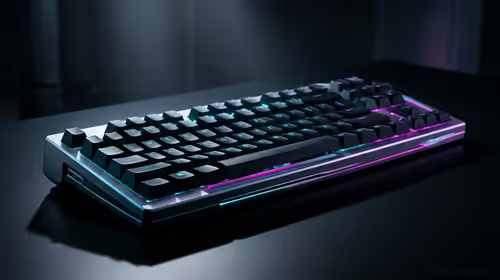
Stuck Pixel Checks for a Mechanical Keyboard Setup
Stuck pixel on a Mechanical Keyboard is likely a display symptom around that setup, not the part itself. Check the monitor, cable, GPU output, drivers, and warranty path first.
Read moreOur safe CPU overclocking guide shows you how to unlock your processor's hidden power without risk. Learn step-by-step how to boost gaming FPS and performance, specifically for South African conditions. Ready to push your PC to the limit? Let's get started! 🚀💻
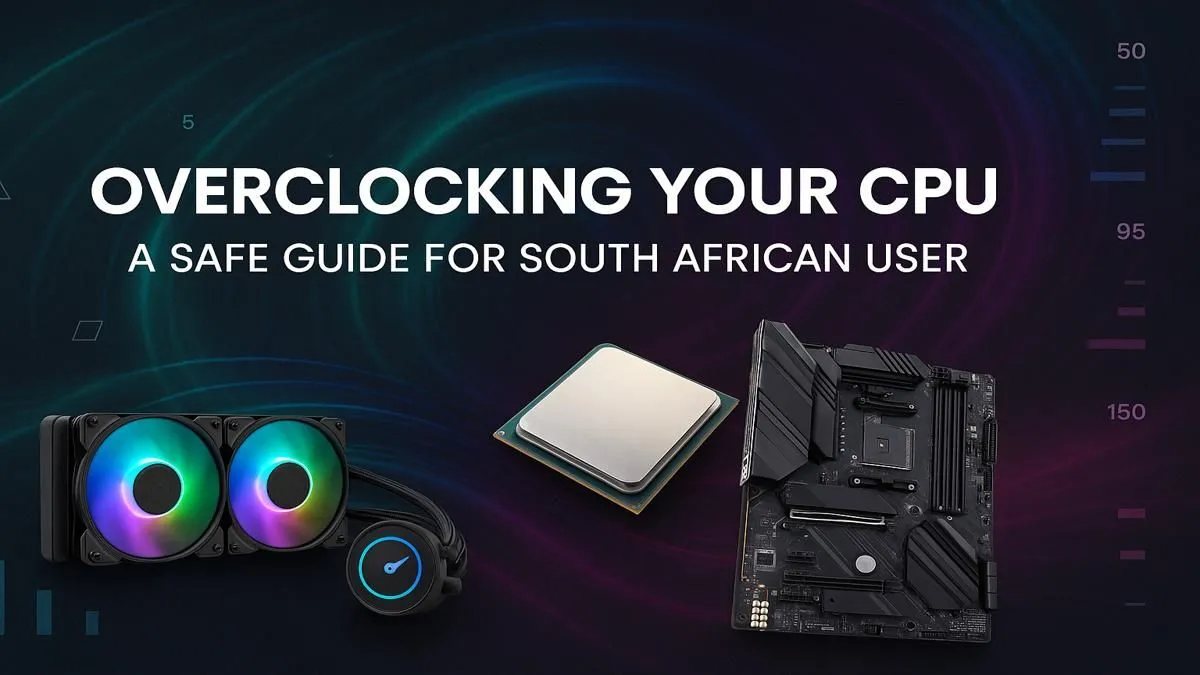
Staring at your FPS counter, wishing it was just a little higher? We've all been there. In South Africa, buying a brand-new GPU can feel like a pipe dream. But what if you could unlock free performance already hiding inside your PC? This safe CPU overclocking guide is your key to squeezing more power from your processor, giving you a smoother gaming experience without spending an extra Rand. Let's get started. 🚀
Before you dive into your BIOS, a little prep work is essential. Successful and safe CPU overclocking depends on having the right hardware foundation. Skipping this step is like trying to run a marathon in flip-flops... it’s not going to end well.
Not all CPUs and motherboards are created equal. For Intel, you’ll need a "K" or "X" series CPU (e.g., Core i7-14700K) and a "Z" or "X" series motherboard (e.g., Z790). For AMD, most Ryzen CPUs are unlocked, and you’ll want a "B" or "X" series motherboard (e.g., B650 or X670) for the best results.
Most importantly, you need a capable cooling solution. The stock cooler that came with your CPU probably won't cut it. Overclocking generates extra heat, and in our warm South African climate, managing temperatures is critical to avoid performance throttling. If your PC case feels like a braai, you need a better cooler. Many modern budget gaming PCs come with cooling that offers some headroom, but a dedicated tower air cooler or AIO liquid cooler is a wise investment.
This is a simplified process. The core idea is to make small, incremental changes and test for stability at every step. Patience is your best friend here.
Use free tools like HWMonitor or MSI Afterburner to keep a close eye on your CPU temperatures, clock speeds, and voltages in real-time. Set up an on-screen display while gaming to see how your overclock performs under actual load, not just in a stress test. This is the best way to spot instability before it causes a crash.
A decade ago, overclocking could give you massive performance gains. Today, CPUs are pushed much closer to their limits right out of the box. While a safe overclock can still yield a noticeable 5-10% boost, it may not magically make an old processor run the latest AAA titles. For many gamers, finding a balanced system in our selection of PCs under R20k provides a better, more reliable experience without the hassle.
The real value of this CPU overclocking guide is for enthusiasts who love to tinker and get every last drop of performance from their hardware. If that's you, enjoy the process! If not, there are simpler paths to more power. Sometimes, the most effective overclock is a strategic upgrade, and grabbing one of the best gaming PC deals is the quickest way to get back in the game.
Overclocking is a powerful tool, but it can't perform miracles. If you're pushing an older quad-core CPU, you'll eventually hit a wall that no amount of voltage can break through. Instead of spending hours trying to fine-tune a system that's past its prime, consider the value of your time. Our expertly crafted pre-built PC deals are optimised for performance, stability, and cooling right out of the box—with a full warranty for complete peace of mind.
Ready for a Real Performance Boost? Overclocking is a great way to squeeze extra power from your rig, but sometimes a fresh start is the ultimate upgrade. If you'd rather spend more time gaming and less time tweaking, explore our best gaming PC deals and find a machine built to dominate from day one.
Yes, overclocking is safe in South Africa if done correctly. Proper cooling is key due to our climate. Follow a reliable guide and monitor CPU temperatures closely.
The main risks are overheating, system instability (crashes), and potentially reducing the CPU's lifespan if excessive voltage is applied. Cautious steps minimise these risks.
Performance gains vary but can range from 5% to 15% or more. This often translates to higher frame rates in games and faster processing in demanding applications.
Popular CPU overclocking software includes Intel's XTU and AMD Ryzen Master. For monitoring, tools like HWMonitor or Core Temp are essential for temperature and stability checks.
Generally, yes. Most manufacturers consider overclocking to be operating the CPU outside its specified limits, which can void the warranty. Proceed with this in mind.
No, not all CPUs can be overclocked. You need an "unlocked" processor, typically denoted by a 'K' or 'KF' for Intel (e.g., i9-14900K) or an 'X' for some AMD chips.
Stuck pixel on a Mechanical Keyboard is likely a display symptom around that setup, not the part itself. Check the monitor, cable, GPU output, drivers, and warranty path first.
Read more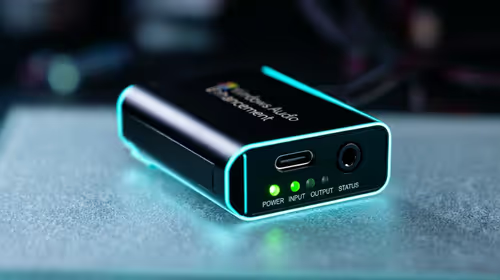
How to fix stuck pixel Windows 11 USB DAC issues starts with display-only tests. Check HDR, scaling, monitor input, USB cable movement, and safe South African support options before connecting the pixel issue to audio hardware.
Read more
Windows 11 Steam Deck monitor issues often start with display mode, USB-C output, drivers, or dock power. Use this how to fix monitor not detected windows 11 steam deck checklist for SA handheld PC setups.
Read more
Stalker 2 Heart of Chornobyl PC build planning at R100,000 should stay cautious about parts and settings. Balance GPU, CPU, RAM, storage, cooling, and upgrade room before picking a South African gaming PC.
Read more
RX 9070 XT build stuttering needs a step-by-step check before replacing parts. Review drivers, settings, thermals, power, background apps, display limits, cables, and game options before changing hardware.
Read more
GTA 6 on R15,000 needs careful part balance. This SA build guide frames CPU, GPU, RAM, SSD, cooling, and upgrade trade-offs without promising live prices, stock, or exact FPS.
Read more
NVIDIA lists 550W required system power for the RTX 5060 reference specification, based on a high-end test system. A quality 550W unit can be enough, but CPU draw, transient load, connectors and ageing decide real headroom.

80+ Gold vs 80+ Platinum for couch co-op gaming is about PSU efficiency, heat, fan behaviour, quality, and wattage headroom, not direct FPS. SA buyers should compare the whole build.

Upgrade your setup with the best USB-C hubs for creators. Discover why high-capacity card readers and dual 4K output are essential for professional South African content production. 🚀💻

B850 motherboard FPS drops needs a methodical troubleshooting pass. Review drivers, thermals, power settings, background apps, cables and game settings before replacing parts in an SA gaming setup.
NVIDIA lists 550W required system power for the RTX 5060 reference specification, based on a high-end test system. A quality 550W unit can be enough, but CPU draw, transient load, connectors and ageing decide real headroom.

OpenRGB's master branch now carries changes labelled for 1.0 final, including translation and platform work, but the official tags page still lists 1.0rc3.1 as the newest packaged release. Stable users should wait for the signed release channel.

A motherboard can remain useful for many years when power, cooling and connectors stay healthy. Replace it for confirmed faults, damaged power delivery or a blocked platform need, not simply because the calendar reaches a fixed age.

The VAIO T combines a 13.3-inch display with a multi-flip mechanism for laptop, tablet and outward-facing viewing modes. Orders begin in Japan on 18 September; South African availability is unconfirmed.

The smallest ATX case 2026 buyers should choose is the smallest chassis that still fits their exact graphics card, cooler, power supply and airflow plan. ATX support alone does not prove a case has the smallest footprint or volume.

In a 6 bit + FRC vs 8 bit comparison, native 8-bit panels can produce 256 levels per colour channel directly, while 6-bit plus FRC rapidly alternates nearby values to approximate the wider palette. Panel quality still depends on more than bit depth.

The UGREEN LinkStation Pro eGPU dock combines Thunderbolt 5 and OCuLink connections with an integrated 850W ATX 3.1 power supply and up to 140W laptop charging. South African availability is unconfirmed.

Windows 11 KB5124008 can leave some USB Audio Class 1.0 devices with no sound, Code 10 or failed multichannel output. Microsoft confirms the issue and says switching to two-channel stereo can restore audio for some users.