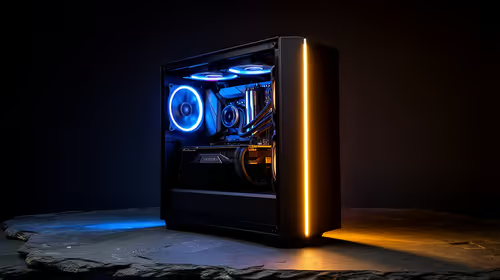
Dust filters are worthwhile for a bedroom PC when the case has unfiltered intake openings and dust accumulates quickly. They do not make a computer quiet by themselves. A restrictive or clogged filter can raise fan speed, so airflow and cleaning access matter.
Filter the actual intake path
The verified facts do not contain a confirmed filter kit or price. Check current Evetech availability for exact case compatibility, dimensions, mesh density, mounting method, cleaning instructions and warranty. Measure each intake opening rather than assuming a universal sheet will seal neatly or remain clear of fan blades.
Observe the case with a tissue near its vents to identify which openings draw air inward. Place filters on those intakes and keep exhaust paths open. After installation, run a long game or workload while monitoring processor temperature, graphics temperature, fan speed and noise. Compare the result with the clean unfiltered baseline.
Keep the tower off thick carpet and leave space around its vents. Clean removable filters on a schedule based on visible buildup, then ensure they are fully dry before refitting. If noise rises after adding mesh, improve the intake area or fan curve rather than stacking more filters. The useful setup reduces internal dust while preserving safe temperatures at a comfortable sound level during sleep or study.
Planning a cleaner, quieter PC? > Ask Evetech to check current cases, fans and cooling accessories.