


Quick Answer
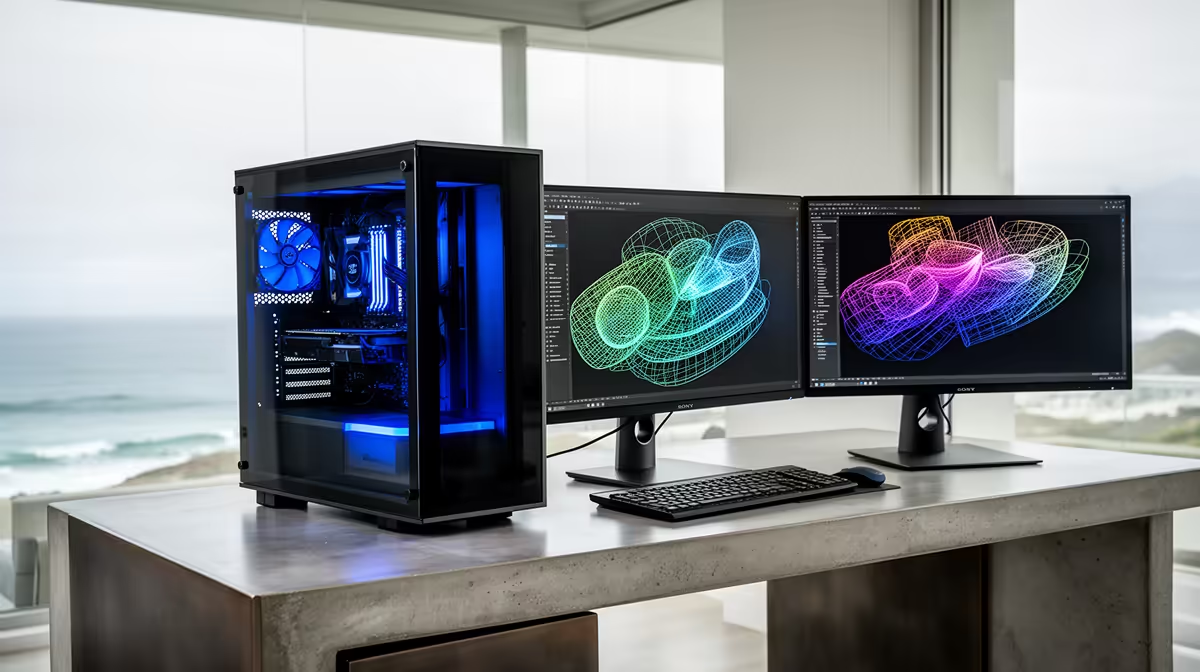
A 3D workstation needs cores and VRAM: a Ryzen 9 7900 with 32-64GB DDR5 and an RTX 4070 12GB cuts Blender and viewport times sharply, typically R30,000 and up at Evetech.
What matters most for 3D modelling and rendering in Hermanus
Choosing a machine in Hermanus comes down to matching the hardware to how you actually use it, not chasing the biggest spec sheet. 3D modelling and rendering loves both cores and CUDA: a Ryzen 9 7900 with 64GB DDR5 speeds CPU renders, while an RTX 4070's 12GB VRAM and CUDA cores accelerate Blender Cycles and viewport work.
A 2TB NVMe for assets and scratch keeps large scenes loading fast, and 64GB of RAM prevents stalls on complex geometry.
Getting it to Hermanus and what to budget
Hermanus is a 90-minute drive from Cape Town, so Western Cape courier legs typically land parcels in two working days. Everything in this guide is built around stock Evetech carries, so you can match a component shortlist to current availability rather than guessing at imports.
Plan your spend in tiers: anchor the build around the part that drives your workload, keep 10-15% back for a quality power supply and cooling, and confirm the warranty terms before you order.
A practical buying checklist
Before you commit, run three checks. First, confirm the part that drives 3D modelling and rendering performance is the one taking the largest slice of your budget. Second, make sure the power supply has 100-150W of headroom over your peak draw so the platform can take a future graphics card. Third, verify the RAM capacity matches the workload above, since under-speccing memory is the most common reason a capable build feels slow six months later.
FAQ
Should I render on CPU or GPU?
Both have a place. GPU rendering in Blender Cycles or Octane is far faster for most scenes thanks to the RTX 4070's CUDA cores, while a many-core Ryzen 9 helps with CPU-only renderers and simulations.
How much VRAM do I need for 3D work?
12GB is a sensible minimum for serious GPU rendering. The RTX 4070's 12GB holds moderately complex scenes; very large scenes with high-res textures push toward 16GB or more.
Is 64GB of RAM necessary for rendering?
For complex scenes, yes. High-poly models, large texture sets and simulation caches use a lot of memory, so 64GB prevents the stalls that 32GB systems hit on big projects.
Compare current 3D modelling and rendering configurations and rand pricing at Evetech, then filter by your budget to shortlist a build that ships to Hermanus.









