


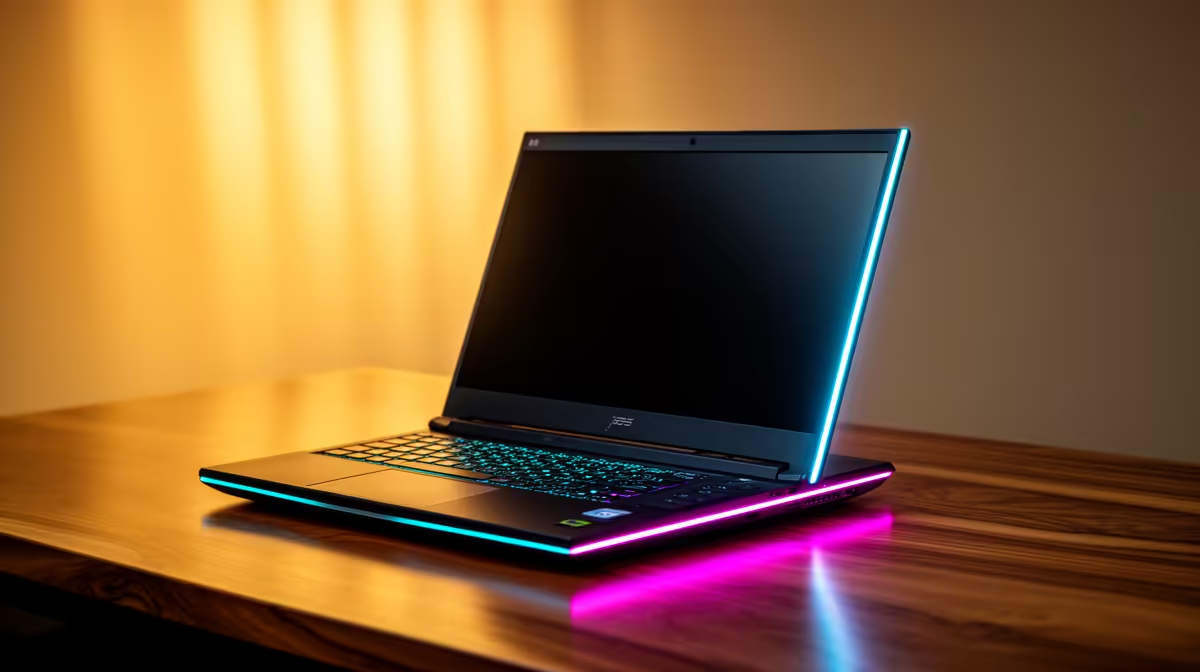
ASUS ExpertBook P1503 i5 at R9,858 suits a home user who wants a sensible Windows 11 laptop for admin, browsing, school portals, email, and everyday work without jumping into gaming pricing.
Practical picks for a Windows 11 home setup
The ASUS ExpertBook P1503 i5 at R9,858 is the clean starting point because the i5 spec is enough for normal home productivity, online forms, documents, video calls, and browser-heavy use. If the machine will sit on a shared desk and be used by more than one person, that price also keeps the choice practical.
The Lenovo IdeaPad Slim 3 i7 at R13,400 is better for a busier desk where Windows 11 has to handle more tabs, spreadsheets, and study work at the same time. The i7 spec gives it more headroom than the entry i5 option, which matters when the laptop becomes the main household computer.
Witbank home fibre desk setup
For a neat home setup, place the laptop close enough to the fibre router cupboard or main work desk so WiFi stays stable during updates, cloud sync, and video calls. The ASUS Vivobook X1504VA i7 at R13,999 fits well here because the i7 spec gives a stronger everyday feel, while the ASUS Vivobook S14 OLED at R10,719 is the better pick if screen quality matters for streaming, browsing, and long reading sessions.
Pro Tip ⚡
If gaming is part of the plan, the Lenovo LOQ RTX3050 at R9,500 is the obvious listed option because RTX3050 is the only gaming GPU spec in this set. For a cleaner work-first choice, the ASUS ExpertBook P5405 at R12,700 keeps the recommendation in the business-style lane.
Ready to choose the right laptop? Compare the listed laptop range by price, i5 or i7 class, OLED screen quality, and RTX3050 gaming needs before you choose.











