


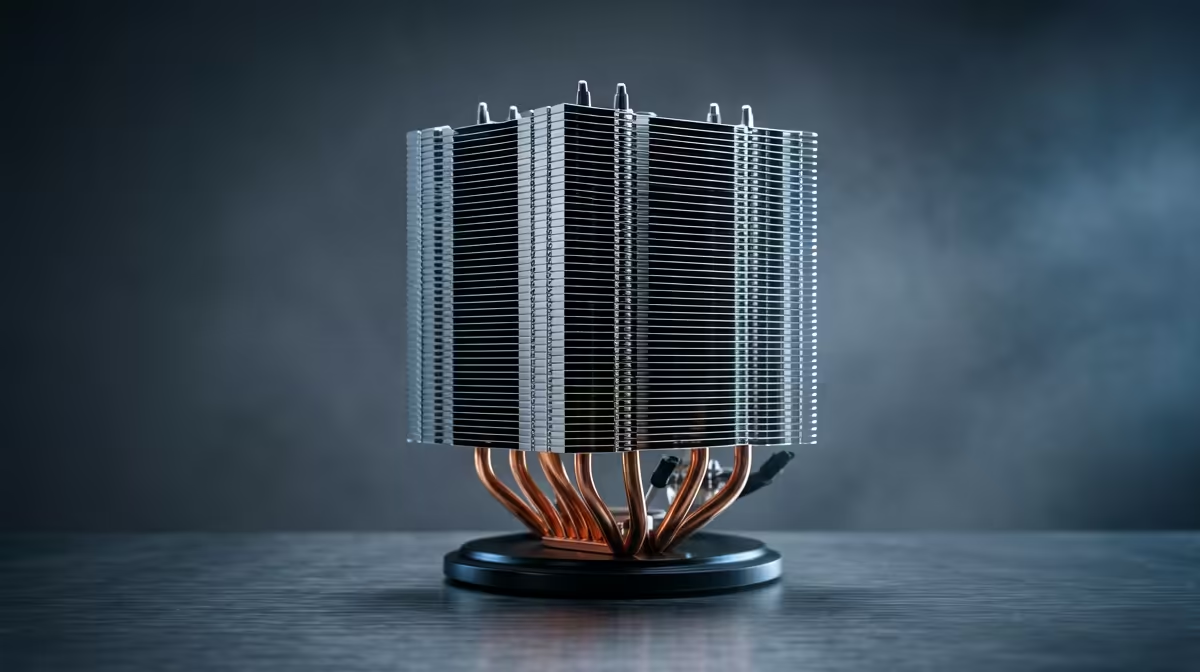
For casual gaming after work, the upgrade-or-replace question on a CPU cooler is really about whether your current cooler is failing or just adequate, and whether a quieter, cooler-running unit is worth it for relaxed evening play. For SA buyers, the answer turns on noise, temperatures and cost.
Quick Answer
Replace your CPU cooler if it is failing, rattling, or letting the CPU throttle; upgrade it if you simply want quieter, cooler running for evening sessions. A quality air cooler around R600 to R1,200 keeps a Ryzen 5 7600 or Core i5-14400F cool and quiet. If your current cooler holds the CPU under 80C and runs quietly, neither is needed for casual play.
Replace a cooler that is failing
Replacement is the right call when the cooler is actually failing: a rattling or seized fan, a pump making noise on an AIO, or temperatures climbing because the cooler can no longer cope. These are signs the cooler is at the end of its life and risks letting the CPU overheat. A new R600 to R1,200 air cooler restores safe, quiet operation. For casual evening gaming, a failing cooler that lets a Ryzen 5 7600 throttle or run loud is the clear case for replacing it outright.
Upgrade for quieter, cooler running
Upgrading a working cooler is optional and worth it mainly for comfort: a better cooler runs quieter and keeps the CPU cooler during evening sessions, which is pleasant if your current unit is noisy under load. A quality air cooler with a large, slow fan stays near-silent where a stock or budget cooler whines. For relaxed after-work play in a quiet home, that quieter running can be reason enough to upgrade, even if the current cooler technically copes with the temperatures.
When to do nothing
Often the right answer is neither, because casual gaming is not a demanding cooling load. If your current cooler holds the CPU under 80C during your evening games and runs acceptably quietly, there is no need to spend. Check temperatures with a monitoring tool during a typical session. Casual play with a mid-range CPU rarely stresses a cooler enough to justify a change. Put any budget toward a part that improves the experience more, like a better monitor, and leave a perfectly adequate cooler alone.
FAQ
Should I upgrade or replace my CPU cooler for casual gaming?
Replace it if it is failing, rattling or letting the CPU throttle. Upgrade a working cooler only for quieter, cooler running. If it holds the CPU under 80C and runs quietly, neither is needed for casual play.
How do I know my CPU cooler is failing?
Signs include a rattling or seized fan, a noisy AIO pump, or temperatures climbing as the cooler stops coping. These mean it is at the end of its life and risks letting the CPU overheat, so replace it.
Is a cooler upgrade worth it for evening gaming?
Mainly for comfort. A quality cooler runs quieter and cooler than a stock or budget unit, which is pleasant for relaxed play. But if your current cooler copes quietly, the budget does more on a better monitor.
Check your CPU temperature during an evening session first; replace a failing cooler or upgrade a noisy one with a quiet air cooler from Evetech, but leave a quiet, sub-80C cooler alone.







