


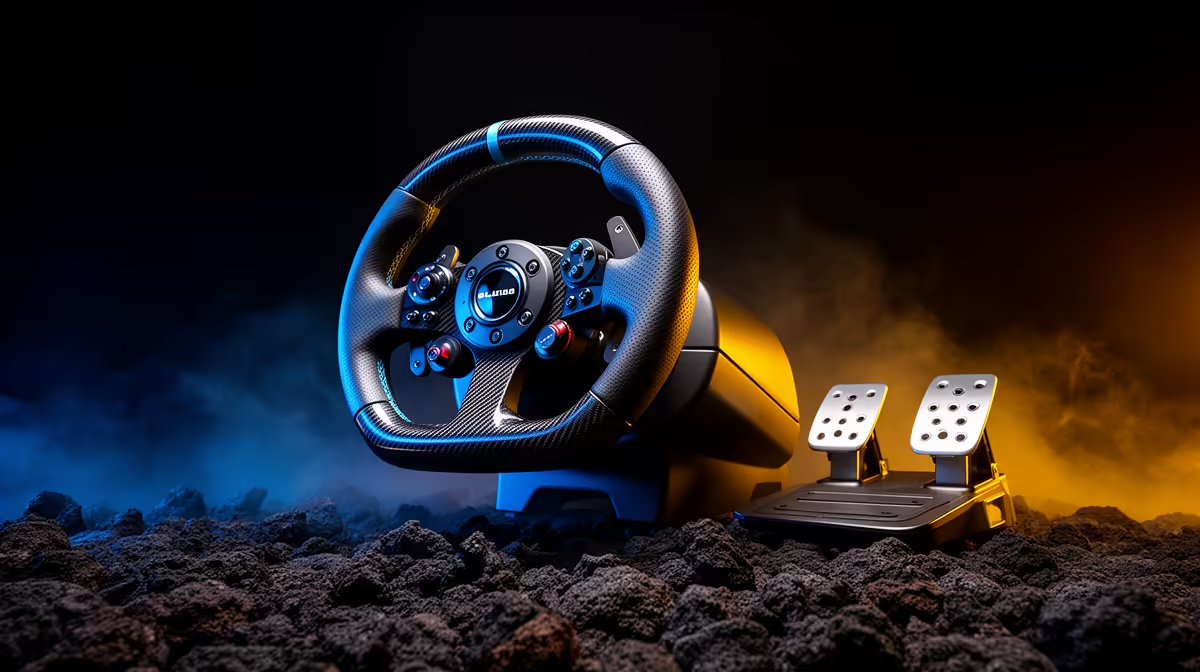
A first sim-racing setup should make the brake, wheel and seat stay put. Extra torque has little value when the pedal base slides or the desk flexes. Start with a sound wheel-and-pedal set on a stable mount, then upgrade the part that limits control.
Quick Answer
Choose a wheel compatible with your PC or console, pedals you can secure and a stand or rig that fits the room. Entry force feedback can teach smooth inputs. Direct drive becomes worthwhile when the mount handles its torque and you know which detail you want from it. Protect the brake position before buying cosmetic extras.
Step 1: choose the platform and games
PC wheels often support several games and software controls, while console use depends on licensed compatibility for that platform. Check the exact wheel base, rim and pedal set. A similar product name can have different console support.
List the two sims you plan to drive. Confirm force-feedback, button mapping and shifter support in their current documentation. Arcade racers and full simulators may use the hardware differently.
Step 2: measure the room
Mark the driving position, screen distance and storage path with tape. A permanent aluminium rig is stable but needs floor space. A folding stand can suit a shared room, provided it locks firmly and the chair cannot roll away.
Check doorway width and the route to storage. Add the wheel, pedal plate and cables to the folded size. A rig that is hard to set up tends to go unused.
Browse the sim-racing range and flight-simulator gear when comparing control hardware and mounting ideas.
Step 3: secure the pedals
The brake takes more force than the accelerator. Clamp or bolt the pedal base to a plate, and stop the chair moving backwards. On a desk setup, a wall stop or purpose-built chair link can help without drilling the floor.
Set distance so the knee remains slightly bent at full brake travel. The ankle should reach the pedals without lifting the hip from the seat. Adjust pedal spacing where the hardware allows it.
A load-cell brake responds to pressure and can improve consistency, but it also demands a stronger mount. Buy it when the current pedal movement is the limit, not as the first badge on the list.
Step 4: mount the wheel at a natural height
Set the wheel near chest height with relaxed shoulders and bent elbows. If the desk clamp leaves the rim too high, a stand can improve comfort before a new wheel base does.
Check clamp depth and underside clearance. Some desks have a front beam that blocks the mount. Protect a delicate desktop with the approved pad and tighten only enough to prevent movement.
Step 5: start with sensible force feedback
Set the wheel maker's recommended rotation and force range for the game. Lower force that clips at every corner; clipping turns different tyre loads into the same heavy signal.
Avoid copying an extreme creator profile without matching wheel base and game version. Make one change, drive the same car and circuit, then decide whether detail or control improved.
Step 6: align the display
Place the screen centred with the wheel and close enough for a useful field of view. Configure the game from screen size and eye distance. A correct view can improve braking and corner judgement without another monitor.
Triple screens and VR add immersion, while they also raise GPU load and setup complexity. Build the driving position first, then expand the display when the PC and room support it.
Step 7: manage cables and power
Route USB and power away from pedals and sliding seat rails. Leave enough slack for wheel movement without a loose loop near your feet. Use the supplied power hardware and turn the system off before moving connections.
Label cables if the rig folds away. Repeatedly tugging the wheel base connector can damage a port.
Plan an upgrade ladder
After several weeks, identify the weakest contact point. A moving chair points to the rig. Inconsistent braking can point to pedal feel and mounting. Weak or notchy steering detail can justify a better base.
Keep the first wheel rim or pedals only where the new ecosystem supports them. Proprietary connections can make a staged upgrade more expensive than expected.
Keep a small tool kit beside the rig for approved fasteners, but inspect the manual before tightening a moving joint.
Frequently Asked Questions
Do beginners need a direct-drive wheel?
No. Stable entry force feedback can teach smooth steering and car control. Direct drive needs a strong mount.
Is a desk clamp good enough?
It can be for lower-torque wheels on a strong desk. Check movement, height and underside clearance.
Which upgrade should come first?
Fix physical movement first. Stable pedals and seating often improve consistency more than extra wheel torque.
Build your first sim-racing setup around platform compatibility, a stable pedal mount and a wheel position you can hold for a full race.











