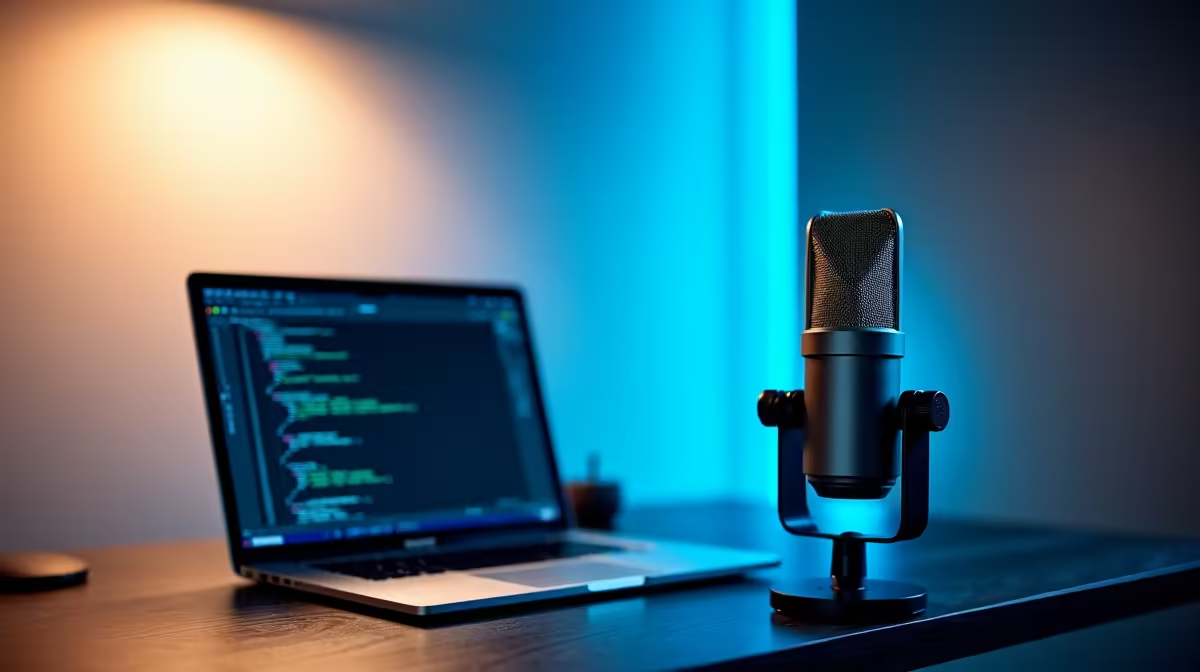
A smart podcast recording setup for MATLAB tutorials needs a capable computer, a clear microphone and a screen-capture workflow that does not obscure code. Spend first on smooth execution of the intended scripts and intelligible narration. Decorative studio gear adds little if MATLAB stalls during a demonstration or the microphone captures keyboard noise louder than the explanation.
Rehearse code and narration together
The Minisforum NAB6 Lite with Core i5-12600H, 8GB memory and 512GB storage is listed at R4,150, while the NearStream USB and XLR microphone is R676 in the verified facts. Confirm current stock, MATLAB system requirements, memory upgrade options, display outputs, microphone connection, operating-system support and warranty. Larger datasets or specialist toolboxes may require a stronger configuration.
Open the normal script, dataset and screen recorder, then capture a ten-minute lesson. Watch processor and memory use and listen for fan noise, clipping and desk vibration. Increase editor font size before recording and keep code, command output and figures readable at ordinary video resolution. A close microphone position usually improves speech more than excessive gain.
Save the project, raw audio and final export in dated folders and copy them to separate storage. Choose a USB microphone for simple one-person narration; use XLR equipment only when the wider signal path justifies it. The practical setup leaves room for a stand, headphones and backup drive while meeting the real MATLAB workload.
Creating narrated technical lessons? > Ask Evetech to balance the computer, microphone and storage for the MATLAB workflow.