The smart podcast recording setup for spreadsheet-heavy work is usually no podcast studio at all. Spreadsheets need a responsive computer, readable display, reliable backup and comfortable input devices. Add a microphone only when calls, training narration or a genuine show are part of the job.
Separate office work from audio production
List the largest workbook, number of browser tabs, video-call platform and any simultaneous data tools. Then count the speakers and audio inputs required. One person on calls can use a headset or USB microphone without a mixer, interface and permanent boom arm.
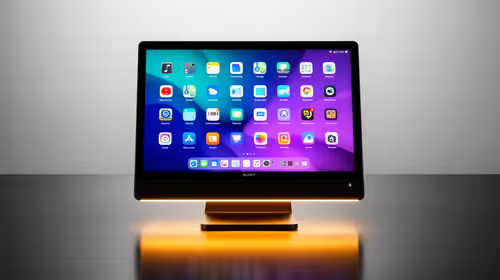
The Minisforum UM750L mini PC is listed with a Ryzen 5 7545U processor, 16GB memory and a 1TB SSD at R4,600. It is the relevant factpack option for a fixed office workload. Verify operating-system inclusion, spreadsheet-software support, display outputs, upgrade conditions and warranty before purchase.
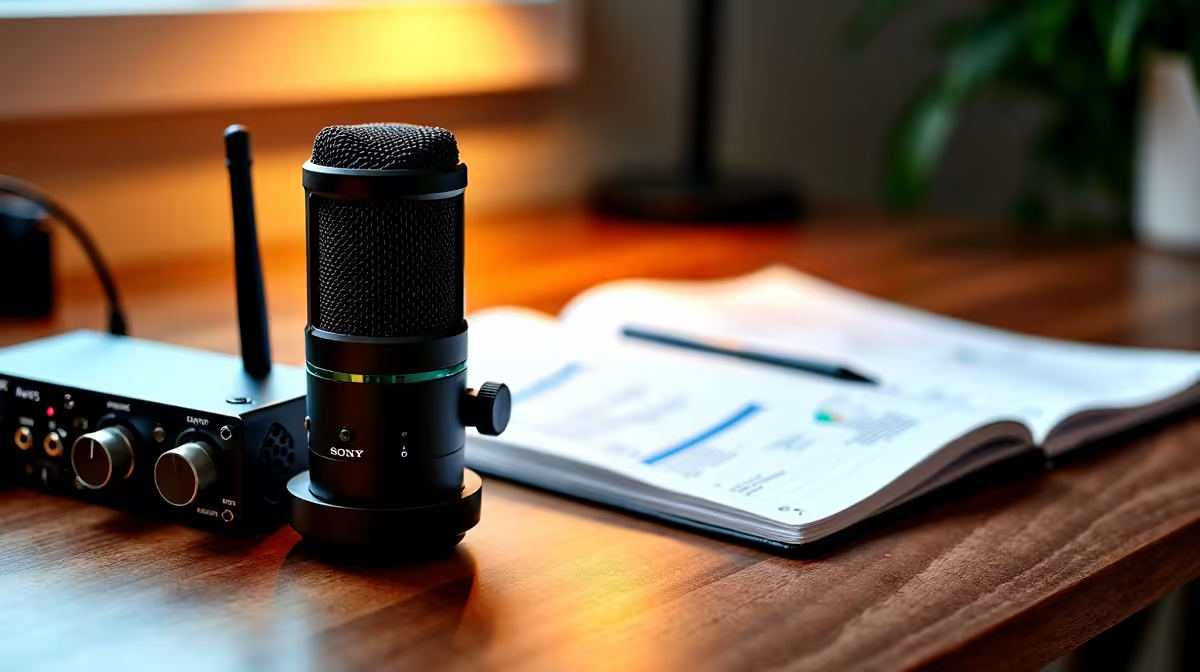
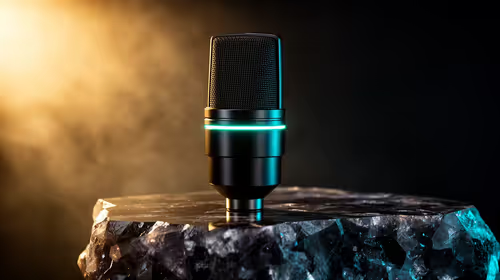
For spoken audio, the HyperX SoloCast 2 USB microphone is listed at R690. Confirm microphone placement, monitoring and software support before adding it. Keep the desk clear enough for keyboard and mouse movement.
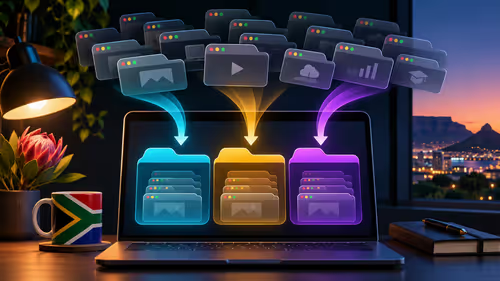
Test the largest workbook during a video call, then record a short voice sample. Repeat both tests after spreadsheet, operating-system or meeting-app updates. Document both results. Buy only the equipment that fixes a measured performance or clarity problem.
Equipping a focused office desk? > Compare Evetech mini PCs by processor, memory, storage and display support.