A streaming setup for Teams and video calls should prioritise clear speech, stable framing, reliable networking and simple controls. Gaming-grade parts are optional unless the same computer also streams demanding content. Keep the purchase focused on daily meetings, room conditions and the applications that staff or students actually use.
Build around call quality
The Minisforum NAB6 Lite compact PC with Core i5-12600H, 8GB memory and 512GB storage is a verified reference at R4,150. Confirm current Teams support, memory needs, display outputs and the ports required by the camera and microphone. A compact machine can keep the desk tidy without paying for unused graphics power.
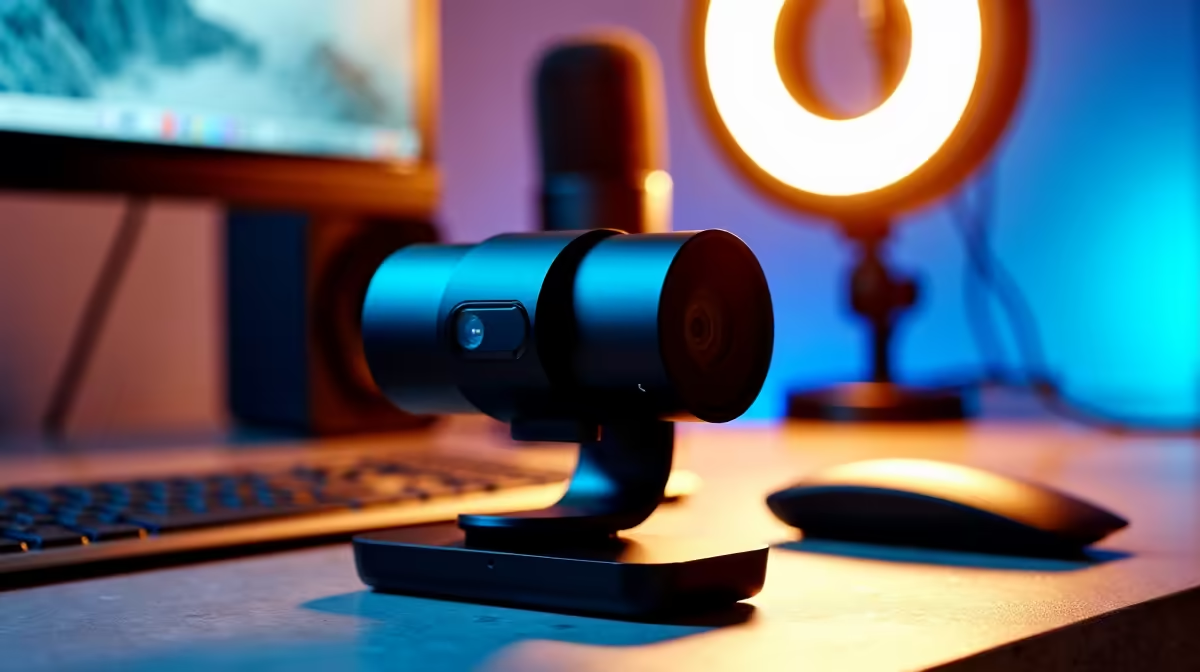
The Logitech Brio 100 webcam is verified at R458. Place it near eye level and test exposure with the real window or room light. For a more detailed camera option, the NearStream V08AF 4K webcam is verified at R678. Resolution alone does not fix poor framing or a weak connection.
The NearStream USB/XLR microphone is verified at R676, though ordinary calls may work with simpler audio already owned. Test echo, keyboard noise and speaker feedback. Use headphones when privacy or feedback demands them. Keep enough of the limit for a suitable display, network improvements and warranty support. Run a private Teams call, screen share and local stream before approving the setup.
Building a call-ready desk? > Compare verified compact PCs, webcams and microphones with Evetech around the real room.