


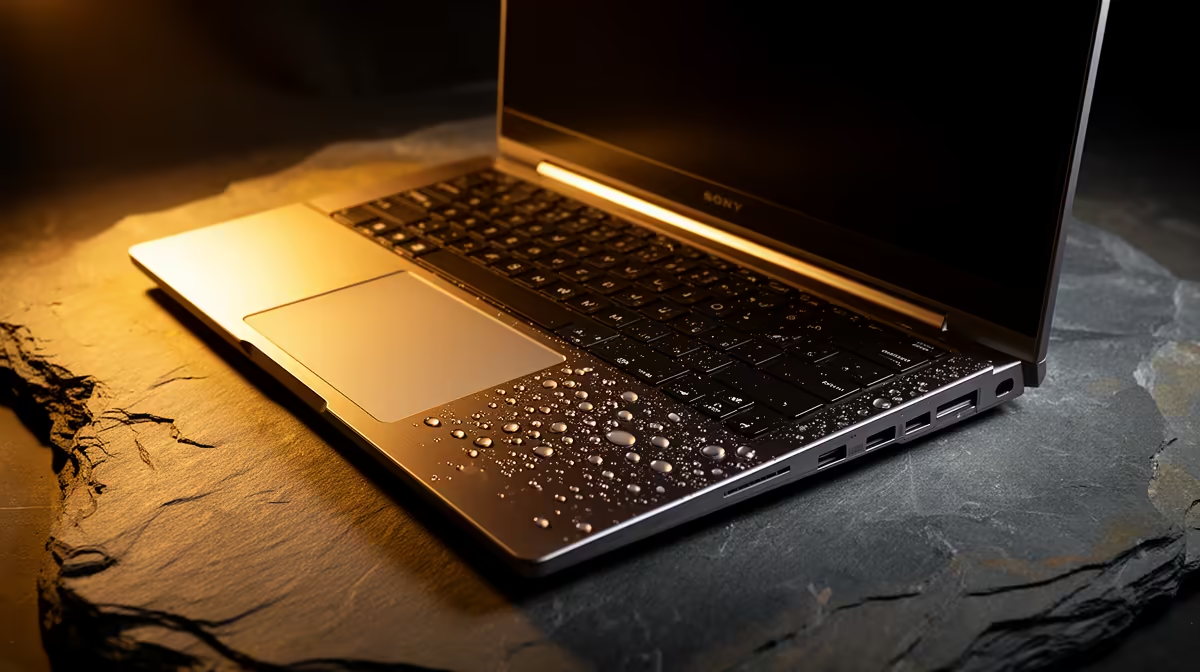
Liquid and live electronics make speed important and unsafe improvisation dangerous. After a laptop spill, disconnect power if safe, shut it down, avoid testing it and follow professional guidance before corrosion spreads.
Quick Answer
After a spill, stop using the laptop, disconnect mains power if you can do so safely, and shut it down. Keep liquid away from vents and ports while you follow the maker's emergency guidance. Do not switch it on to check, apply heat, bury it in rice or open a battery you are not authorised to remove. Arrange a professional assessment because sugar, salt and residue can keep damaging the board after the surface looks dry.
Save the exact model from the laptop best-seller collection before contacting support. For a performance model, the relevant listing among gaming laptop deals can help identify the supplied charger and configuration. Your invoice and serial remain the main claim records.
First minute: stop power and movement
Move your hands away from the wet area and warn anyone near the mains lead. If the plug, adaptor or socket is wet, do not touch it. Isolate power at a safe point or get a qualified person.
When the mains side is dry and safe to reach, disconnect the charger from the wall and laptop. Hold the laptop's power button only when the manufacturer's shutdown guidance calls for it and the controls are safe to touch.
Do not carry a dripping laptop across the room above other electronics. Clear the area and use absorbent material around it without pressing liquid further into the keyboard.
Next few minutes: contain the spill
Blot visible liquid from the casing with a clean absorbent cloth. Avoid wiping it across ports. Remove external USB devices and memory cards only when the connectors are dry and safe to handle.
Follow the exact maker guidance on positioning. Turning a laptop upside down without knowing its internal layout can move liquid into the screen, battery or another board area. Keep it stable and let the authorised service route tell you how to transport it.
If the battery is designed for user removal, follow the manual. Many modern batteries sit inside the chassis and should remain untouched. Do not remove screws during panic or use a metal tool near a wet device.
The liquid type changes the assessment
Plain water can still cause shorts and corrosion. Coffee, cooldrink, juice, milk and sports drinks leave conductive or sticky residue. Cleaning the keyboard surface cannot remove contamination under components.
Tell the technician what spilled, roughly how much, where it landed and whether the machine was powered. Include every action taken afterward. This helps them inspect the likely path and choose a cleaning process.
Do not hide a sugary spill because the laptop still boots. A delayed fault can appear after residue corrodes contacts or traps moisture.
Dry appearance is not a restart signal
There is no universal safe number of hours to wait. Liquid path, volume, humidity and internal design differ. A fan or hair dryer can push contamination deeper or apply damaging heat.
Rice does not remove residue from a circuit board and can add dust or fragments. Desiccant around a sealed transport arrangement cannot replace inspection when liquid entered the chassis.
Keep the laptop off until an authorised technician or the maker's current guidance says how to proceed. A successful boot can energise contaminated areas and turn a cleanable spill into component damage.
Preserve data without powering the laptop
Use another device to check whether assignments have synced. Change important account passwords if the laptop may leave your control and you are unsure whether the screen was locked.
Tell the repair centre that data matters before authorising work. Ask whether storage removal, backup or wiping may occur and how privacy is handled. Do not give the everyday account password in an email; use the secure service procedure.
An encrypted drive protects data from casual access while making recovery dependent on the key. Keep that recovery information in a separate secured location.
Package it for assessment
Ask the service provider how to transport the wet device. Do not seal active moisture in a plastic bag unless the authorised instruction requires a specific containment method. Keep it level and protect other items from drips.
Photograph the laptop, liquid area, serial, charger and visible condition. Record the spill time, shutdown time and support contact. If liquid reached the power adaptor, include that fact and do not reuse it without assessment.
Get an intake record that describes liquid exposure and the machine's condition. Ask for photographs and a written report after inspection.
Handle the claim honestly
Warranty and other cover depend on the product terms, cause, evidence and applicable law. Liquid damage is often treated differently from a manufacturing defect, while one liquid finding should still be connected to the part and fault being assessed.
Provide the truthful timeline. Ask for the damaged areas, cleaning result, parts required, data risk and repair viability in writing. If a claim is declined, request the technical basis and relevant terms.
For a disputed consumer matter, use current NCC or CGSO guidance and individual advice. The six-month implied-warranty route in CPA Section 56 can apply to qualifying defective goods, but it does not turn accidental liquid exposure into a manufacturing defect.
Prevent the next spill
Give drinks a separate surface below the laptop level. Use a bottle with a secure lid in small res rooms. Keep cables routed so a person cannot drag the machine through a cup.
Back up assignments automatically and close the laptop when eating. A keyboard cover should be used only when the maker permits it and it does not affect cooling; it cannot make a laptop waterproof.
Know the support number, serial and backup status before an accident. Five calm actions beat five minutes spent searching a group chat.
FAQ
Should I shut down at once?
Yes when the controls and mains area are safe to touch. Disconnect power safely and follow the maker's emergency guidance.
Does rice dry a laptop?
It cannot remove internal residue or corrosion and may add debris. Keep the machine off and arrange proper assessment.
Can it be damaged even when it still turns on?
Yes. Residue and corrosion can cause delayed faults. Another test boot can increase the damage.
Stop power safely, keep the laptop off, record the liquid and timeline, and arrange an authorised assessment before any restart.











