

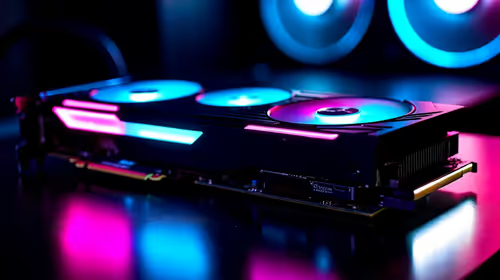
Best Samsung GPU Under R10000 in SA 2026
Top Samsung GPU Under R10000 picks evaluated on performance, value & SA availability with current Rand pricing from Evetech.
Read moreSplit 3.5mm headset connection on your desktop PC with a clear step-by-step guide on adapters, wiring, and sound settings 🔌🎧 Save time and preserve mic and stereo audio.
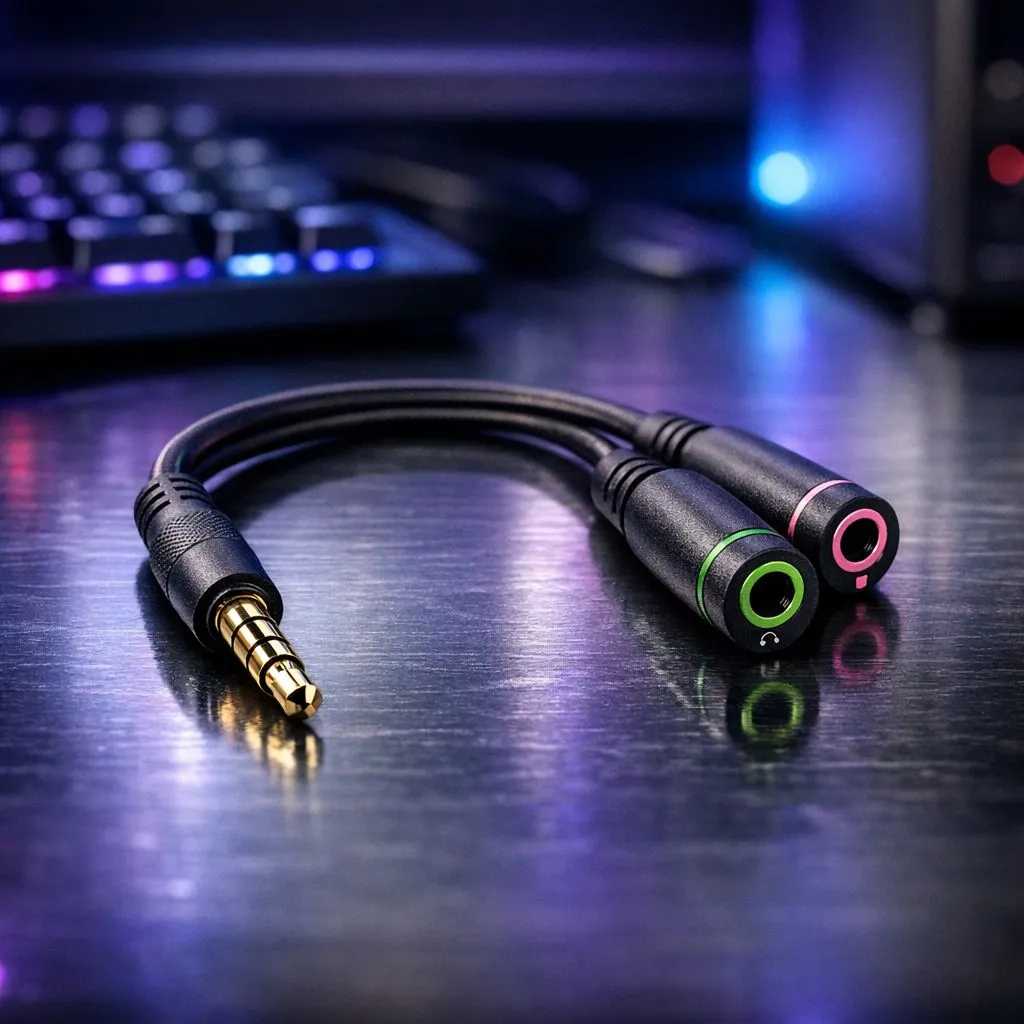
South African gamers and PC buyers—if your headset jack is a tangle of sound and mic problems, this clear, local guide will fix it fast. In under 10 minutes you’ll know what splitter you need, how to wire it up, and how to avoid common PC audio pitfalls. Ready to hear every footstep and never miss a call again? 🎧🔧
Before you start, gather a few basics: a 3.5mm TRRS headset, a PC with separate mic and headphone jacks or a combined jack, and a quality splitter (TRRS to dual TRS). For a quick hardware check, consider a tested headset like the Razer Barracuda X Chroma — it’s a solid reference for fit and mic behaviour when comparing wired and wireless options (see product details at Evetech). https://www.evetech.co.za/razer-barracuda-x-chroma-wireless-headset-phantom-white/best-deal/24367
If Windows doesn’t detect the mic, open Device Manager > Sound, video and game controllers, uninstall the audio device, then reboot. Windows will reinstall a clean driver. This often fixes detection issues tied to combo split jack use.
If you hear audio but the mic is dead, try: swapping the splitter, ensuring snug plugs, testing the headset on a phone (to confirm mic works), and updating your motherboard audio driver. For a no-nonsense parts hunt, browse Evetech’s headphone and headset selection for tested options and spare accessories. https://www.evetech.co.za/components/headphone-headsets-100
If problems persist, consider a USB sound card as a plug-and-play bypass for tricker onboard audio. Small investments can dramatically improve voice clarity in ranked matches. Want bespoke advice? Bring your setup details when you shop local or contact support.
Ready to Find Your Perfect Match? The Mac vs Windows debate is complex, but for maximum power, choice, and value in South Africa, Windows is hard to beat. Explore our massive range of laptop specials and find the perfect machine to conquer your world.
Use a TRRS-to-2xTRS splitter adapter, connect headphone and mic plugs to the PC jacks, then select the correct input/output in sound settings.
Yes. A TRRS (4‑pole) to dual TRS TRRS-to-2xTRS splitter adapter separates mic and headphone signals reliably.
A quality pc headset splitter adapter preserves audio and mic levels; cheap splitters can cause interference or mismatched wiring.
Check manufacturer specs or test mic/headphone order; CTIA is most common on modern headsets and matters for CTIA vs OMTP splitter compatibility.
If your PC has a combo jack, use a TRRS Y-adapter that converts dual plugs to a single combo plug for both mic and headphones.
Open Windows or macOS audio settings, set the input to your headset mic, output to headphones, and test levels to avoid echo or low volume.
Choose a well-built dual 3.5mm audio jack splitter for PC with clear CTIA wiring and gold-plated connectors for reliable gaming audio.
Top Samsung GPU Under R10000 picks evaluated on performance, value & SA availability with current Rand pricing from Evetech.
Read more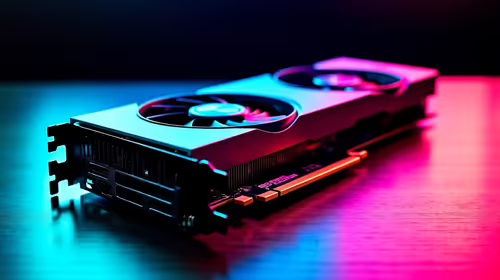
Top RTX 5070 Under R30000 picks evaluated on performance, value & SA availability with current Rand pricing from Evetech.
Read more
Ryzen 7 9800X3D + X670E + RTX 5080 Build Under. Full parts list, Rand pricing & expected performance. Build confidently with SA-available components.
Read more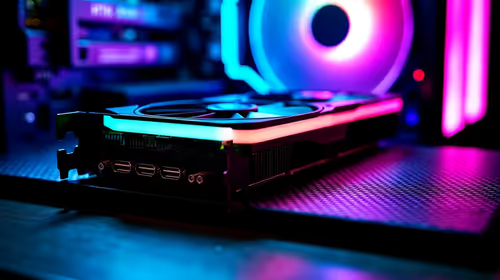
Top Budget PC Build Around the RTX 5060 picks evaluated on performance, value & SA availability with current Rand pricing from Evetech.
Read more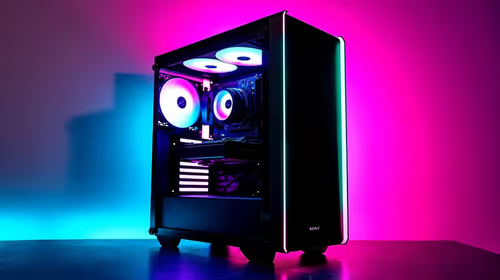
Ryzen 5 5600X + B550 + RTX 4060 Build Under. Full parts list, Rand pricing & expected performance. Build confidently with SA-available components.
Read more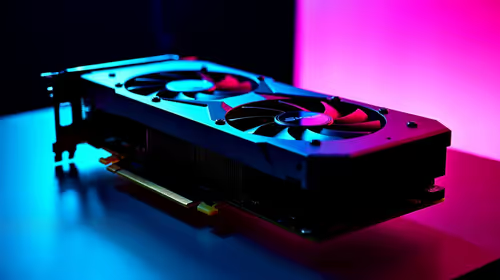
Top Intel GPU Under R10000 picks evaluated on performance, value & SA availability with current Rand pricing from Evetech.
Read more
Snapdragon X2 NPU Explained: How 80 TOPS Changes. Plain-English explanation of what it means, why it matters & how it affects your buying decisions in SA.

HBM? High Bandwidth Memory Used in GPUs and AI. Plain-English explanation of what it means, why it matters & how it affects your buying decisions in SA.

How much should you spend on sim racing accessories in South Africa for a realistic setup? We break down budgets by quality tiers, so you buy smart gear and avoid overspending 🎮💸

G-Sync and FreeSync? Variable Refresh Rate. Plain-English explanation of what it means, why it matters & how it affects your buying decisions in SA.

AMD Laptop: Value. SA-focused analysis with local pricing data, real-world insights & actionable buying advice.

How MacBook Neo Handles 30+ Chrome Tabs with Only. SA-focused analysis with local pricing data, real-world insights & actionable buying advice.

Why Apple Put 8GB RAM in MacBook Neo: The A18 Pro. SA-focused analysis with local pricing data, real-world insights & actionable buying advice.

Upgrade your work laptop with a New Motherboard. Step-by-step instructions with SA-specific tips, common pitfalls to avoid & expert recommendations.

Maintain wired headset — Checklist: • inspect cables • clean earpads • store properly 🔧🎧 Practical steps to preserve sound quality and avoid premature replacements.

Fix crackling headset fast: step-by-step checks for cables, connectors, drivers, and settings to remove static or distorted audio on wired headsets 🎧⚙️

Stereo vs mono headsets: learn which delivers clearer calls, better spatial music, or simpler mono voice performance — pick the right headset for meetings, music, or gaming 🎧💬

- Compare gaming headset vs studio headphones; - Assess comfort, mic and sound; - Recommend best daily picks. Gaming headset vs studio headphones: learn which suits work, music and casual gaming. 🎧⚖️