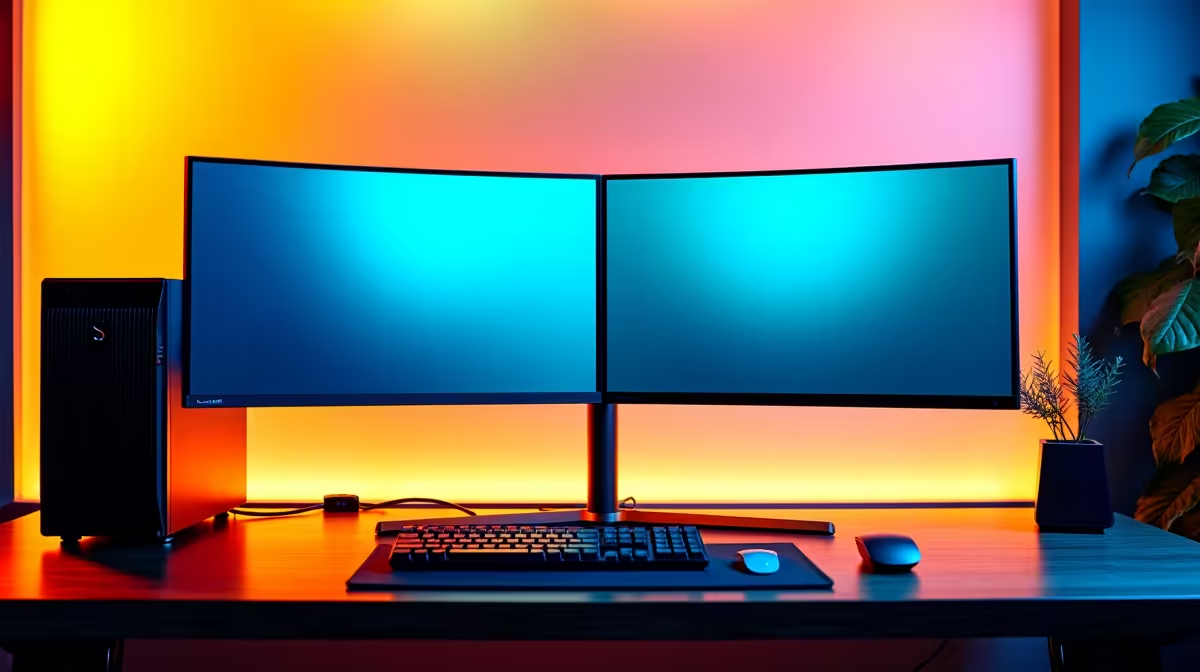
A streaming setup is the wrong category for Lightroom culling unless the photographer also broadcasts the review process. The Dell S2725QC 27-inch 4K USB-C monitor at R6,128 and WD Blue SN5000 1TB SSD at R998 are verified display and storage references for a photo workflow. Neither forms a complete editing computer.
Build for fast review and trustworthy display
Confirm computer processor, memory, graphics support, storage, card reader, monitor connections, operating system and warranties. Check whether the USB-C display connection supplies the required video mode and charging for the laptop. A responsive catalogue and clear thumbnails matter more than microphones, capture hardware or broadcast lighting during private culling.
Import a representative card, build the usual previews and move quickly through rating, comparison and rejection. Check thumbnail loading, zoom response, display scaling, fan noise and catalogue storage growth. Export a selected batch and inspect known images for brightness and colour consistency. If live teaching is planned, add streaming software only after the photo workflow is stable.
Choose a balanced editing system with quick storage, sufficient memory and a readable display. Keep originals on separate backed-up storage before deleting rejected frames. Broadcast gear is worthwhile only when streaming occurs often and client privacy is protected. The culling workstation should remain useful even when no camera or audience is connected.
Building a Lightroom review desk? > Ask Evetech to match computer, SSD and monitor to the catalogue and camera files.