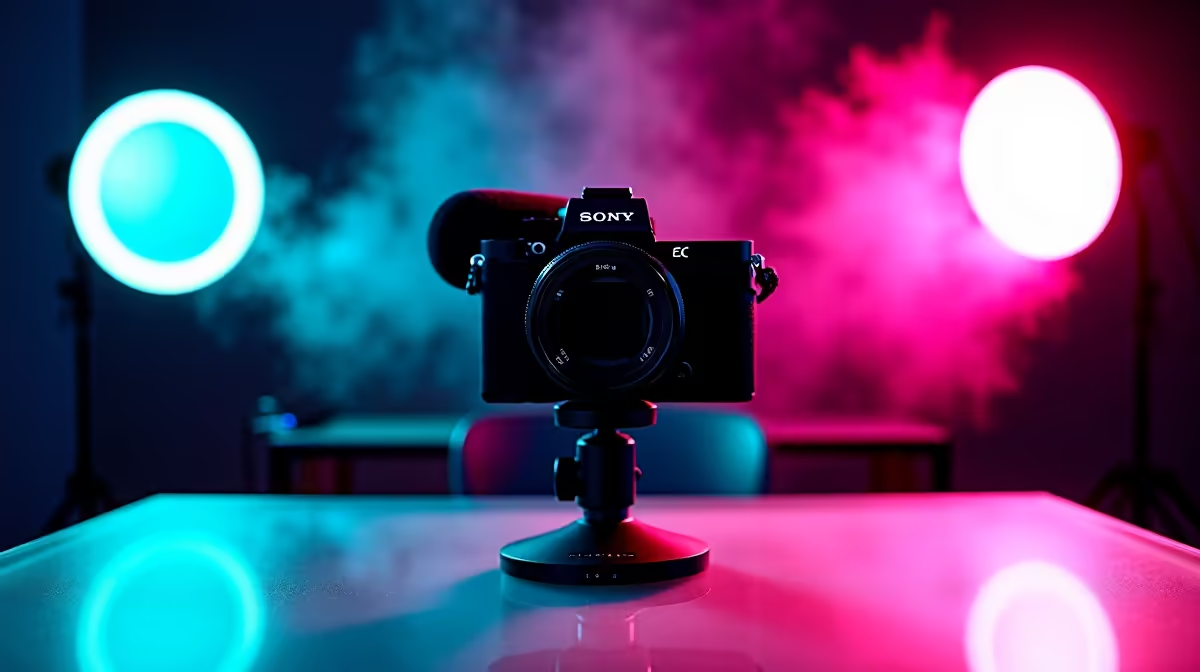
A streaming setup for photo editing makes sense when the photographer teaches, reviews images with clients or broadcasts the editing process. Photo work itself needs a suitable display, dependable storage and enough computer performance. Cameras, microphones and scene controls serve the live audience rather than image quality.
Build the editing desk before the broadcast layer
The Dell S2725QC 27-inch 4K IPS USB-C monitor costs R6,128, and the Hiksemi Pocket 1TB portable SSD costs R900 in the verified facts. Confirm current stock, colour-management needs, computer ports, storage connection, included accessories and warranty. The monitor still requires calibration and a controlled viewing environment where accurate work matters.
Edit a representative RAW folder while screen capture, camera and microphone run. Watch memory use, processor load, graphics load, dropped frames and storage activity. Check whether the broadcast can show the editing interface at readable scale without exposing client names, folder paths or private messages. Use a separate desktop profile and close unrelated applications before going live.
Prioritise the display and storage if photo delivery drives the income. Add streaming hardware only after a private test reveals a clear camera, audio or control need. Keep original images and catalogue files in separate backups. A balanced setup must preserve editing responsiveness while the stream runs, with privacy and recovery steps that survive a busy client session.
Combining photo editing with live content? > Ask Evetech to compare monitors, storage, cameras and compatible PCs.