A streaming setup is worthwhile for home-office work when the job includes webinars, training, sales demonstrations or polished live presentations. Ordinary meetings usually need a clear microphone, sensible lighting and stable network rather than capture cards and multiple scenes.
Rehearse the most demanding work call
Share a document, switch to slides, play embedded media and answer questions in a private session. Review voice, framing, upload stability, screen readability and how quickly the presenter can recover after a device disconnects. Note which weakness appears first.
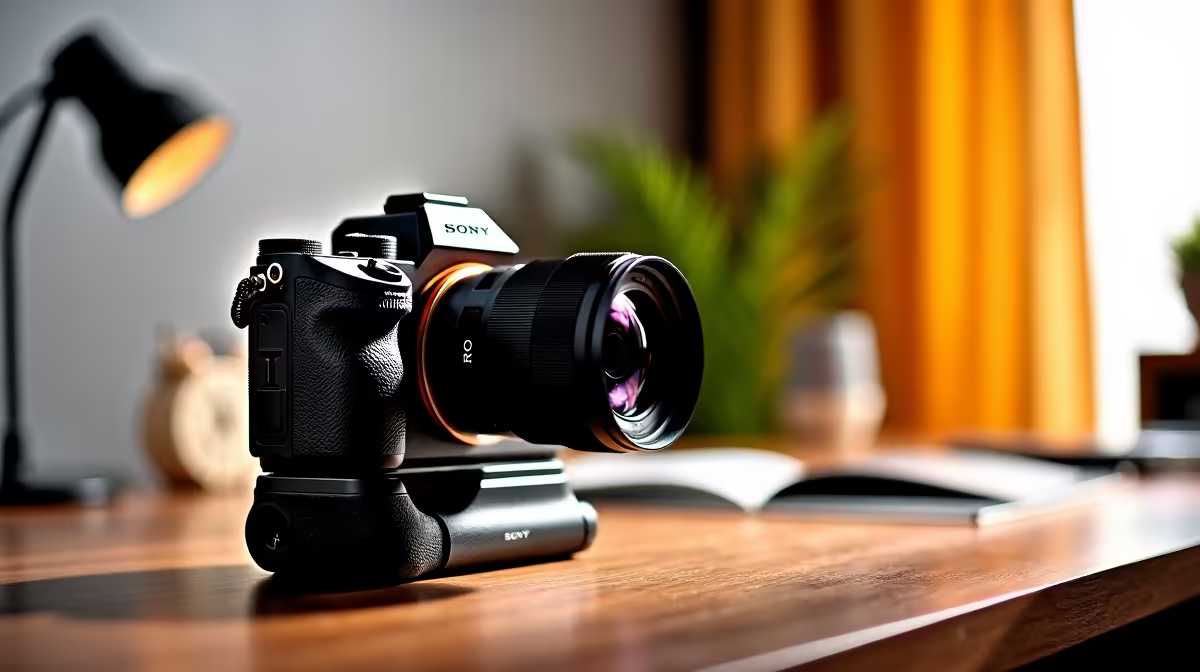
The Logitech Brio 100 webcam is verified at R458. NearStream references include a 4K AI webcam at R678 and USB/XLR microphone at R676. These are individual inputs, not a complete broadcast system, and meeting compression may remove any benefit from 4K. Confirm current resolution modes, connection, operating-system support, mounting, audio route and warranties.
Protect workplace accounts, share only the intended window and close confidential material before presenting. Keep built-in camera and microphone fallbacks, store approved webinar assets in governed backups and route cables away from chair movement.
Buy one improvement after the rehearsal identifies a real limit. Microphone placement, front lighting or wired Ethernet may improve daily work more than a large streaming console.
Check whether the work platform reduces incoming video quality before investing in a higher-resolution camera.
Improving home-office presentations? > Compare Evetech webcams and microphones after testing the existing call route.