


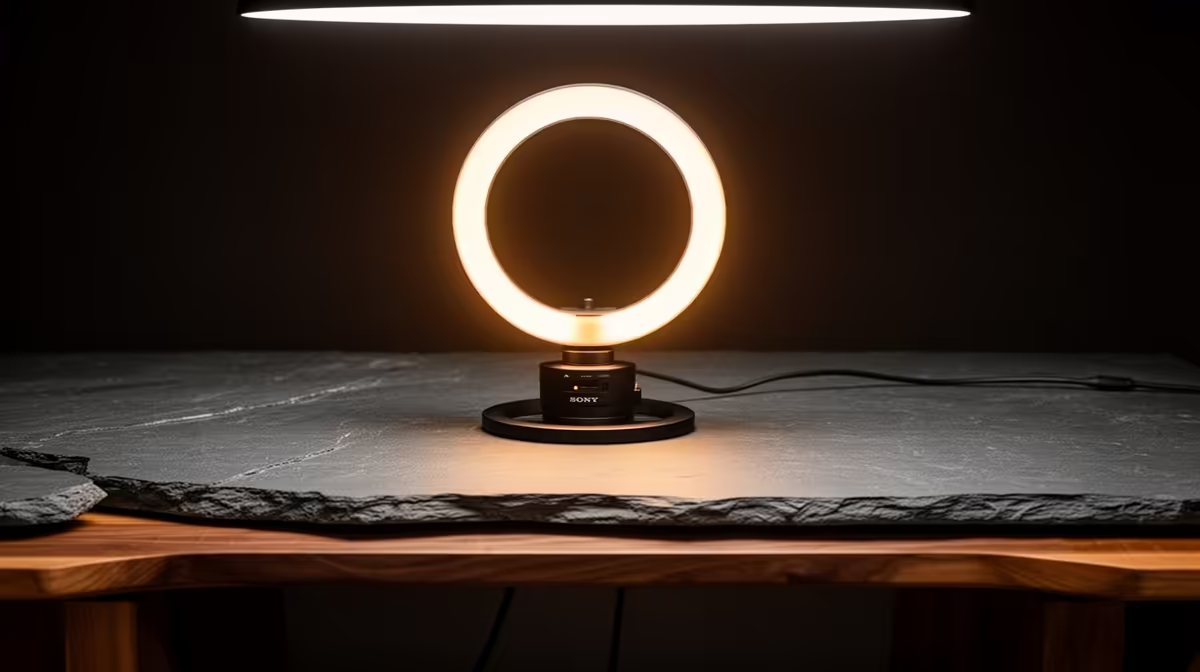
Lighting is the single most visible upgrade a streamer can make to their channel, yet most beginners either skip it entirely or spread a small budget across several cheap fixtures that individually do very little. Building a streaming setup on a ZAR budget with smart lighting spend means accepting one principle early: a single well-chosen key light makes a bigger difference to your stream's appearance than any combination of budget alternatives costing the same amount.
Quick Answer
On a limited streaming lighting budget, spend roughly 70 percent on one key light and 30 percent on a backlight. A R900 key light with a diffuser transforms how your stream looks immediately. The backlight rims your shoulders and separates you from the background, adding depth a single-light setup cannot achieve on its own.
🔆 Why the Key Light Carries the Whole Image
The key light is the primary source illuminating your face. Every viewer's first impression of your stream's production value comes from how well your face is lit, and a poor key light shows immediately as flat colour, harsh shadows under the chin and nose, or an overblown forehead with a dark jaw.
A quality key light at the R800 to R1,200 price point does three things a cheap one cannot. It provides even, adjustable output without a hot centre spot. It accepts a diffuser, either built in or clip-on, that softens the source and wraps light around your face rather than hitting it from a single hard point. And it offers colour temperature adjustment, typically from warm tungsten at around 3,200K to daylight at around 5,600K, so you can match the ambient light in your room rather than fighting a colour clash between the key and your background.
Positioning amplifies everything the key light does. Place it roughly one metre away at a 45-degree angle to the side of your camera, elevated slightly above eye level. That angle creates gentle, natural shadow gradients that give your face dimension on a flat screen. Direct front-facing light, which is what most beginners default to, flattens features and washes out any sense of depth.
🌗 The Backlight: Small Spend, Significant Impact
The second-most important lighting element for a streamer is the backlight, also called a rim light or hair light. It is a small light placed behind and slightly above your head, aimed toward the camera. Its job is to create a bright outline along your shoulders and the edge of your hair, which visually separates you from whatever is behind you.
Without a backlight, a streamer's silhouette can merge with a dark background, particularly in a bedroom or office setup where the wall behind is not brightly lit. The result is a flat, two-dimensional image where the subject appears pasted onto the background rather than occupying real space in front of it.
A compact LED panel at around R300 to R500 serves as a backlight without needing high output. Because it is pointing away from the camera and is not the primary source, it does not need to match the key light's power. The main requirement is controllability: a dim, warm or neutral light aimed at your back and set to roughly a third of the key light's perceived intensity creates the rim without looking artificial.
🎯 Building the Setup in Sequence
The budget allocation for a first streaming lighting kit should follow a clear order rather than treating all items as equal priorities.
Step one is the key light at roughly R800 to R1,200. This is non-negotiable as the first purchase because nothing else moves the needle on stream quality as noticeably. A ring light, a flat panel, or a softbox-style LED all serve this role. The format matters less than the quality of light it produces: even output, good diffusion, and adjustable colour temperature are the criteria.
Step two is the backlight at around R300 to R500. This is the purchase that transforms a one-light setup into something that reads as intentional and layered. Small clip-on LED panels work well as backlights because they are compact and can be positioned on a shelf or bracket behind the chair without a full stand.
Step three, which most streamers can delay, is a fill light. A fill light reduces the shadow on the opposite side of your face from the key, creating a softer overall look. A cheap white reflector board or a foam board propped at the opposite side of your desk does the same job for effectively no cost, so the fill light purchase can wait until the key and backlight are well-established.
Pro Tip ⚡
Before spending on a fill light, cut a sheet of white foam board to roughly A2 size and prop it on the opposite side of your desk from the key light. It bounces enough key light back to soften the shadow side of your face. That R30 fix can postpone the fill light purchase for months while your budget builds toward the next priority.
Frequently Asked Questions
How should I divide a limited streaming lighting budget?
Allocate roughly 70 percent to the key light and 30 percent to a backlight. The key light illuminates your face and determines most of what viewers see, so it deserves the majority of the spend. The backlight adds depth by separating you from the background, completing the two-light look that makes a stream appear intentional. Skip the fill light initially and use a white reflector board instead.
Why does a backlight matter for streamers?
A backlight creates a rim of light along your shoulders and hair that visually separates you from the background. Without it, your silhouette can blend into a dark wall or a dim background, making the image look flat. A small LED panel behind you, dimmed to roughly a third of the key light's intensity, is enough to add that separation and give the frame a layered, three-dimensional quality.
Is one good key light ever sufficient on its own?
For many streams, yes. A single well-positioned R900 key light with a diffuser, placed at a 45-degree angle and slightly above eye level, already looks significantly more professional than a bare ceiling bulb. Adding a backlight improves the result further, but the key light alone is a large step up from no dedicated lighting. Start there and judge the improvement before deciding the backlight is urgent.
Should I buy white LED or RGB lighting first?
White for your face first. Accurate, consistent skin tone illumination is the foundation of good stream lighting. RGB colour strips are a background ambience effect and have no role in lighting your face. Add RGB strips behind your monitor or along a shelf for background colour once your face is lit properly, but treat them as decoration rather than functional lighting.
How far should the key light be from my face?
About one metre at a 45-degree angle from the side of the camera, elevated slightly above eye level. At that distance a diffused key light provides even, soft illumination without a harsh hot spot. Moving it closer intensifies the light but narrows the spread and increases the chance of uneven coverage. Moving it further reduces intensity and may not provide enough output to properly expose your face without the camera adding gain.
Can I delay buying a fill light?
Yes. A large piece of white foam board or a cheap reflector propped on the opposite side of your desk from the key light bounces enough light back to soften the shadow side of your face. This free or near-free alternative handles the fill role adequately while your budget recovers for the next priority. The fill light purchase can wait until the key and backlight are established and you have had time to assess what the remaining shadow looks like.
Ready to transform how your stream looks with a smart lighting setup? Browse the streaming LED key lights and backlight panels for South African creators and build your setup in the right order, starting where the impact is biggest.










